


Open
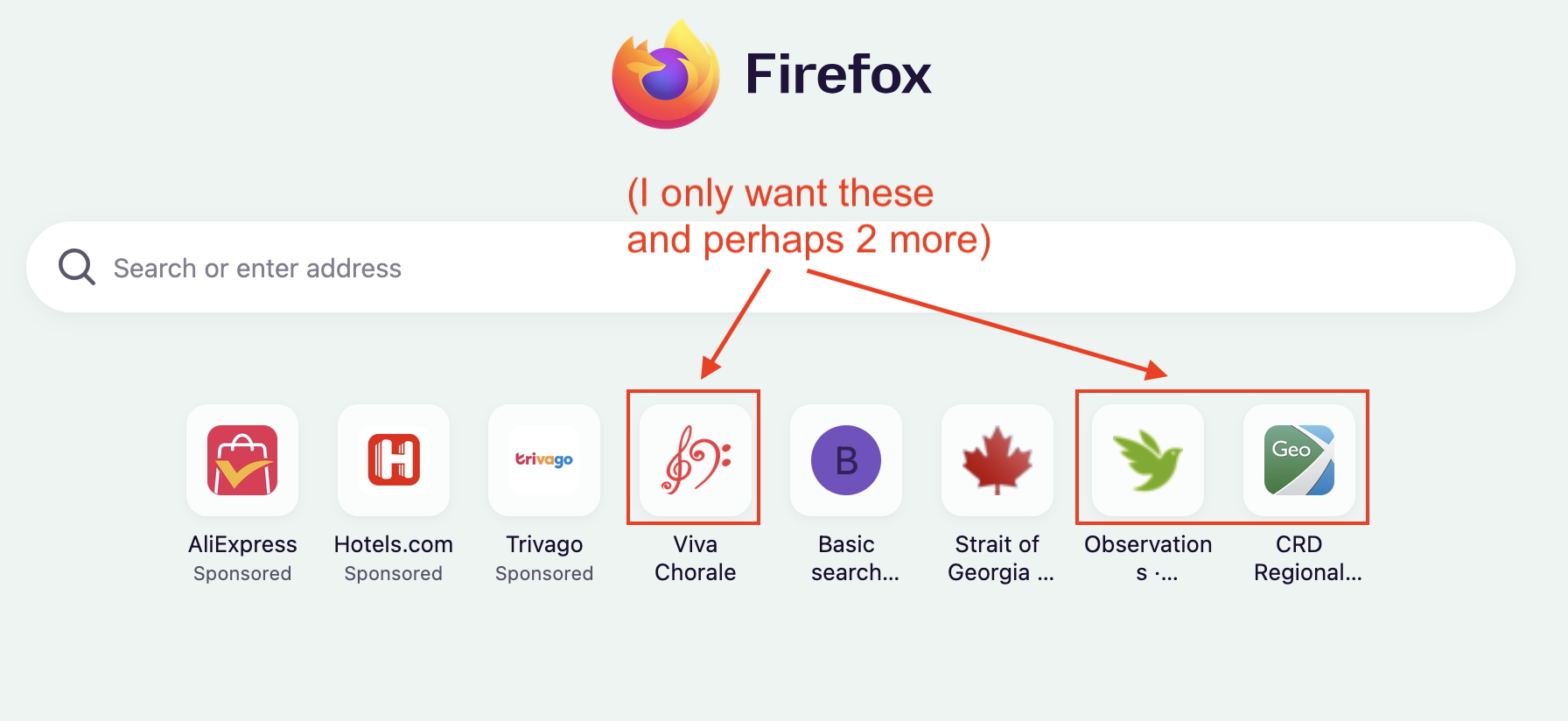
I can't seem to customize my keyboard (Macbook Air) -- though the suggestions don't work, I have found I can simply dismiss from the page but need to limit the number

I have recently moved to Firefox and now am trying to customize my shortcuts (MacBook Air M1). The "Customize keyboard shortcuts" page doesn't open as shown with about:keyboard. However I find I can simply dismiss from the normal search page but need to limit the number of them as it seems to be going through the whole list of recent searches! Thanks for any help you might have,
Cheers, Cathy
I have recently moved to Firefox and now am trying to customize my shortcuts (MacBook Air M1). The "Customize keyboard shortcuts" page doesn't open as shown with about:keyboard. However I find I can simply dismiss from the normal search page but need to limit the number of them as it seems to be going through the whole list of recent searches! Thanks for any help you might have,
Cheers, Cathy
All Replies (1)
For the actual shortcut tiles, the slots are populated from your frequently visited sites. If you don't want anything being added there "on its own" simply use the "Pin" feature to fill every available tile so you have control over all the shortcuts. See "Shortcuts" section of Customize items on your Firefox New Tab page how to Pin the shortcuts.