Open
Installing an extension from mypoints.com
Trying to add an extension my mypoints.com, I have the site allowed for downloads but when I try, I receive a message that it is blocked from being downloaded.
Trying to add an extension my mypoints.com, I have the site allowed for downloads but when I try, I receive a message that it is blocked from being downloaded.
All Replies (1)
The site is weirdly coded. They trigger the download on mypoints.com/download-score from another third–party host using a combination of frames, scripting etc. that appear to the browser as not requested by the user, so it's denied. (Feel free to tell their helpdesk they have to fix this.)
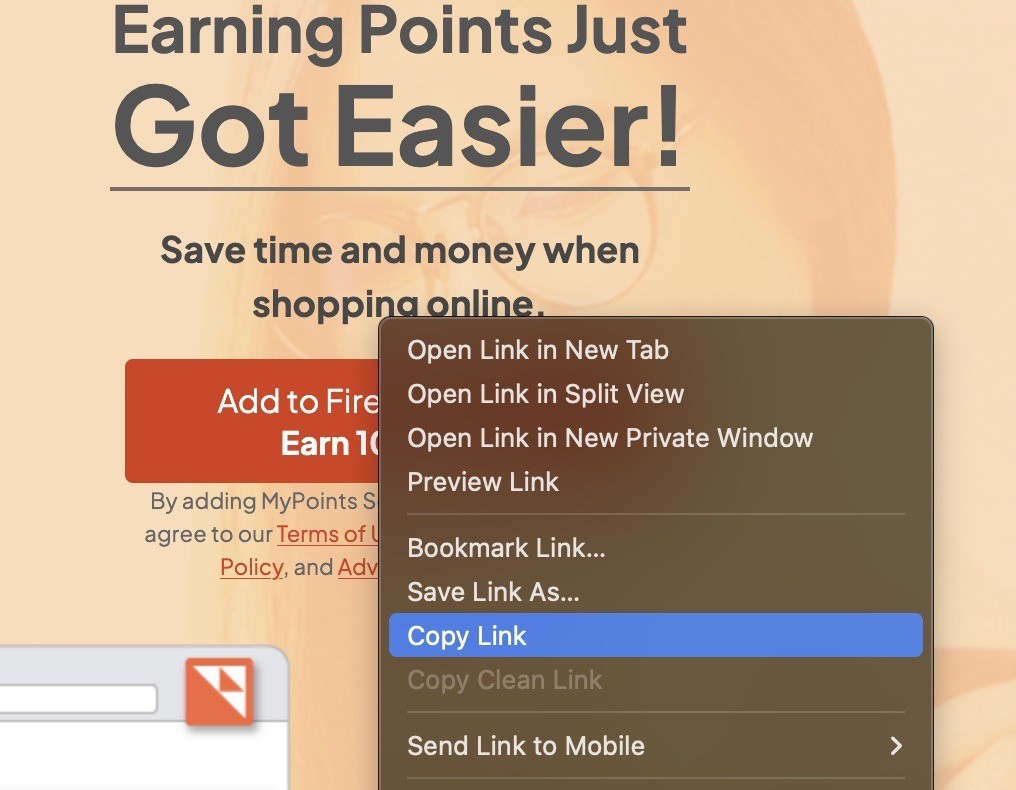
Instead of pushing the download button, right–click on it to Copy the address to the XPI link, and using a new window Paste it in the location to download it.
The link to open/download is in reality:
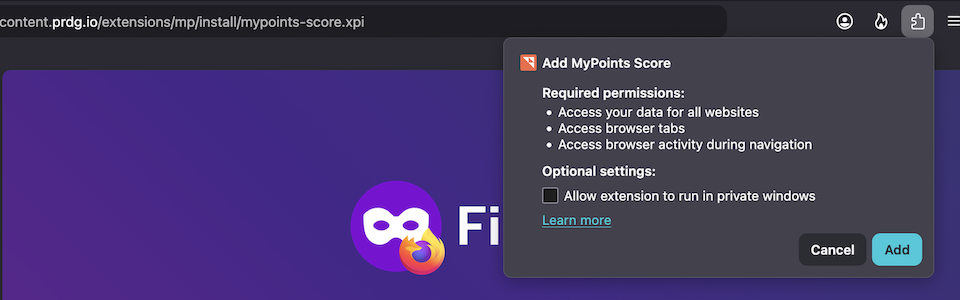
https://ucontent.prdg.io/extensions/mp/install/mypoints-score.xpi
If you try to open this on your own, the installation trigger should open correctly: