


My emails appear as blank lines, but I can open each one individually.
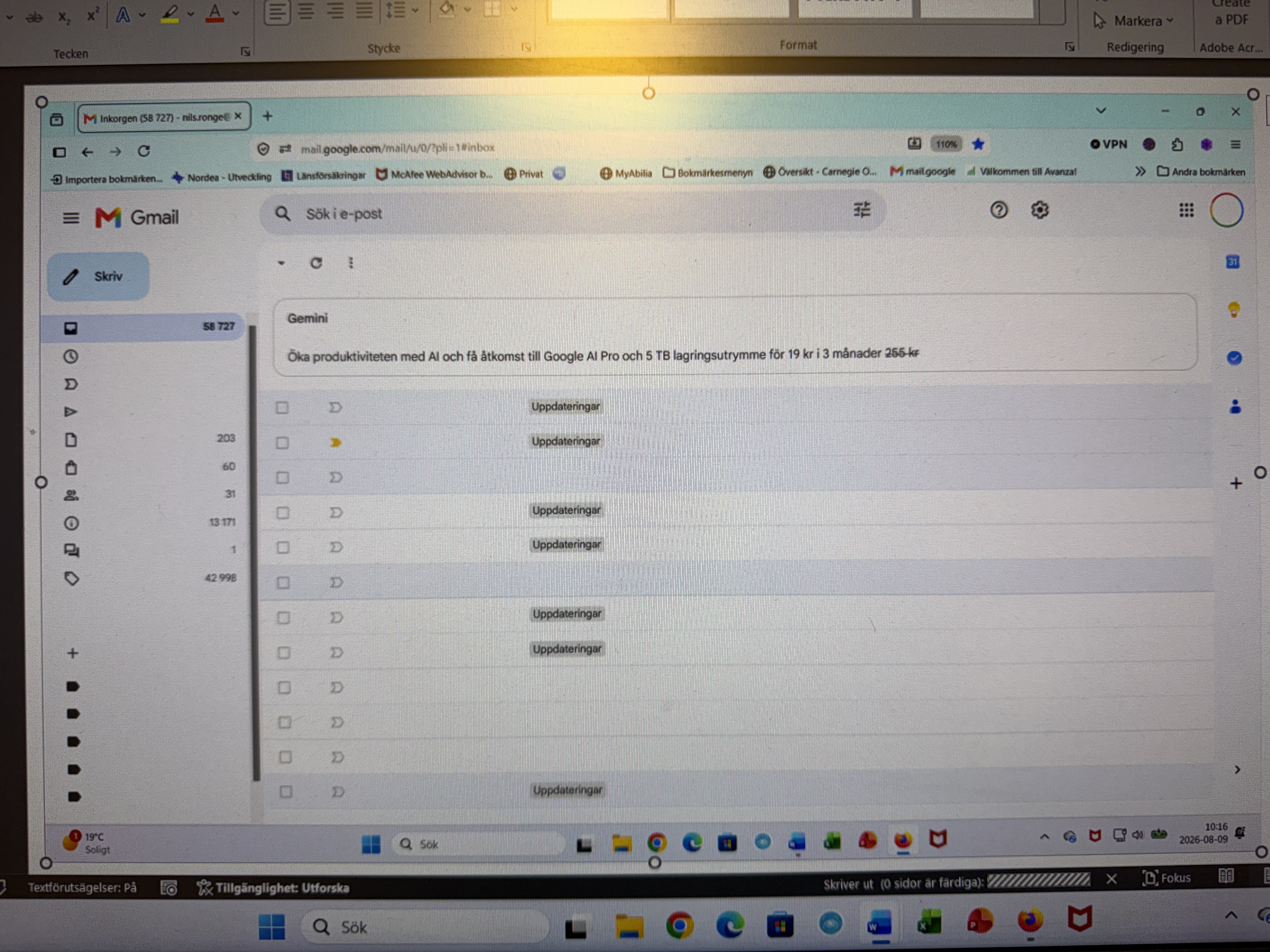
This issue only affects Gmail in Firefox on my Android laptop. Gmail works fine in Google Chrome on the laptop and on my iPhone. In Firefox, I can't see my emails—just rows with empty checkboxes, arrows for important/unimportant messages, blank spaces, "Updates," and more blank spaces. When I click on a row, the message opens, but otherwise, it is completely devoid of text or images.
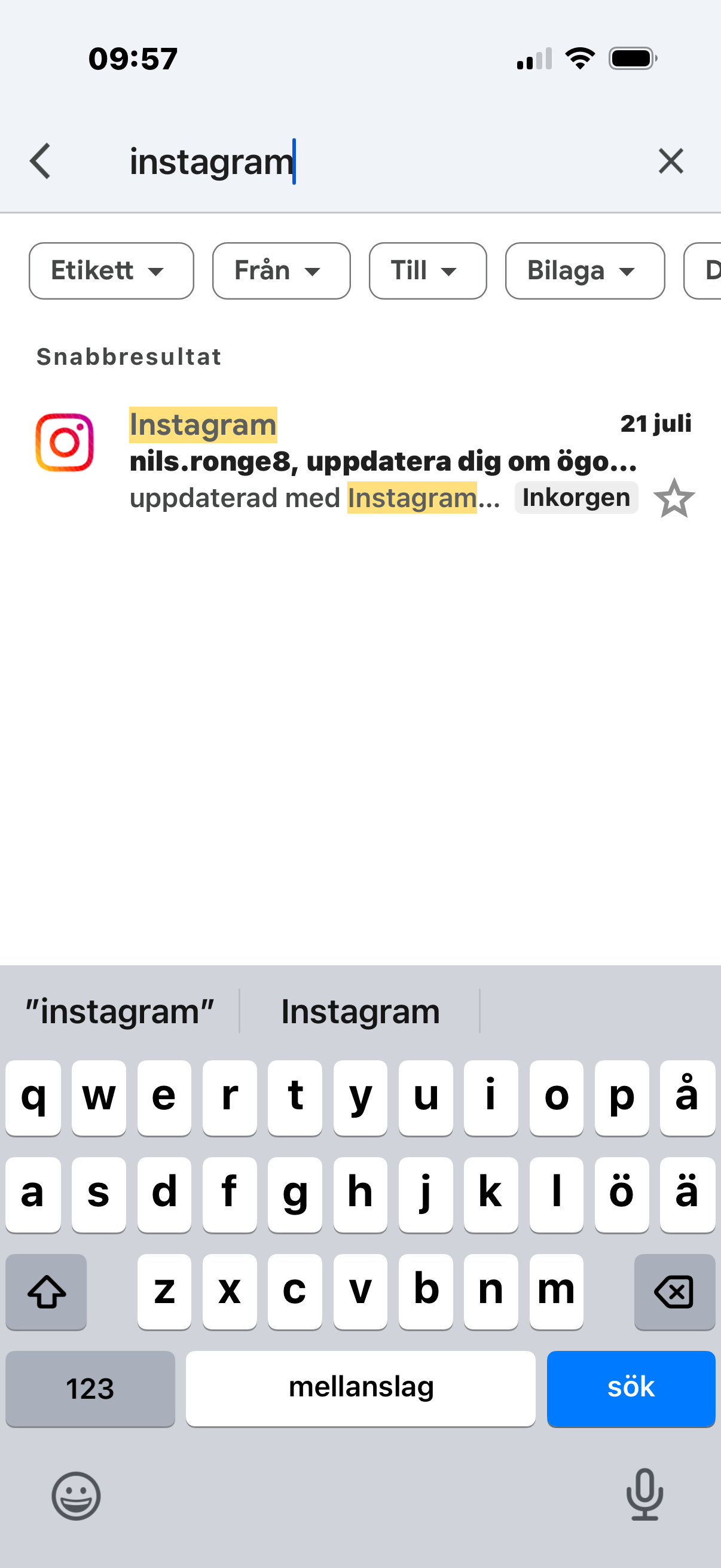
It might have been an email with the subject line "Instagram." Then came my name and a number (which I’ve omitted here), followed by "update you on..." Then "updated with Instagram... Inbox"
Please tell me if you need more information about the images. Many thanks in advance!
Best regards, Nils Ronge
All Replies (1)
Nils, what you're showing in the photo is a Windows desktop, not Android mobile — so I'll give you some tips that are relevant only for the desktop version.
- Start with clearing Firefox cache.
- If it does not help, try clearing cookies and data for the website you experience troubles with (warning: you will be logged out on this website).
- If it also does not help, try running Firefox in Troubleshoot Mode. If the problem doesn't persist, please follow the steps from this article to troubleshoot further.
- If nothing from the above helps, try creating a new Firefox profile and check if the issue persists there. If it doesn't, you can start copying files from your old profile to the new one to identify which one causes the issue. See this article on what files to copy.
Does it also exhibit if you sign in using a new Private Window, to eliminate any stale data from the site?