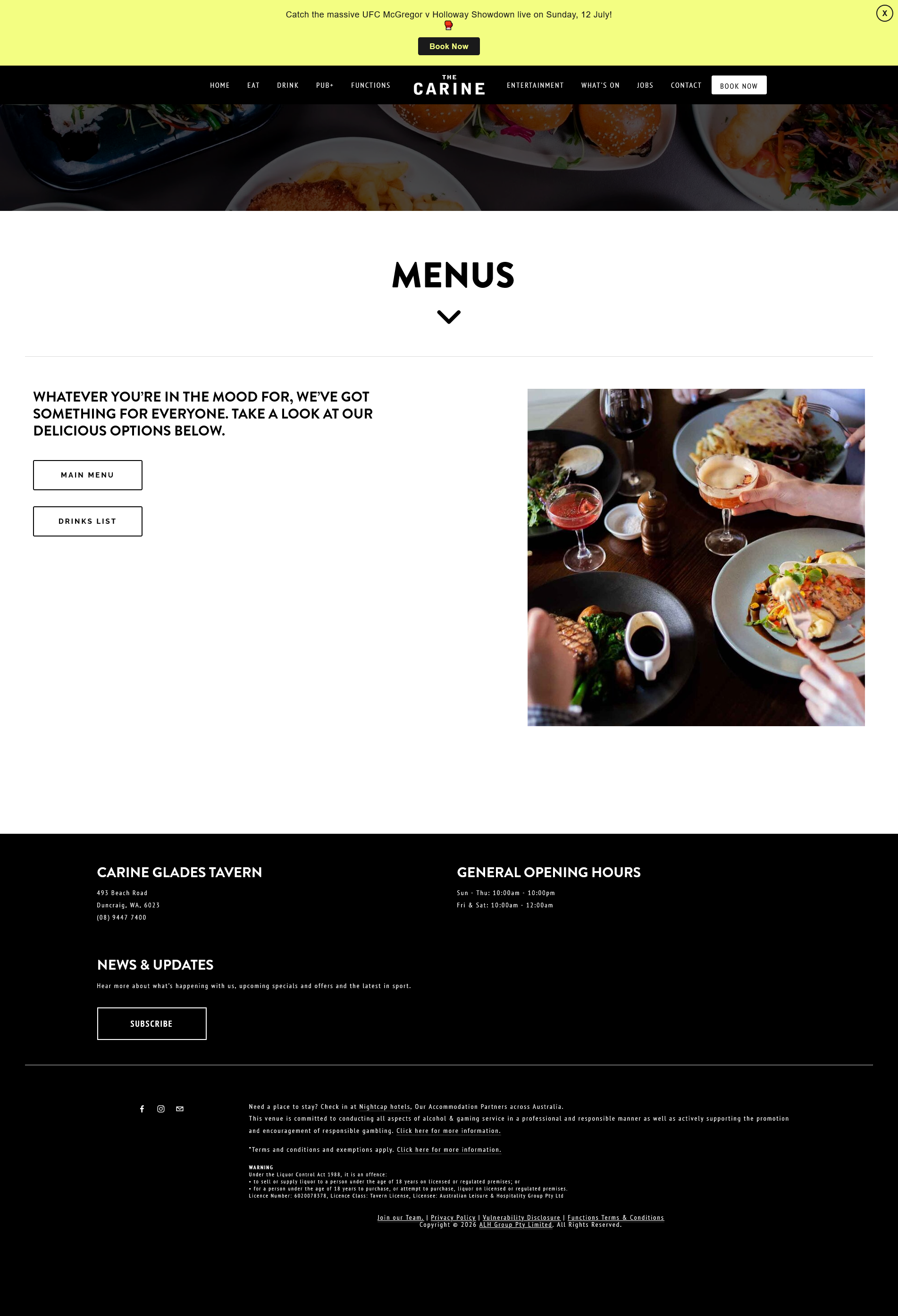
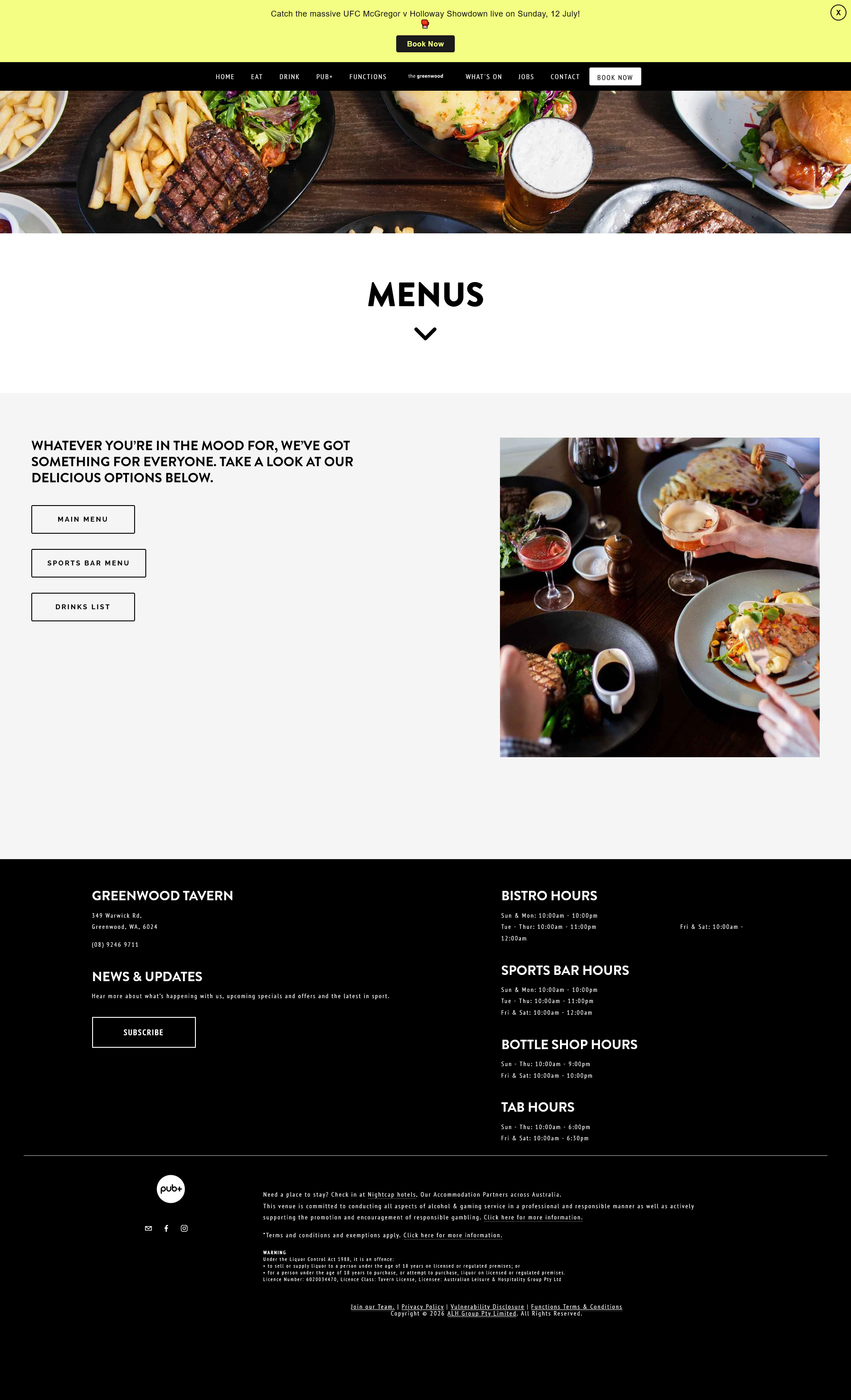
Trying to view hotels food menu but for some reason it's blocked and wont load

it works for some hotels but not all
All Replies (6)
Hi
Are you are to share the address of the website that you are trying to view?
Yes no problem www.greenwoodtavern.com.au doesn't work when you click on menus but www.thecarine.com.au click on menus and it works. This is all via the websites and there are other ways via VPN etc. These 2 seem to go via cloudinary which I don't really understand. There are others as well.
Murray
Murray would you be able to attach a screenshot helping to understand what exactly is blocked for you and how/where/why? I for example can't open the first site because it doesn't exist at this moment, see its status: https://downforeveryoneorjustme.com/greenwoodtavern.com.au
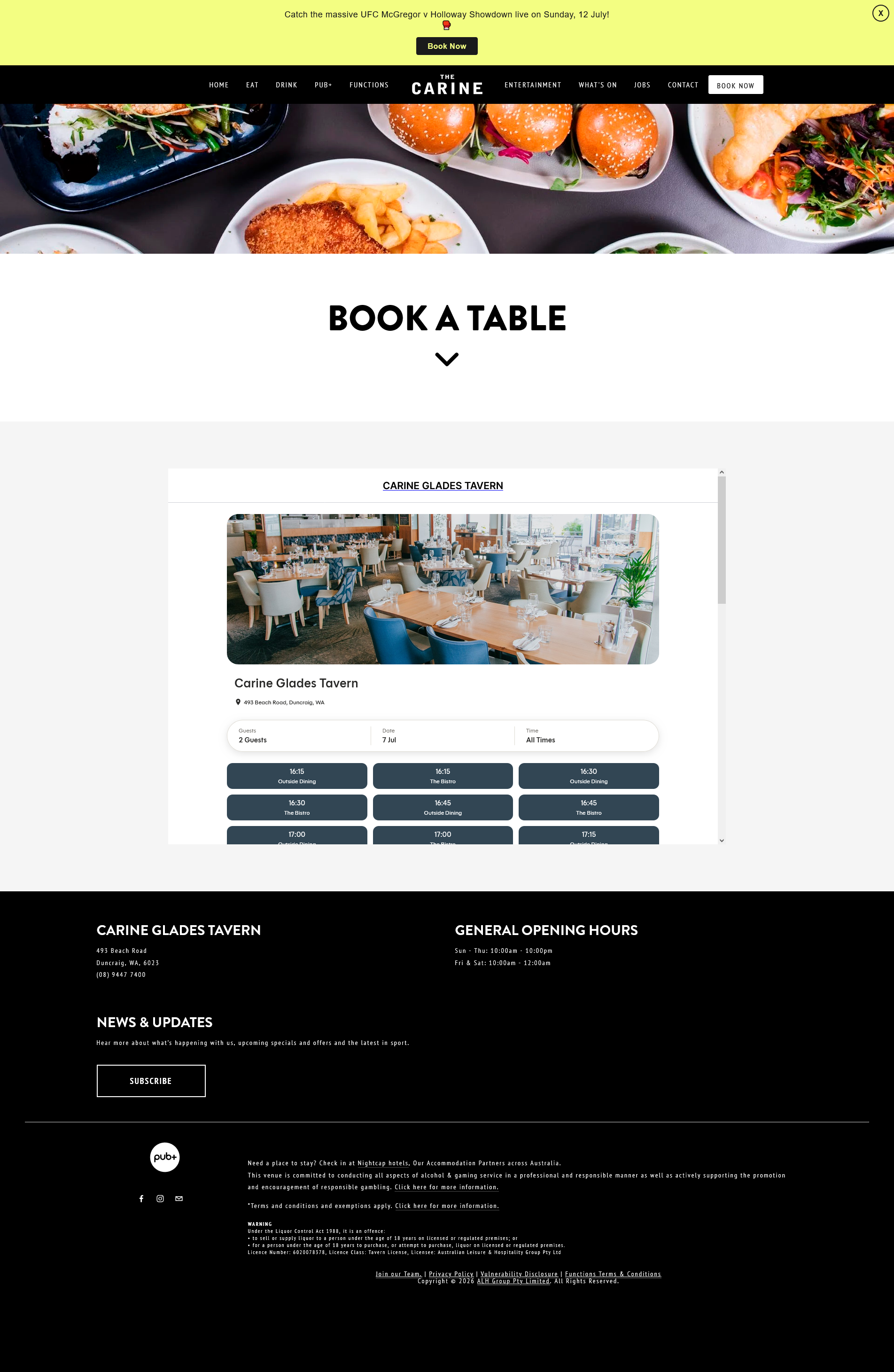
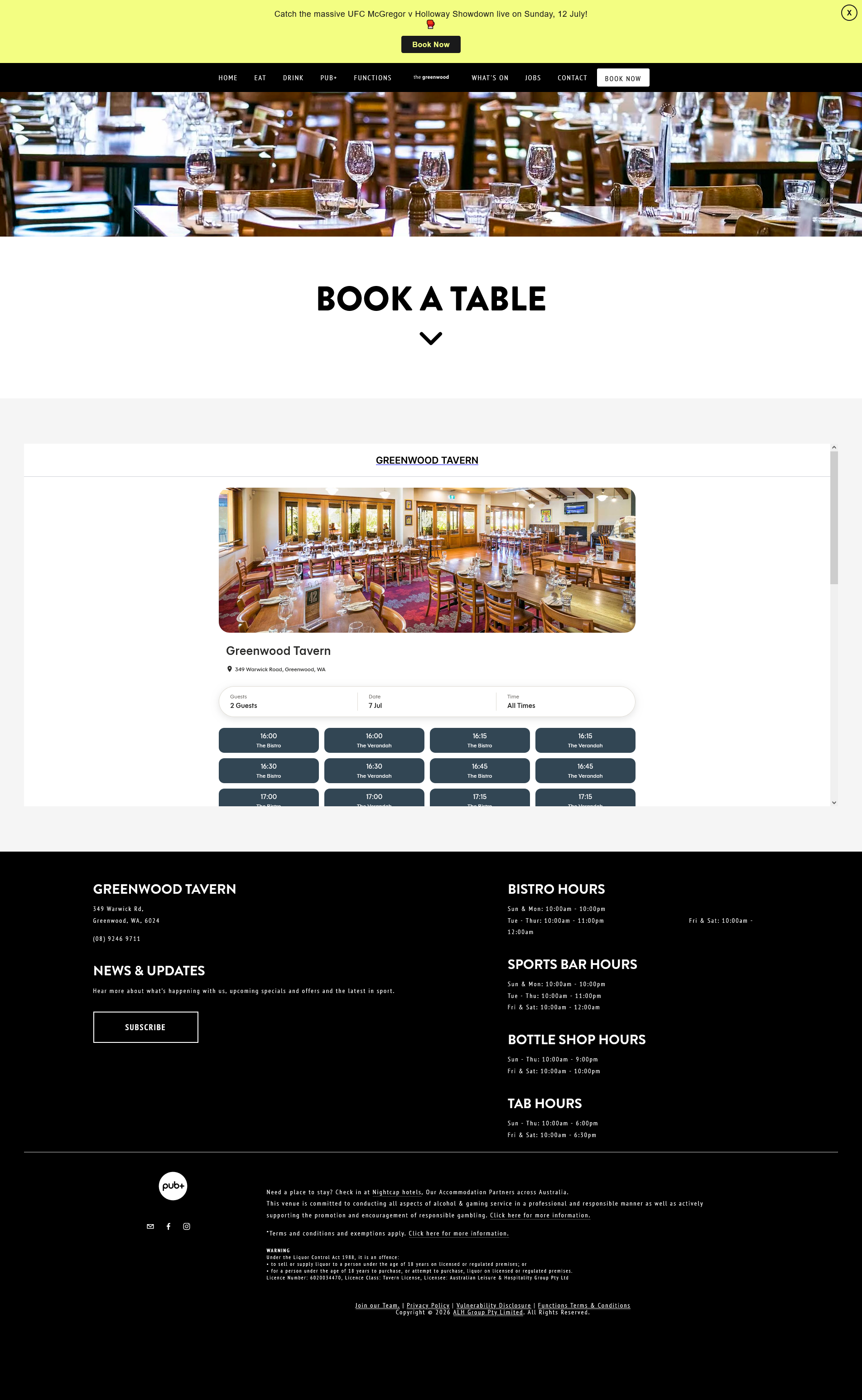
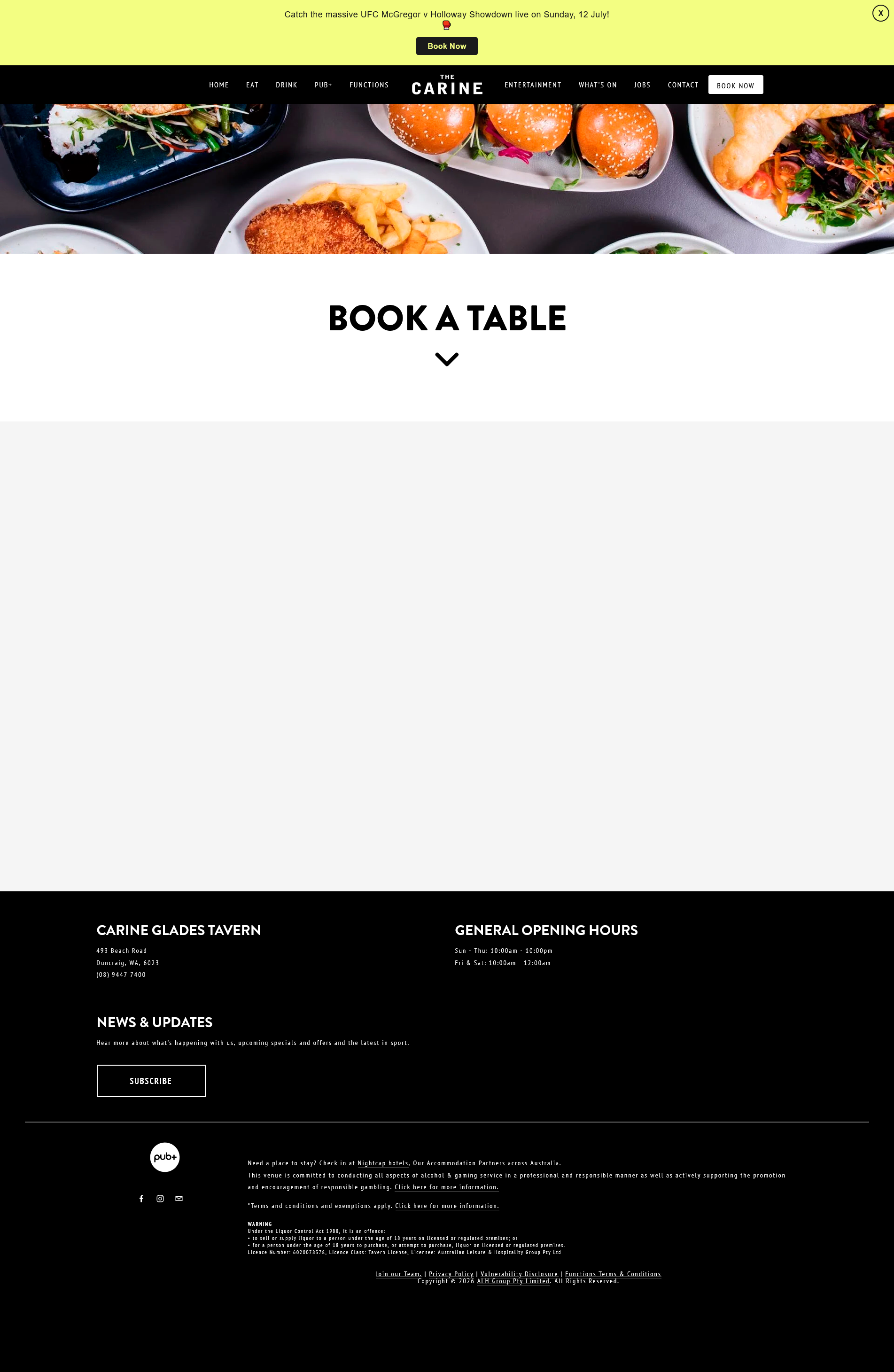
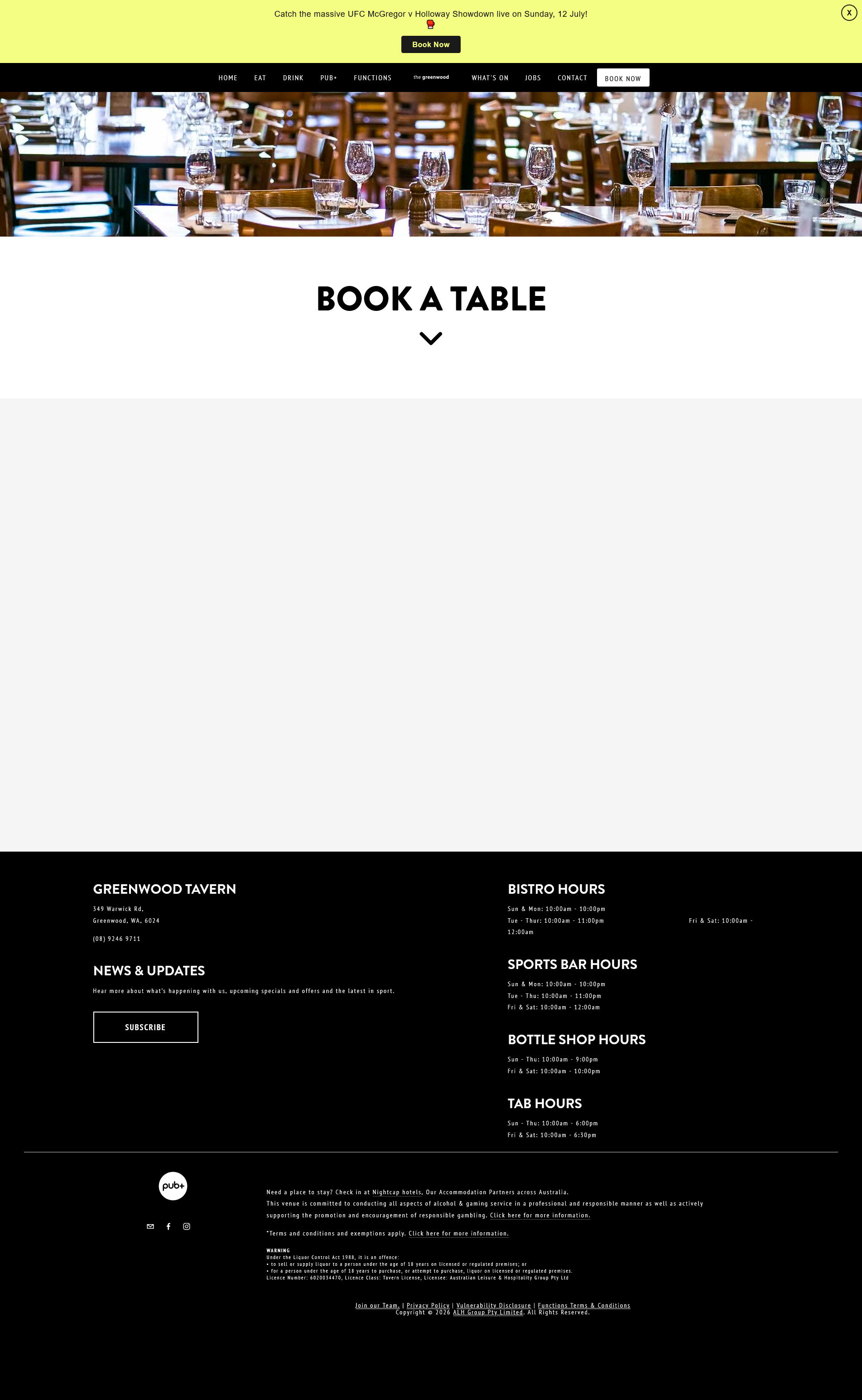
I have added two sites one for the geenwood and one for the Carine. Greenwood comes up EAT, then view menu, then menu and nothing more whereas Carine comes up eat,then view menu then menus and then moves on to main menu and drinks menu underneath. This has happened before with other sites, just now realised they are to do with cloudinary???? Murray
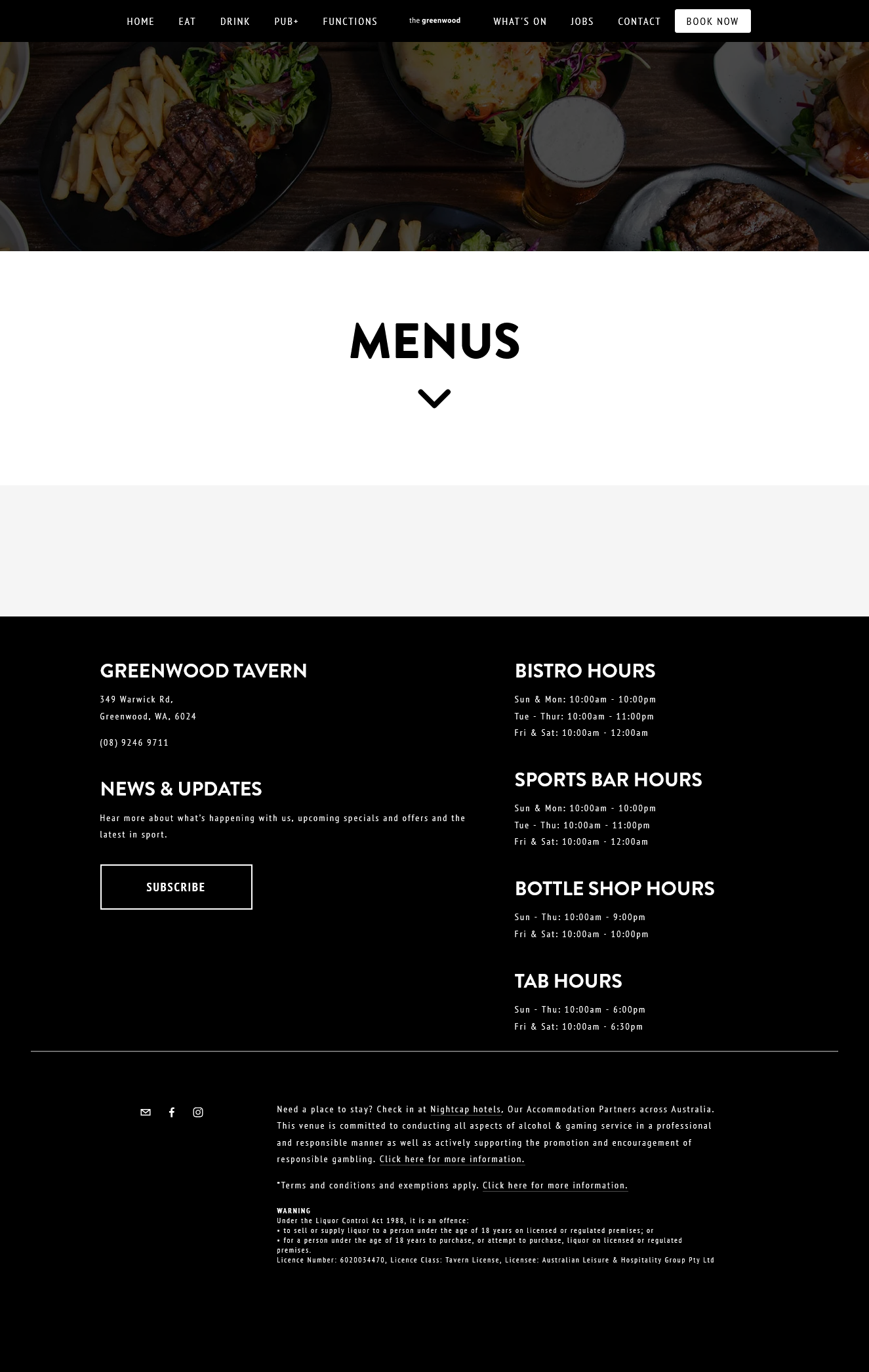
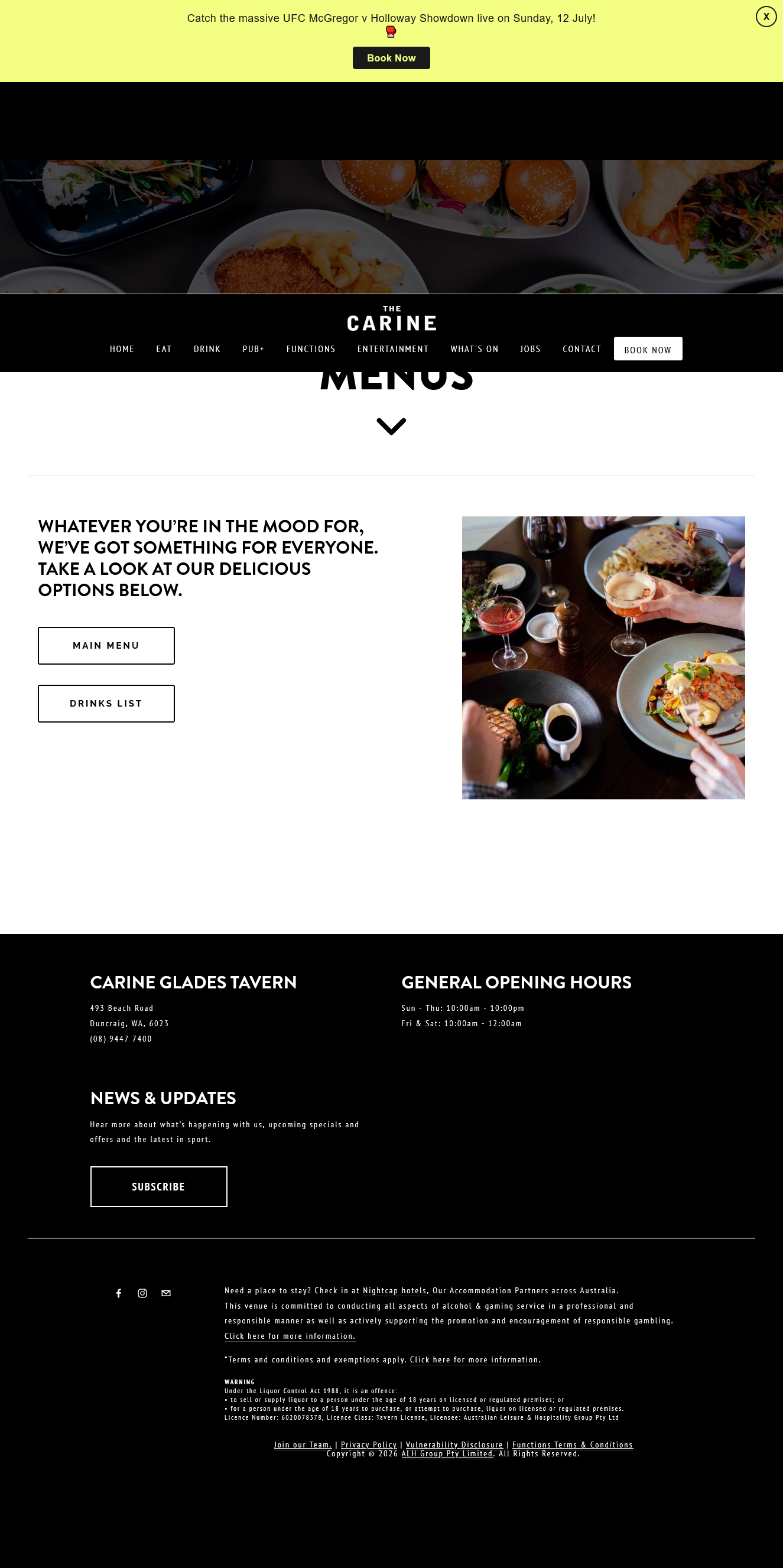
Hello
Hypothesis ?
Your add-ons? If the case, please disable all your add-ons, or, one by one, to see https://support.mozilla.org/en-US/kb/disable-or-remove-add-ons
As for me, Enhanced Tracking Protection https://support.mozilla.org/en-US/kb/enhanced-tracking-protection-firefox-desktop#w_what-to-do-if-a-site-seems-broken Screenshots 3 and 4, What to do if a site seems broken
Agent virtuel மூலமாக திருத்தப்பட்டது
Below, these cases, what to do if a site seems broken, no action required The Enhanced Tracking Protection is on