


Signature does not appear on reply emails. Have to open settings and select the signature file each morning and then it works throughout the day.

Signature does not appear on reply emails. Have to open settings and select the signature file each morning and then it works throughout the day.
Signature does not appear on reply emails. Have to open settings and select the signature file each morning and then it works throughout the day.
All Replies (3)
More detail needed. What is meant by 'select the signature'? can you do a screenshot of the 'composition&addressing' pane of the account? That may help. thank you
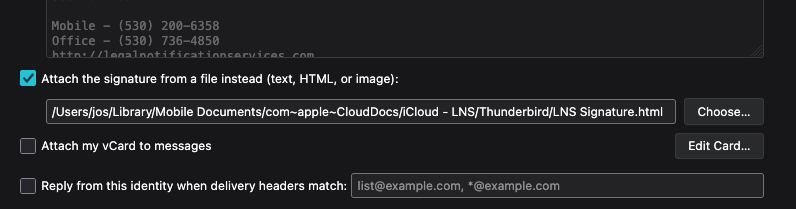
I have to select the settings for the account then select the choose button for signature file, then select the signature file for the email account. See screenshots.
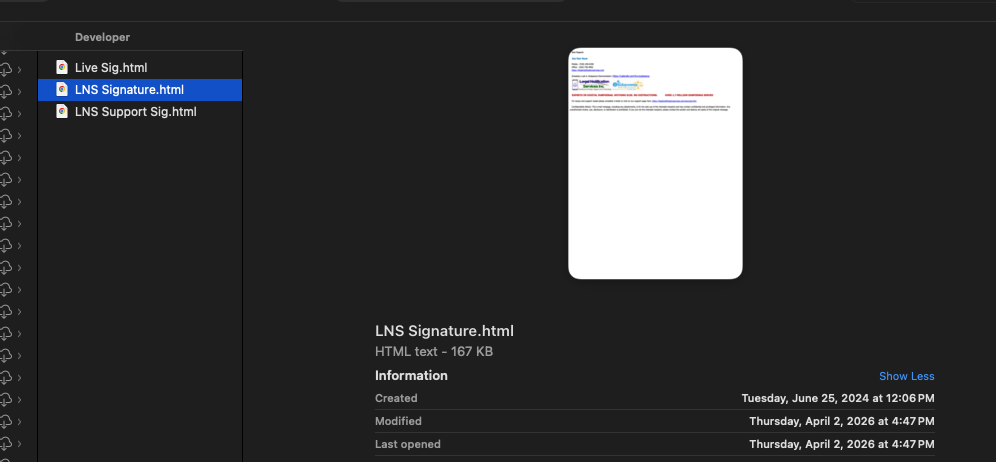
Have you tried putting the signature file local to the profile? This appears to be a network issue.