


Two distinct IMAP profiles are downloading from one acount (AOL)

Running Thunderbird 128.14.0esr (64-bit) via 64 bit Win11 Pro v. 25H2 on a Dell Inspiron 16 plus, Core i7-12700H @ 2.3 GHz, 24 MB cache, 40 Gb RAM, 877 Gb free on a 1.8 Tb Crucial T710 NVMe SSD drive. Integrated Intel Iris Xe graphics using 20 Gb shared RAM.
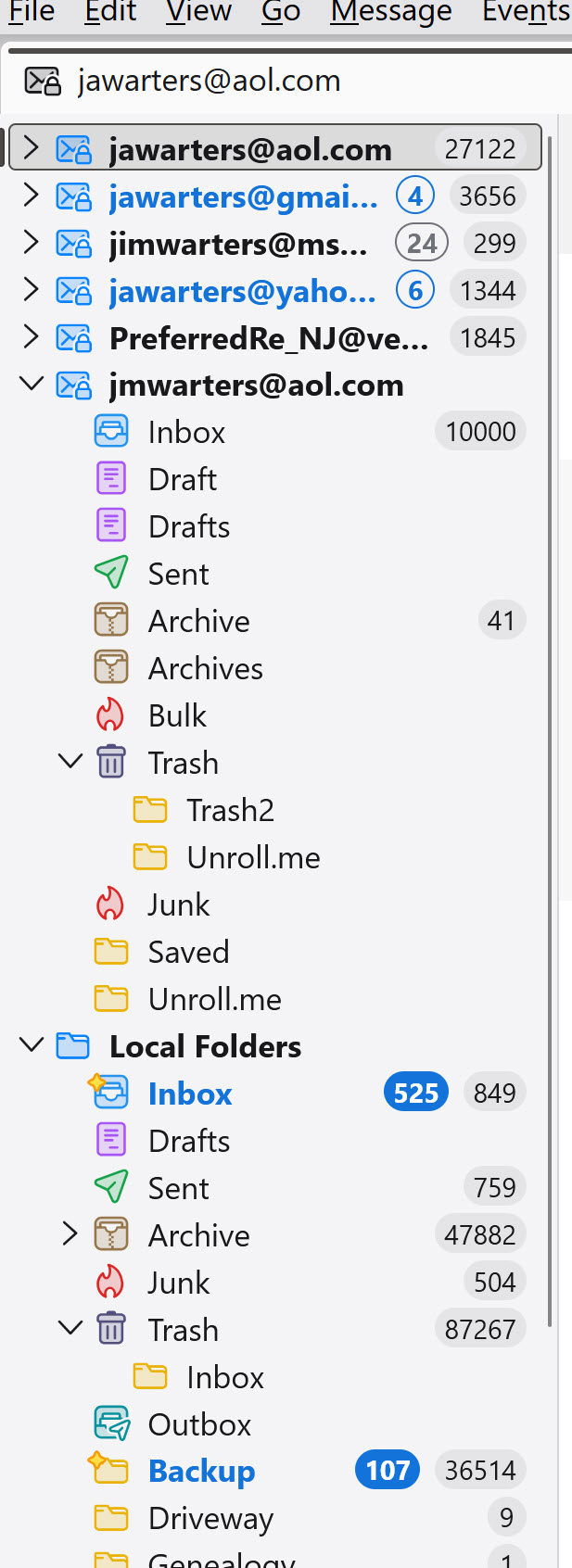
I have 5 email accounts (AOL = Yahoo, Yahoo, GMail, Verizon = Yahoo & MSN) each with a distinct IMAP server description. I also had my daughter's AOL account in the same TB profile.
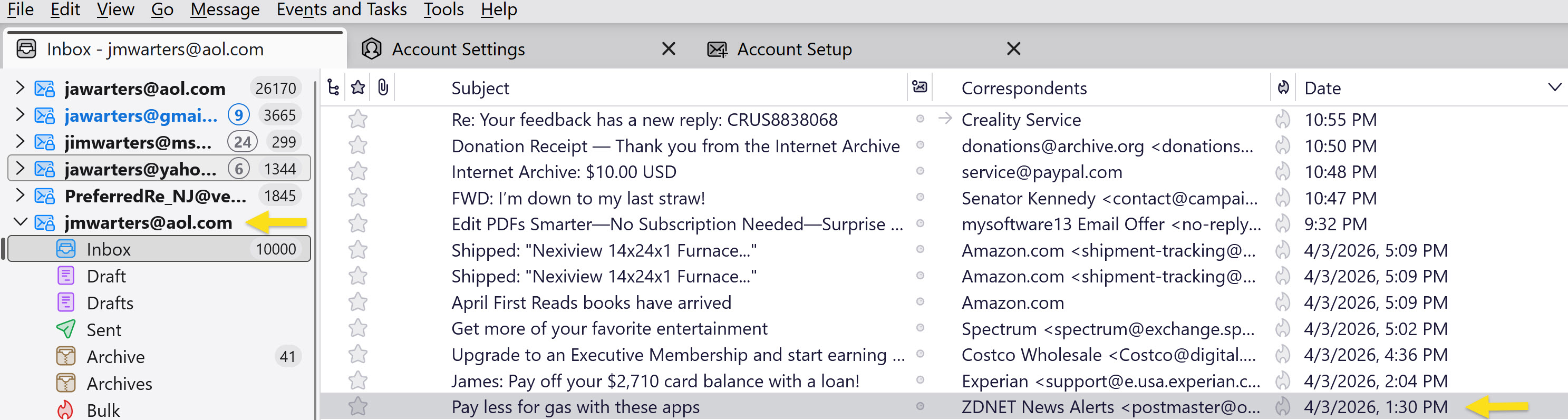
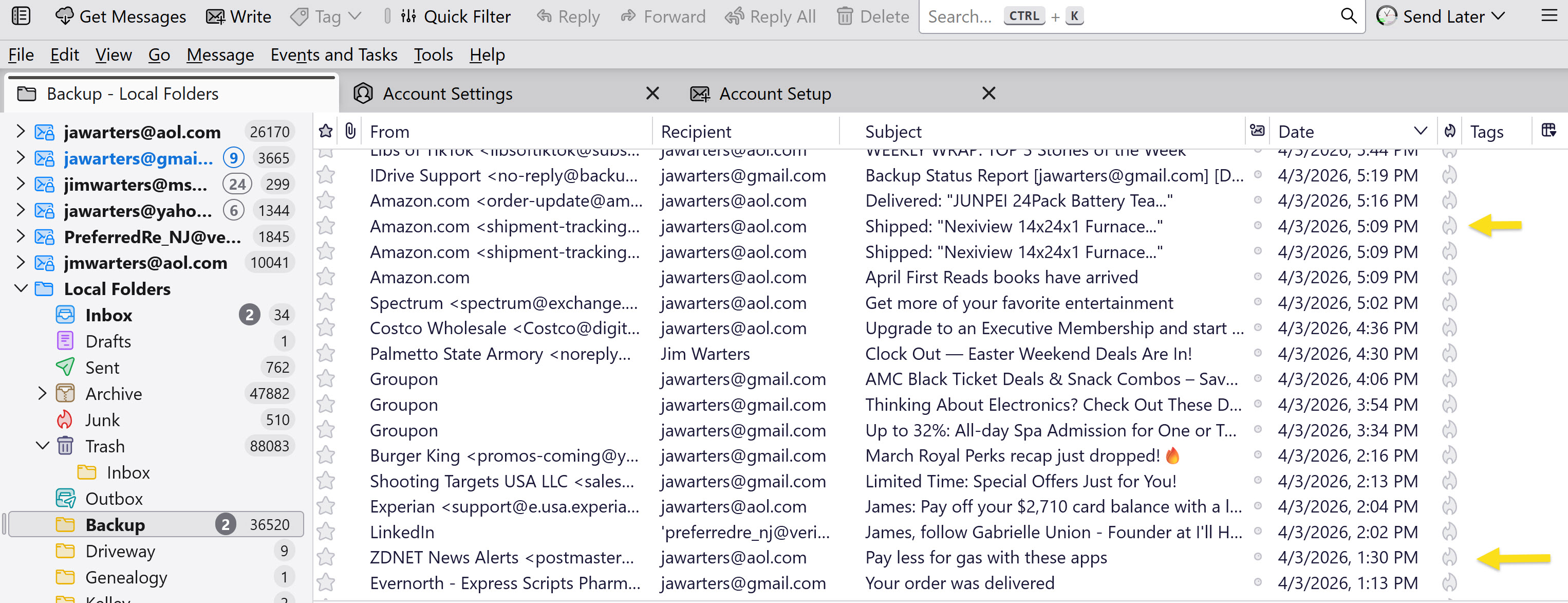
On 5/9/2026, I foolishly entered my credentials in an AOL request for verification of her account (to allow TB access). As result, my jawarters@aol.com account and her jmwarters@aol.com account somehow became linked. Her email account in TB now contained only messages which were duplicated in my email account.
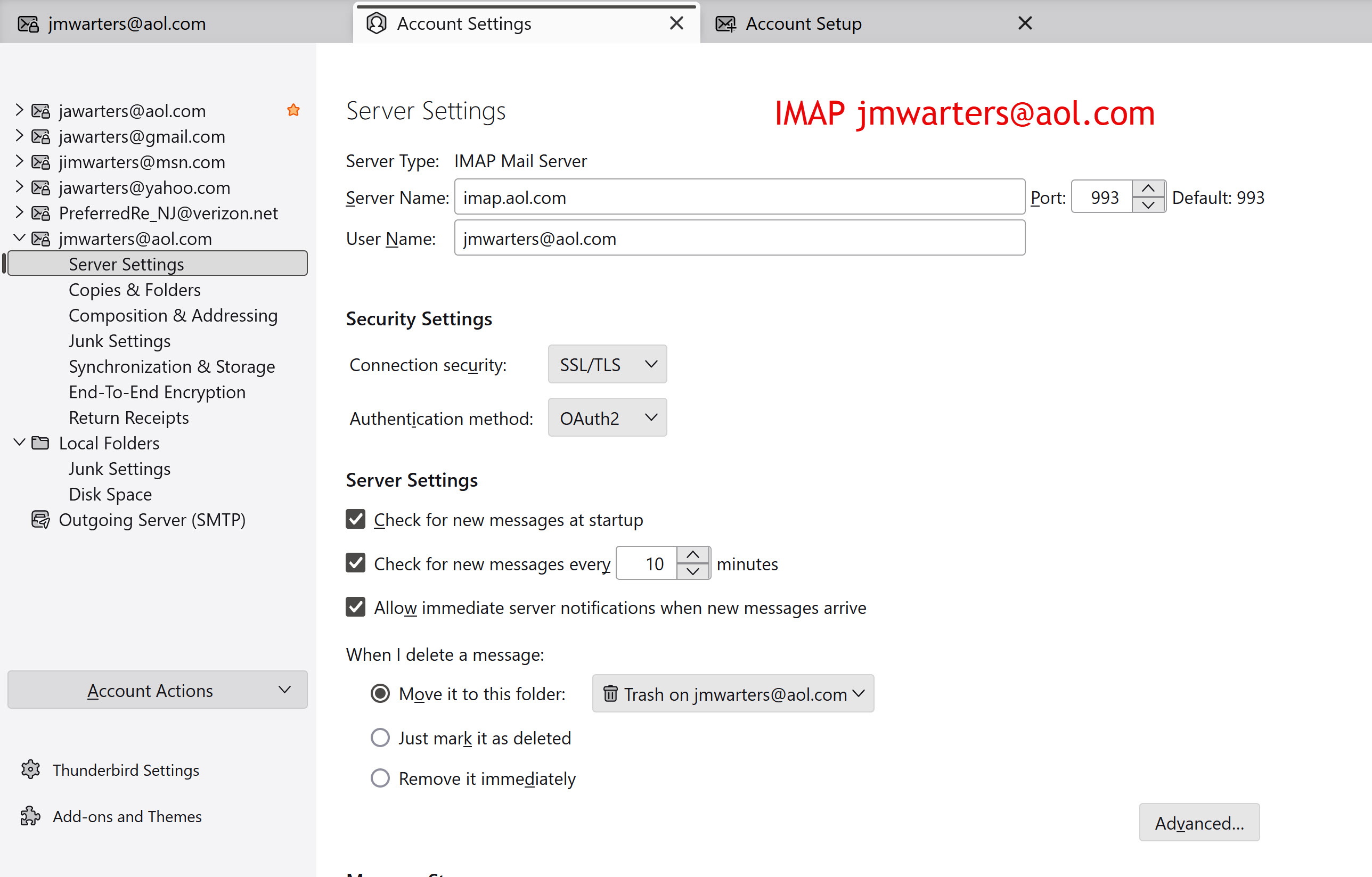
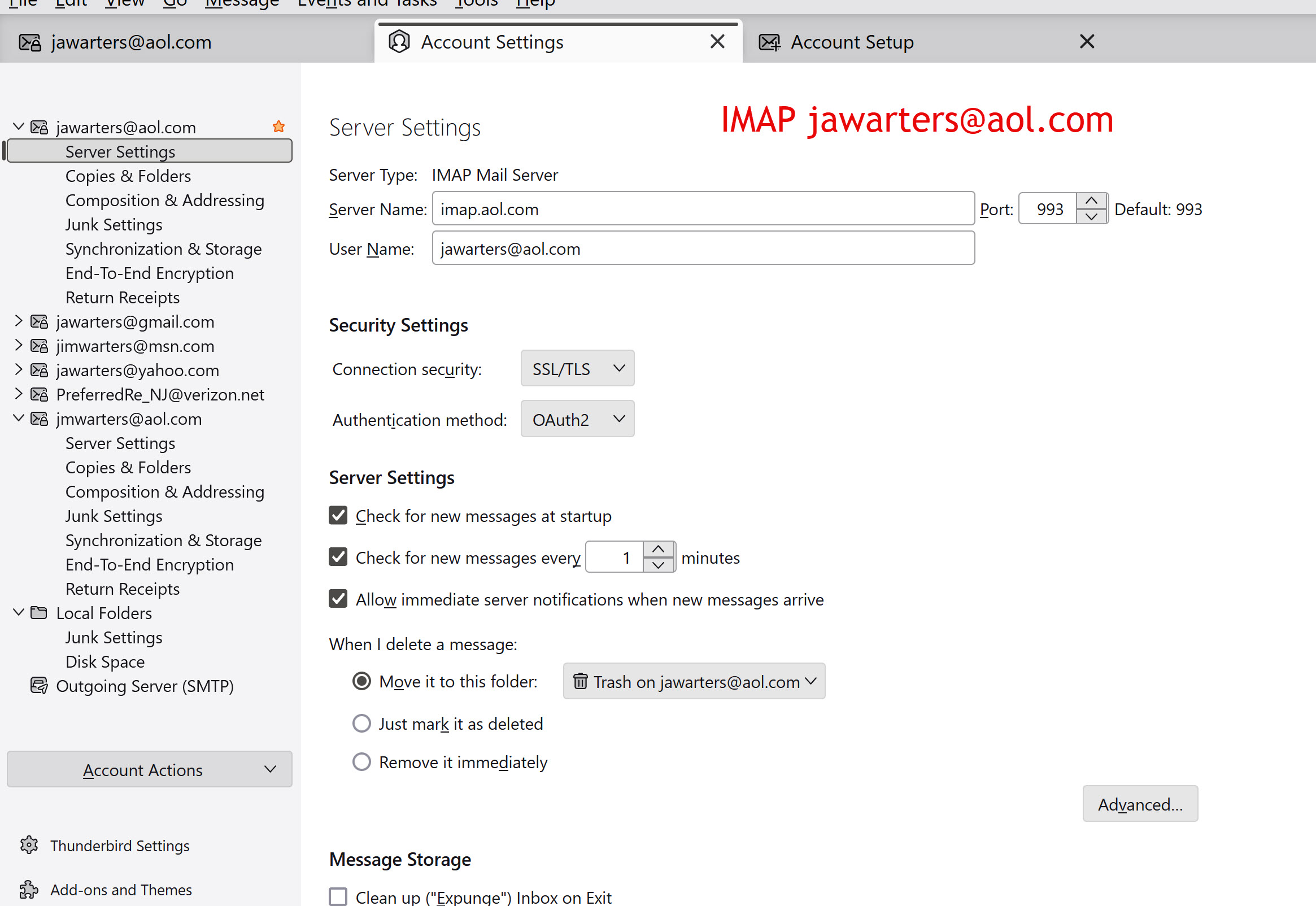
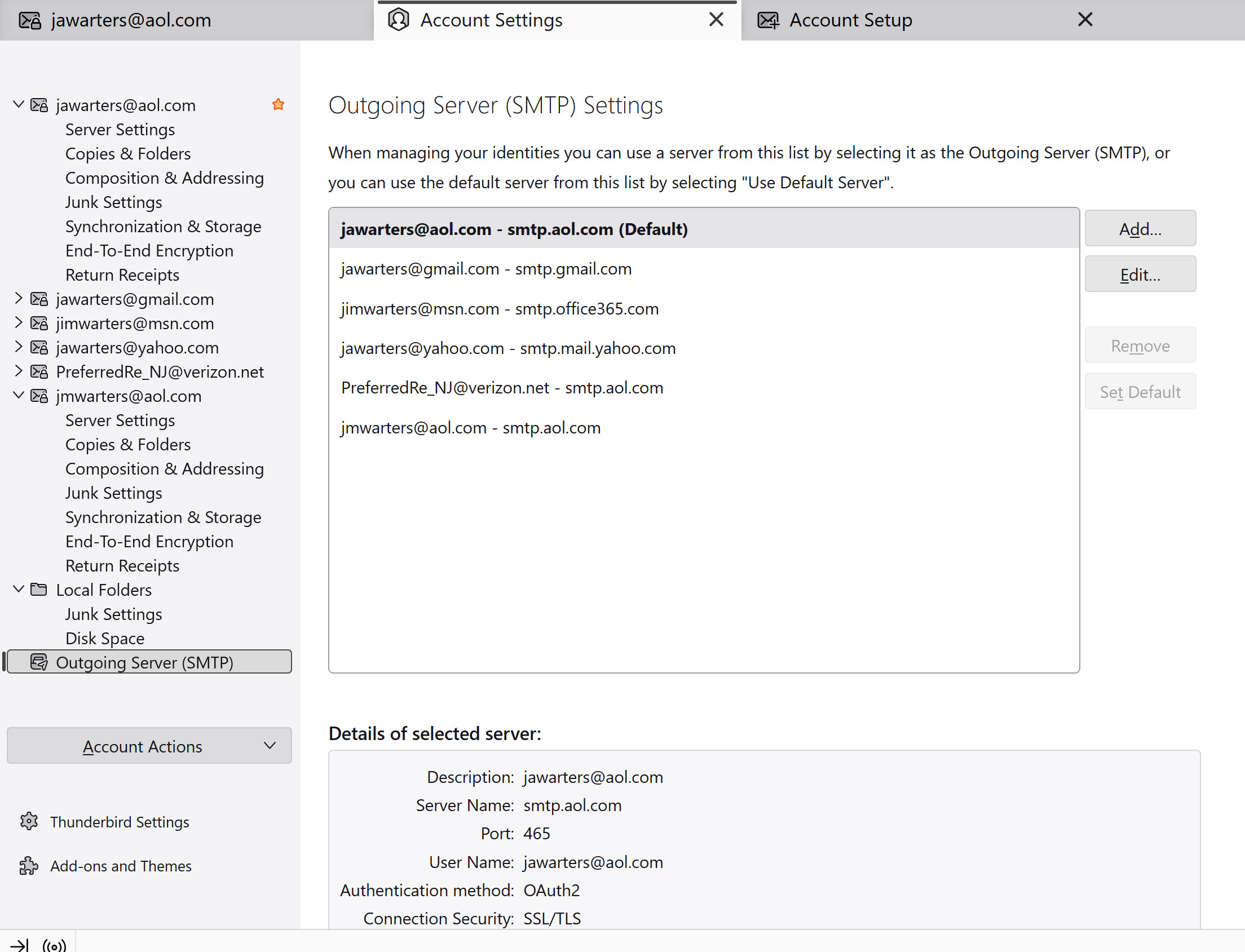
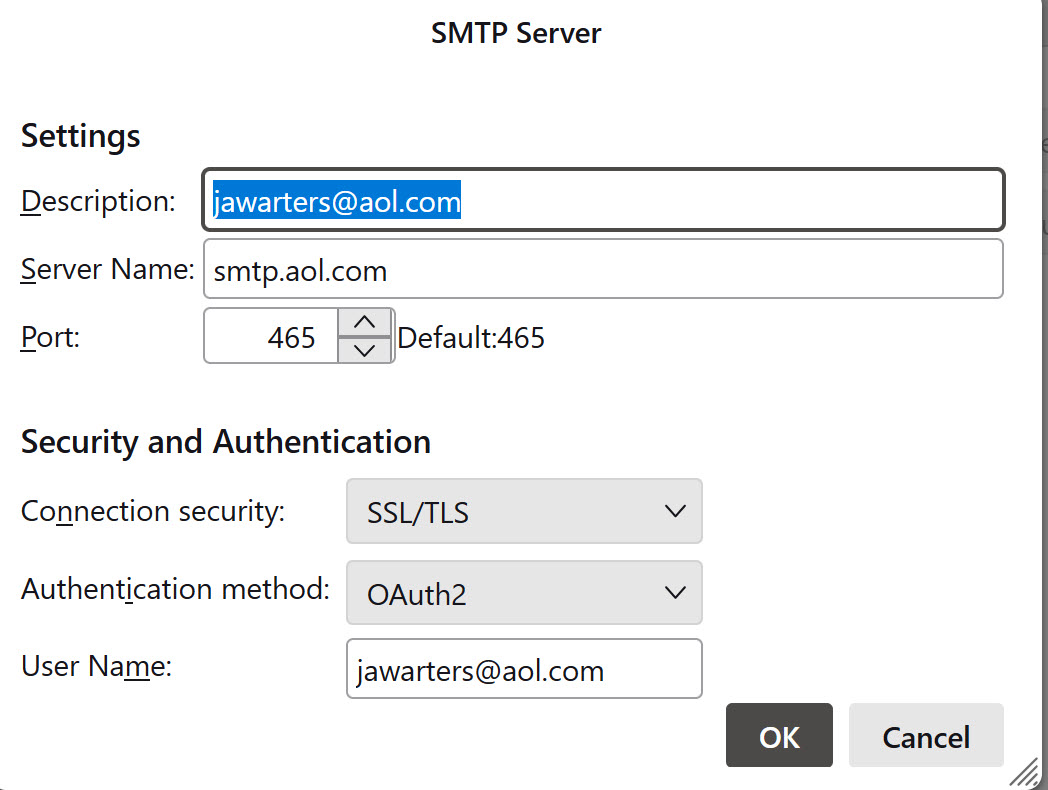
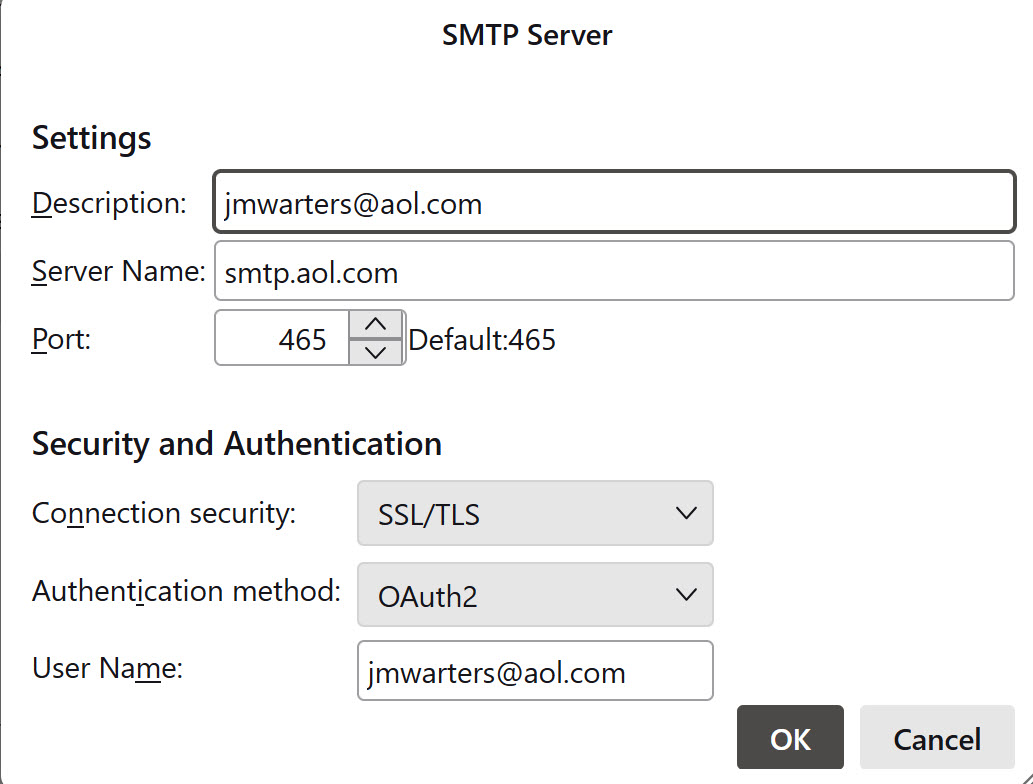
I deleted her existing jmwarters@aol.com mailbox and attempted to recreate it in Account Settings. Despite entering distinct IMAP settings (user name = jawarters@aol.com, imap.aol.com, port 993 and user name = jmwarters@aol.com, imap.aol.com, port 993) and having distinct SMTP settings with the user name in the Description, the recreated account again downloaded my emails into her TB account. The same happened when I opened TB on my desktop.
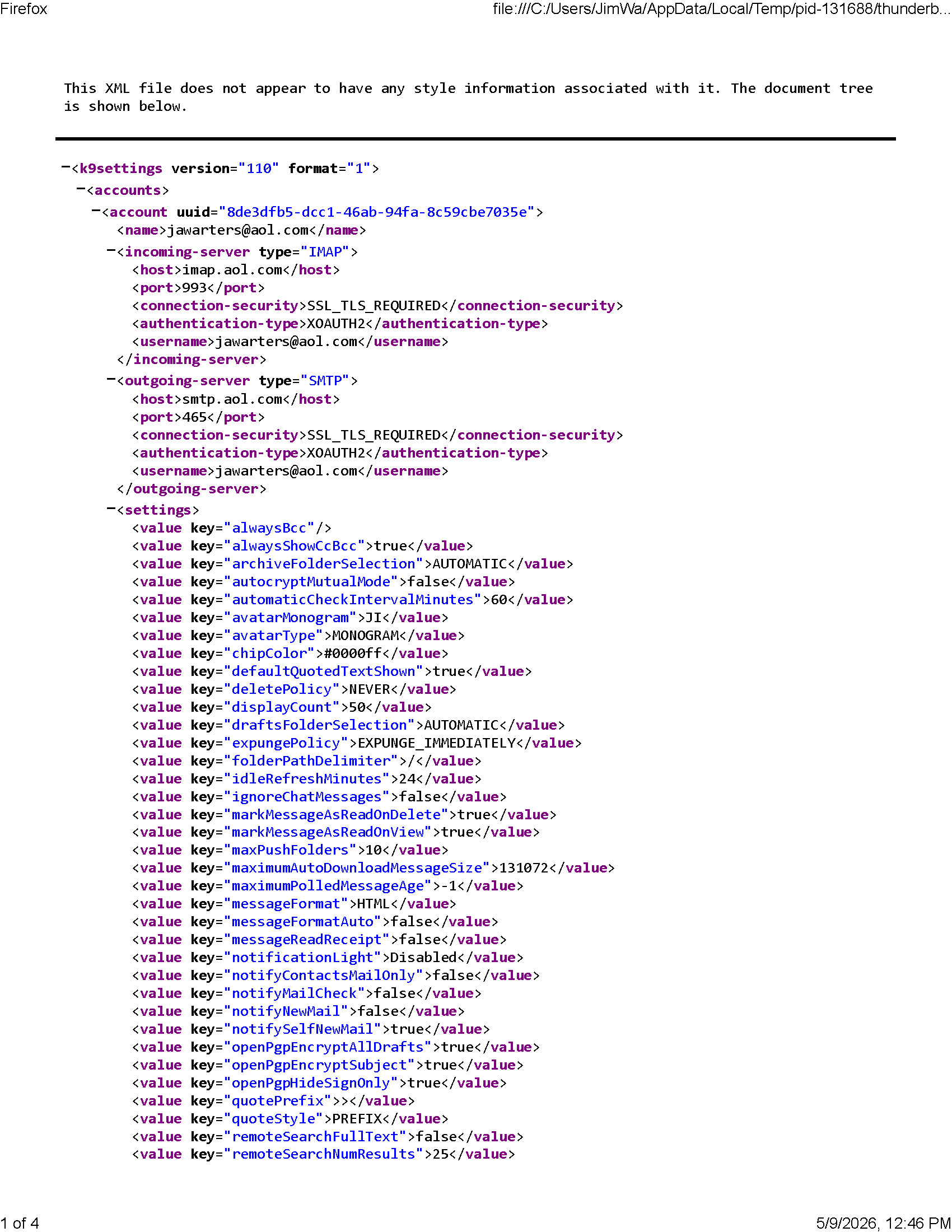
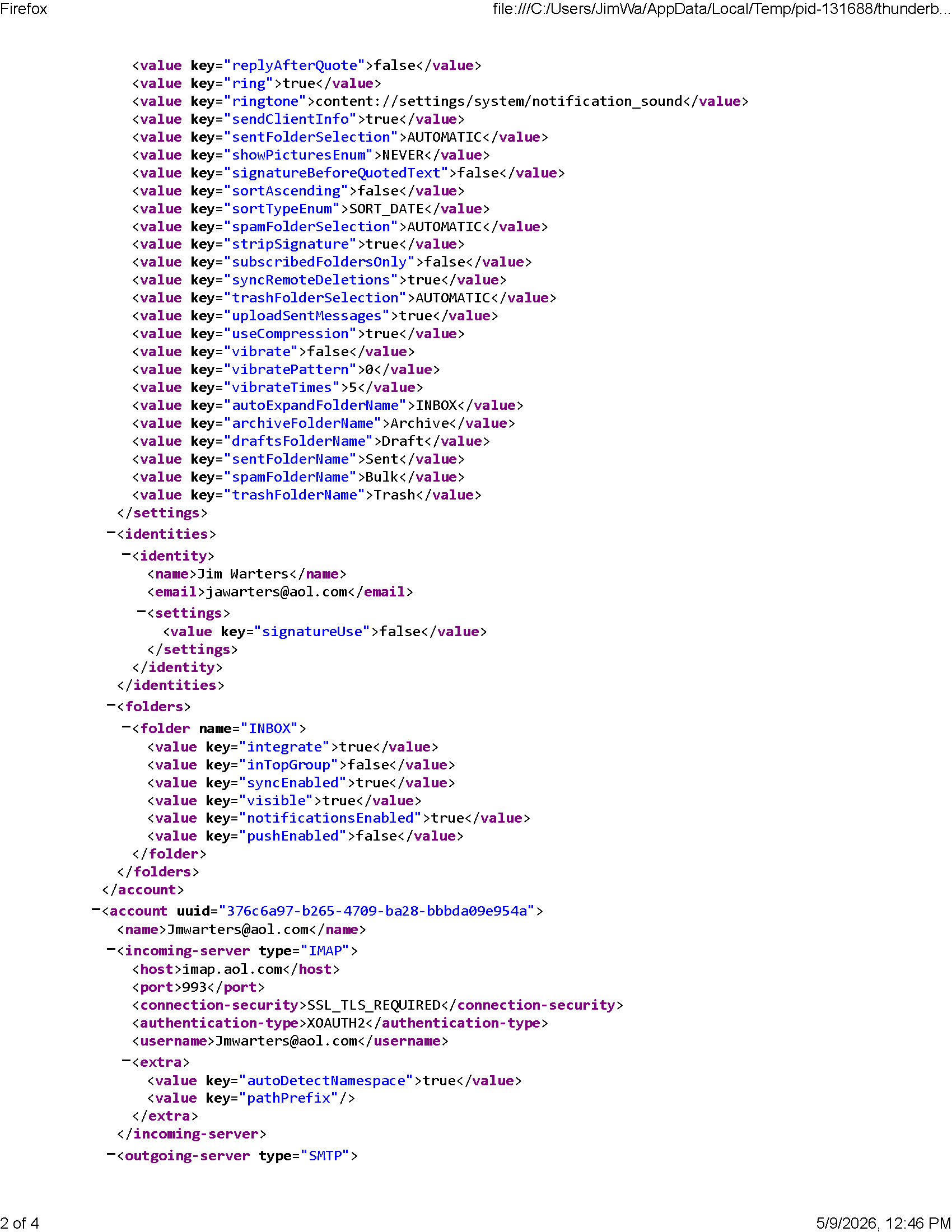
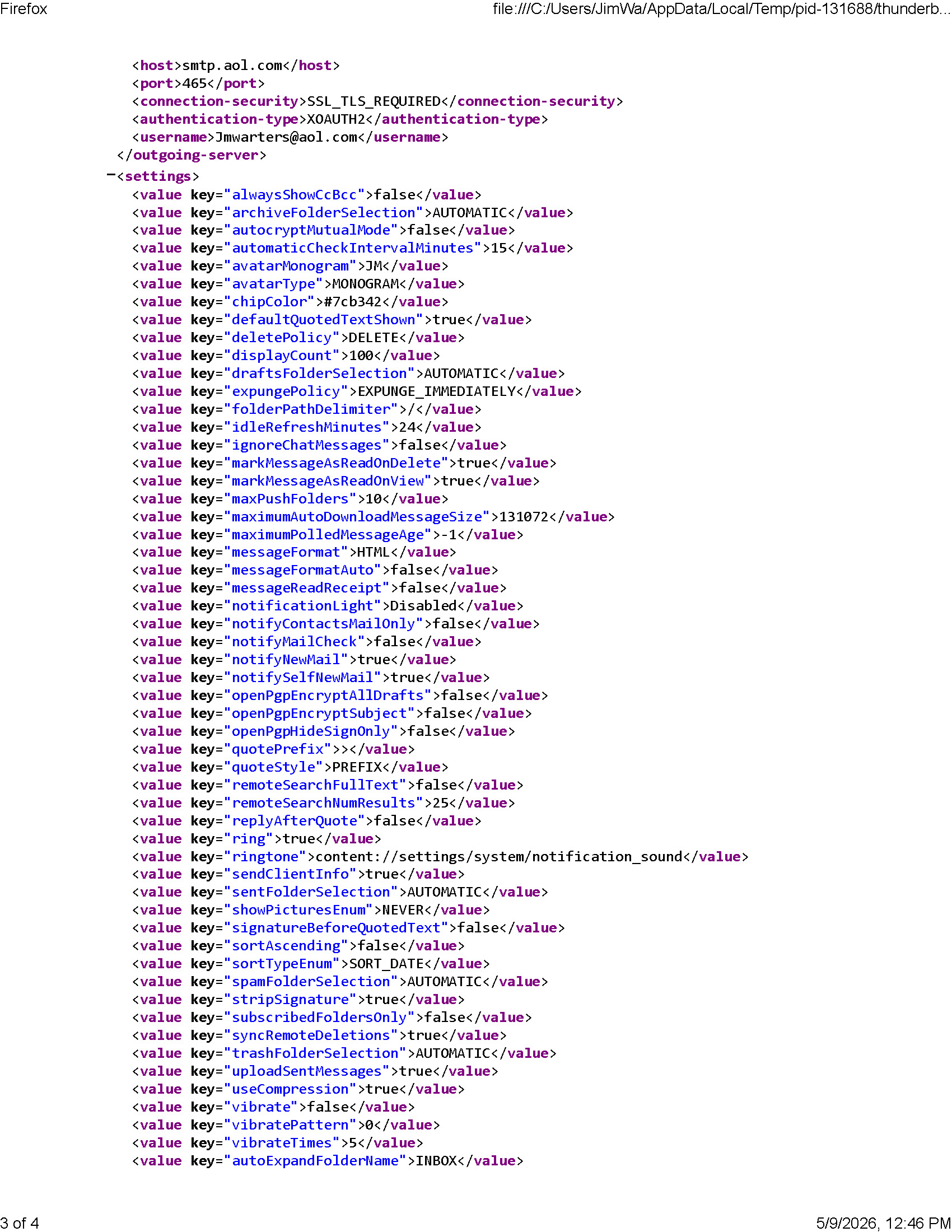
Interestingly, TB for Android v. 18 kept both accounts separate. I attach a copy of the TB Android k9s settings file which shows the same IMAP and SMTP settings as the laptop / desktop TB.
Help solve my self-imposed problem! Jim W
All Replies (1)
Ok I did not read everything. Sorry but time is short.
Yahoo use cookies to manage multiple oauth accounts and reuses them for multiple accounts (ouch). So you need to change a hidden preference to force Yahoo to use new cookies. That is create a private browser window as it is called in Firefox. (it is in essence the same code as Firefox uses to display a window shared by Thunderbird.)
- Use the Config Editor to modify the hidden preference mailnews.oauth.usePrivateBrowser to true and restart Thunderbird
- Delete the oauth tokens in the password manager for the troublesome accounts.
See https://support.mozilla.org/en-US/kb/thunderbird-and-yahoo under the tag "Configure a Thunderbird preference to make multiple account work".