


Can not remove email account no longer using.

So I have gone through many of the suggested actions in removing an email account from Thunderbird. It keeps asking for a password for an email account I no longer use. It was a gmail account. I have removed calendar reminders. I have gone to the profiles. It is not listed. I have uninstalled and reinstalled Thunderbird. But Every time I open the program and several times while using. It asks me for the password. How do I remove this?
All Replies (3)
If you want to remove an email account you'll have to do it in Account Settings
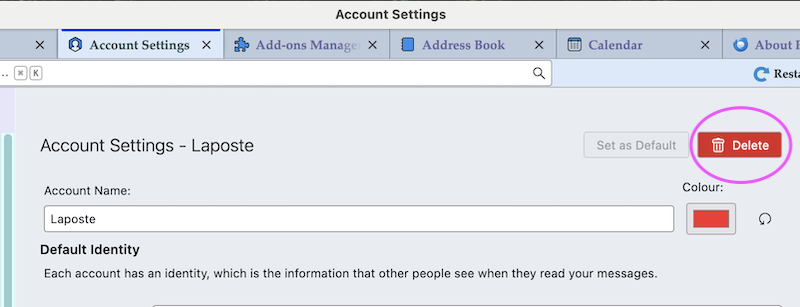
The account was removed that way but I am still getting a request for a password.

- see if your address book(s) or calendar(s) are trying to make connections
- check TB menu > Help > Troubleshooting Information to see what accounts and calendars are listed there