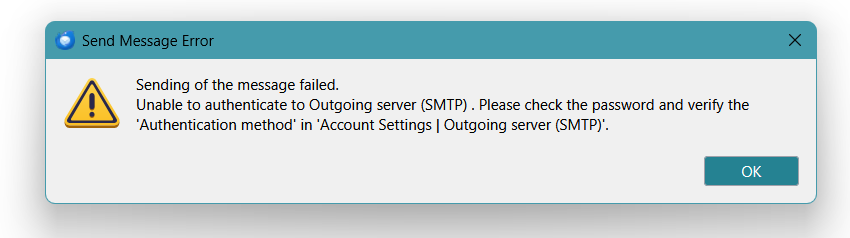
New OAuth2 will not send emails error message is server can't authenticate Outgoing server
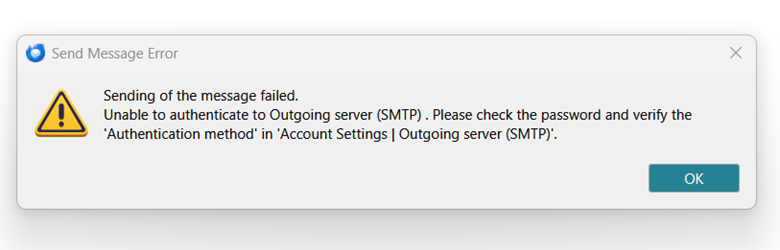
Thunderbird version 148.0.1 will not send outbound emails since updated to OAuth2. Error message is Unable to Authentic Outgoing server (SMTP) Email account will allow inbound mail , but will not send mail. Have worked through all published troubleshooting steps. Extremely frustrating!
All Replies (5)
Who is the mail provider?
And please tell us, does something in https://support.mozilla.org/en-US/kb/thunderbird-and-yahoo help?
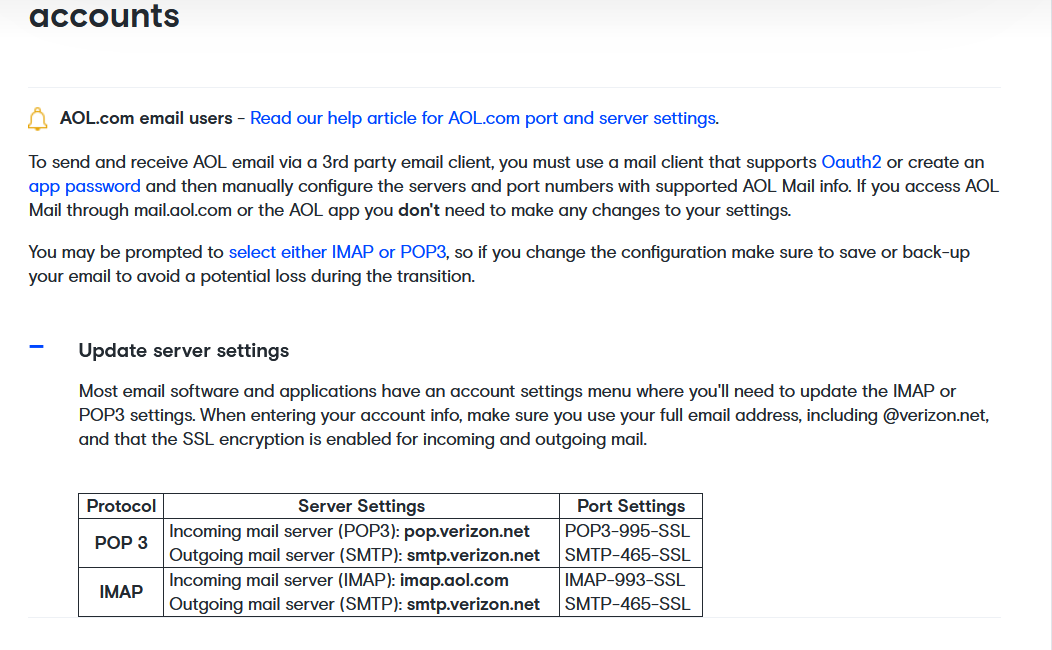
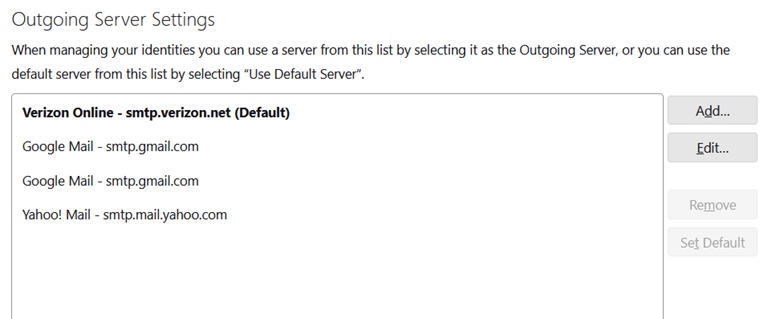
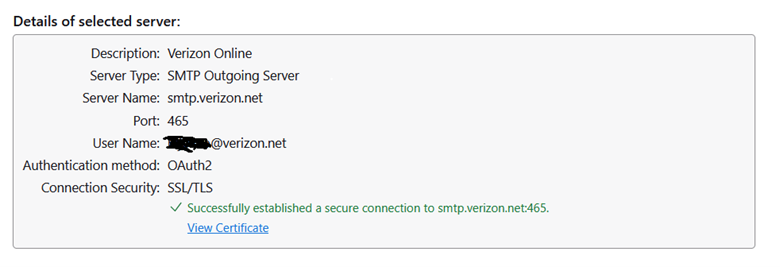
Email provider is AOL/Verizon. The others are GMail and Yahoo. They seem to work, but occasionally they fail when sending tests between accounts. AOL/Verizon is asking for outbound server password. Inbound works but outbound fails. I have checked connection under Security Settings which says Failed using SSL/TLS Have run every available troubleshooting short of completely reinstalling account, including turning off Anti Virus, VPN, using troubleshooting mode. I've attached some screenshots which may assist. Interesting that outbound failed, but when you check server connectivity it was successful. I hope this is helpful.
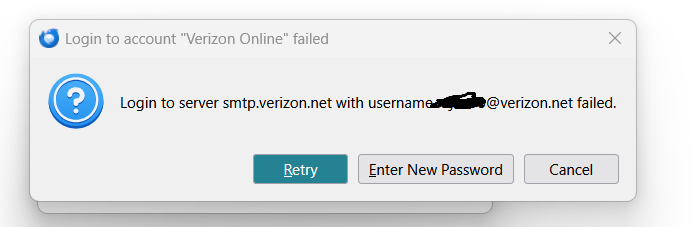
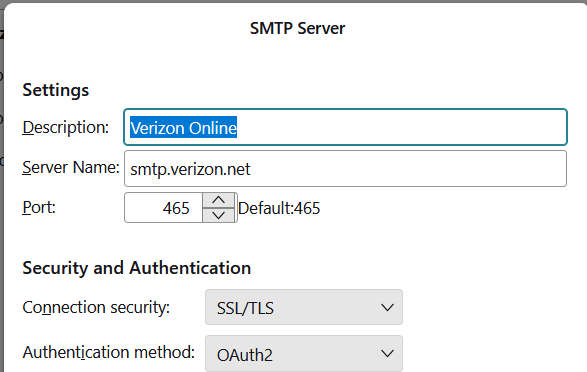

Use these settings for the outgoing server: Server Name: smtp.aol.com Port: 465 Authentication method: OAuth2 Connection Security: SSL/TLS