


password problems

Today I have experienced a problem downloading new messages, bulk, trash or anything else in my mail server into thunderbird. it requires my primary password and then my regular password. I just set up my primary password so I understand why it is asking for that, but I don't understand why it is also asking for my regular password before I can get access to the mail server that I am using. the regular password was set up on 6/17/24 and until today it was working fine.
All Replies (9)
in account settings, what is the authentication method set to (anything but oauth will no longer function thanks to changes by yahoo.
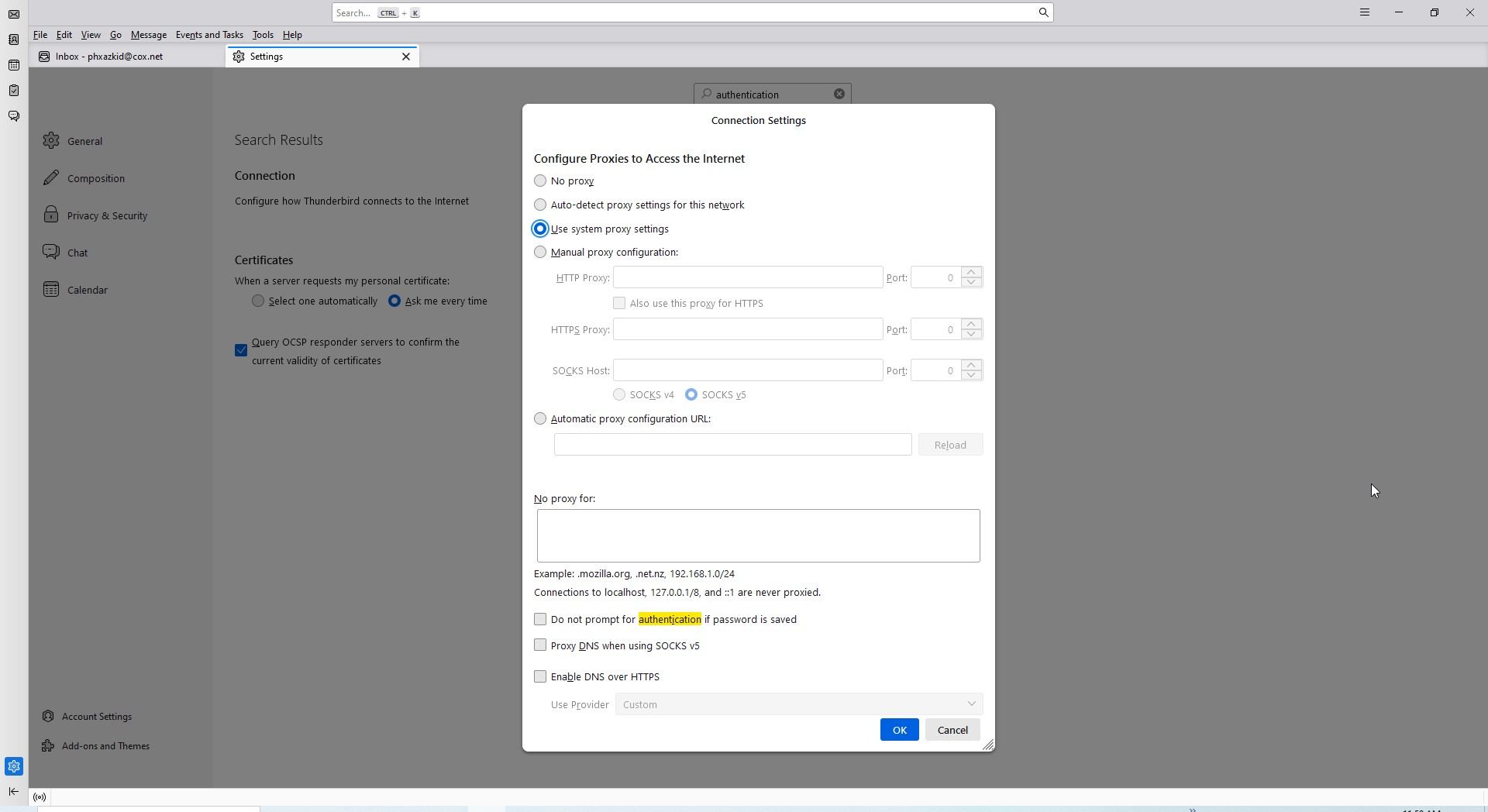
am I looking in the right place? See image. this is the only thing I see under settings in thunderbird that refers to authentication.
click to 'account settings' and then select that account and then select the 'server settings' pane.
Thanks for your response. My Authentication is set to Normal Password. When tbird asks for the normal password after the primary I put in the saved password and it allows me access to the email. However before this problem started it would not ask for the normal password it would just let me in.
Sounds like you have a yahoo account if you have a bulk folder. The latest version of Thunderbird has changed the authentication method of oauth as this is what yahoo want folk to use. They will be withdrawing all other option over time so I suggest you change the method and we work through any problems that arise.
I changed my authentication method to "OAuth2". When I log in to tbird and enter my primary password I get a window that wants me to login to Yahoo, When I try to enter my password I get a message stating "Edge: Too many requests"
That is Yahoo refusing to connect. There was a yahoo bug that I was lead to believe Yahoo had fixed but if you are getting it perhaps they are like so many developer groups and just keep releasing the same thing and when it does not work properly expressing surprise.
Try turning your phone off for 10 minutes and trying again (especially if the phone carries an apple logo. (apple mail apps consume all available connections in a quest to appear snappy) all IMAP apps tend to use more than one for that reason.
If you have multiple yahoo accounts in Thunderbird it may be the Thunderbird is hitting them all at once, so try turning off the check mail on startup and see it that has an effect
You might also try reducing the number Thunderbird tries to use from 5 to 3 or less Account settings > server settings > advanced
Please post your results.
First I am not using the phone for this I am using my desktop, with windows 10
Only Have the one Tbird account.
If you are referring to the time between tries it is currently set for every 10 min.
I changed the number of tbird tries to 3 but it did not make any difference.