


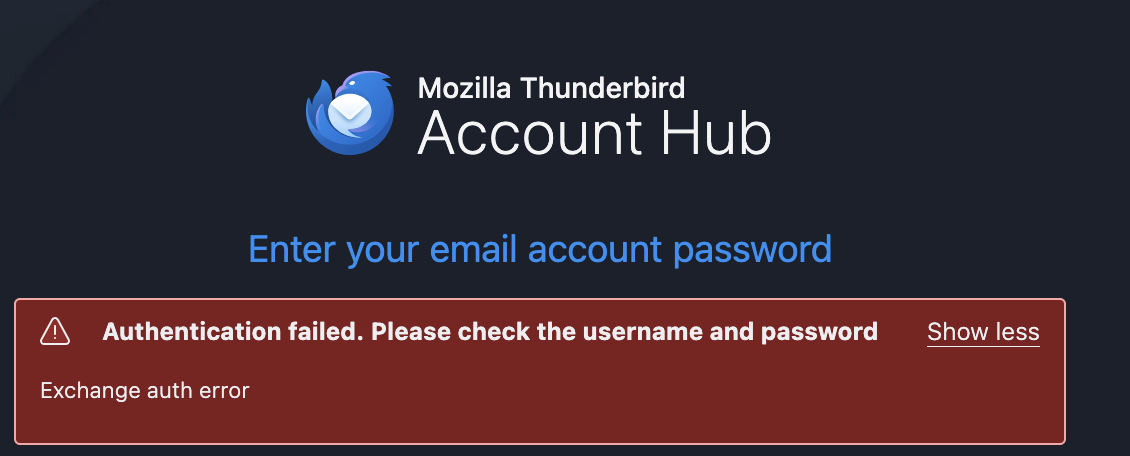
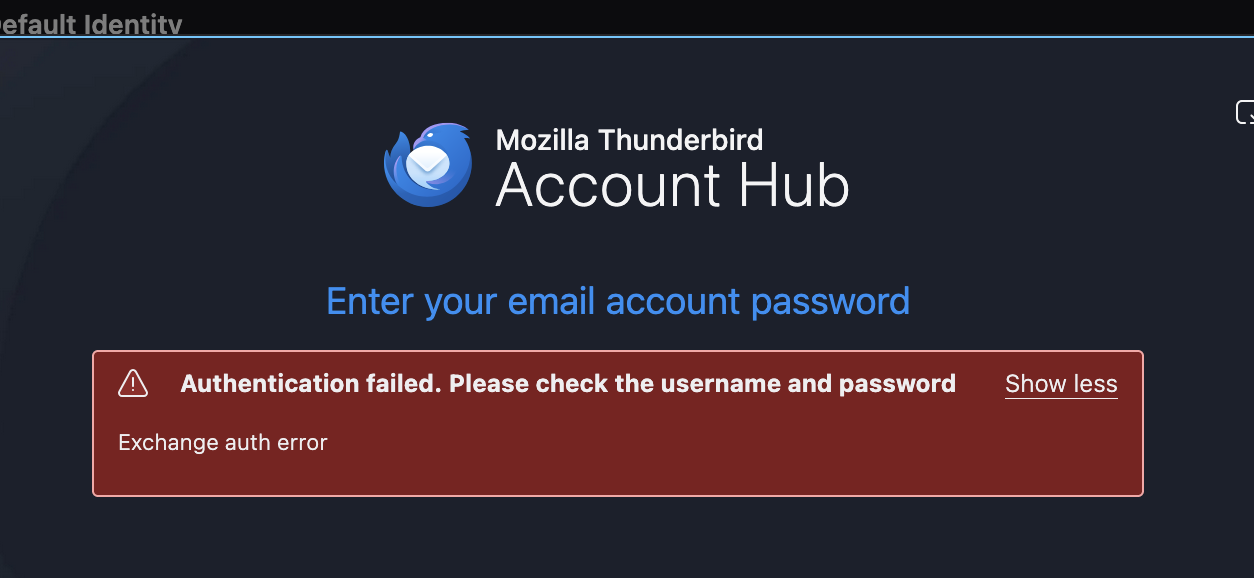
Trouble adding an account to Thunderbird using account hub - "exchange auth error"

I am having a issue entering a new email into thunderbird see screen shot for help please.
Thank you
Wayne Mery மூலமாக திருத்தப்பட்டது
தீர்வு தேர்ந்தெடுக்கப்பட்டது
its all good thank you
Read this answer in context 👍 0All Replies (7)

Try creating the account this way:
- go to TB menu > Settings > General > Account hub > uncheck 'Create accounts in the new Account Hub'
- go to TB menu > New Account > Email
Like you said for some reason it did not uncheck that box. That was all Your way ry creating the account this way:
- go to TB menu > Settings > General > Account hub > uncheck 'Create accounts in the new Account Hub'
- go to TB menu > New Account > Email
Thank you

Hi, I have the same problem, but disabling Account Hub doesn't change the result. The Account Hub box is unchecked, but when I try > New Account > Email, I still get the "Authentication failed" error.
I have tried this with my outlook, and gmail accounts. I have tried restarting the computer, and various other fixes online.