UNWANTED BOOKMARKS
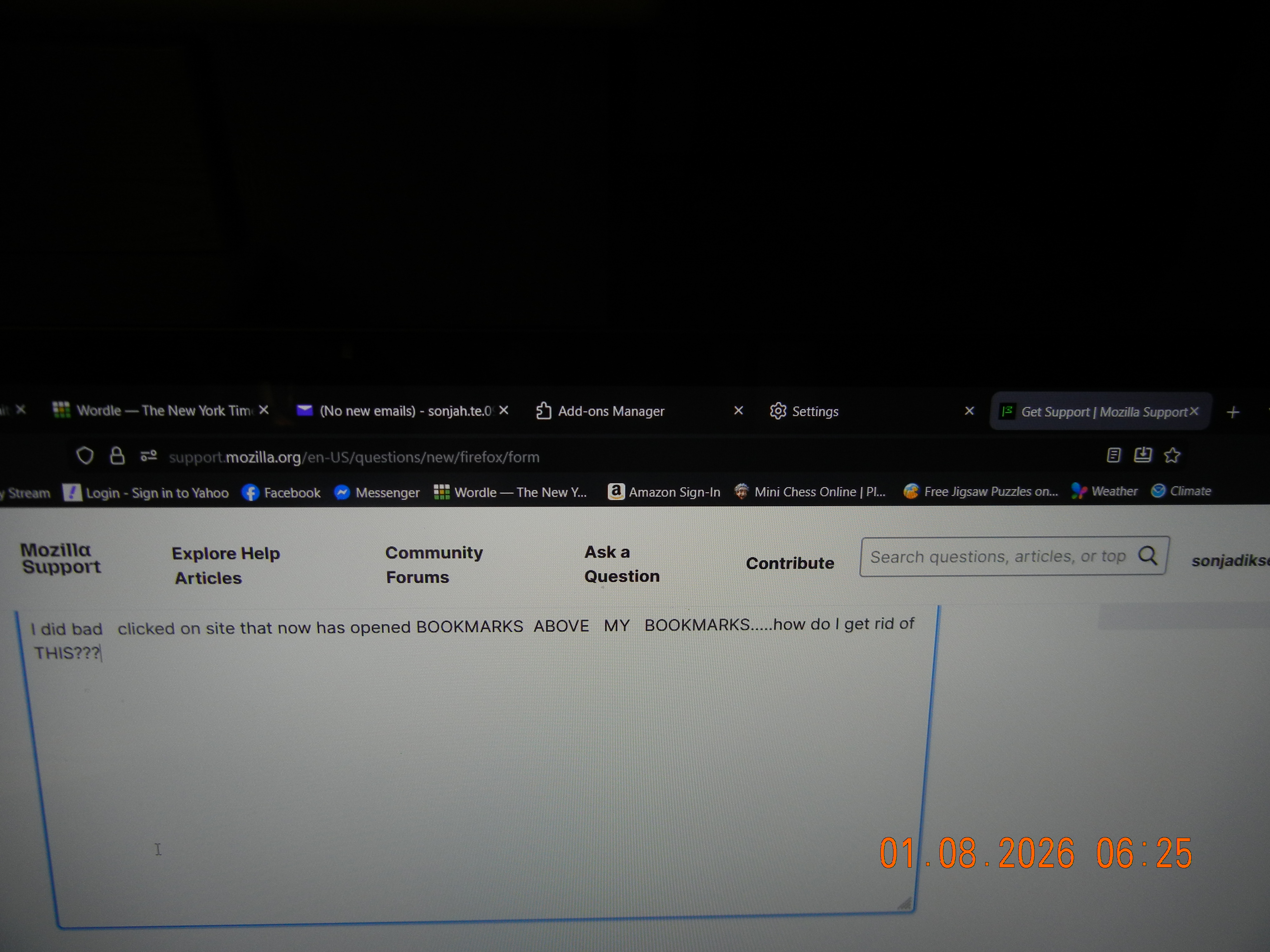
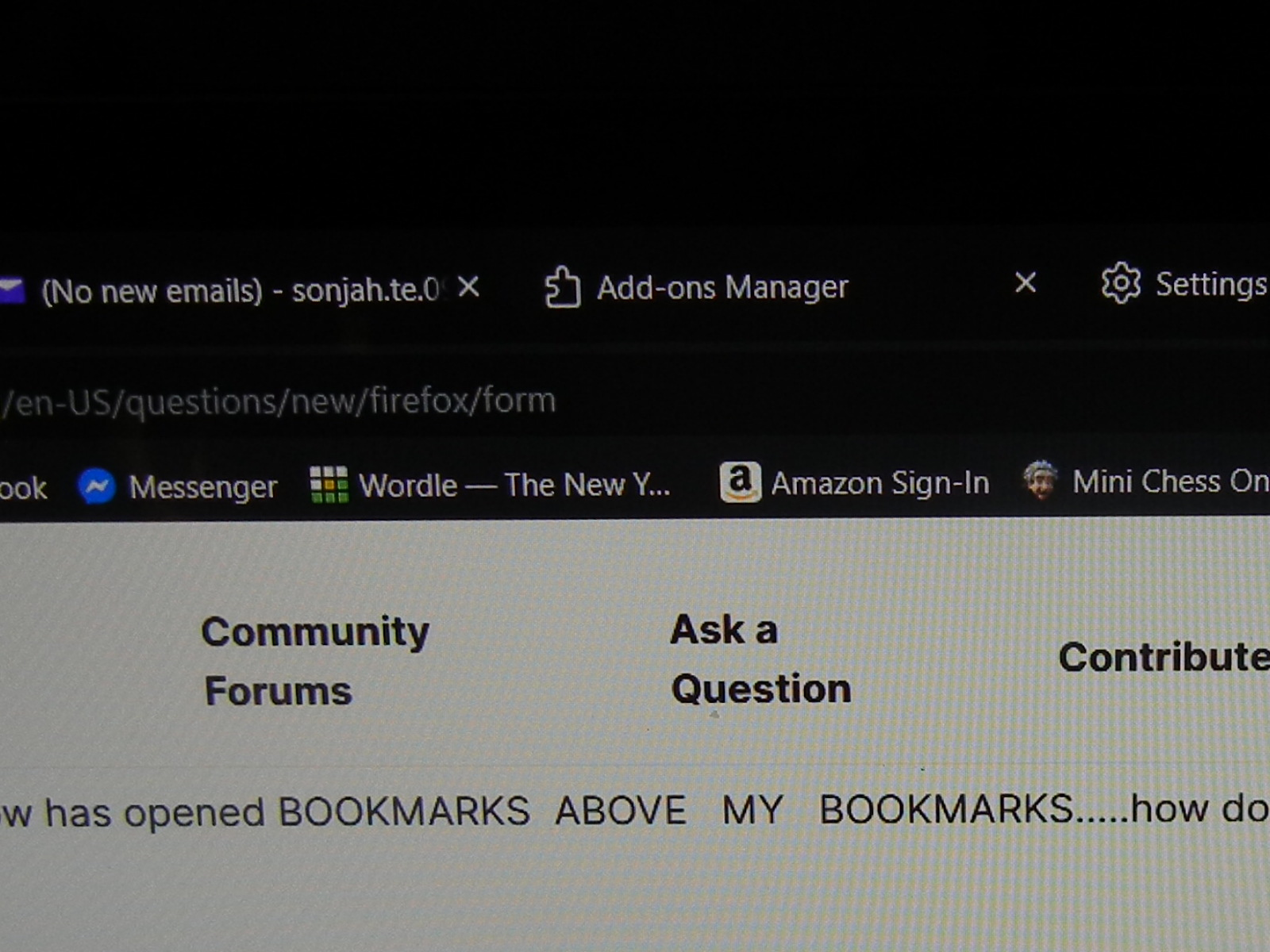
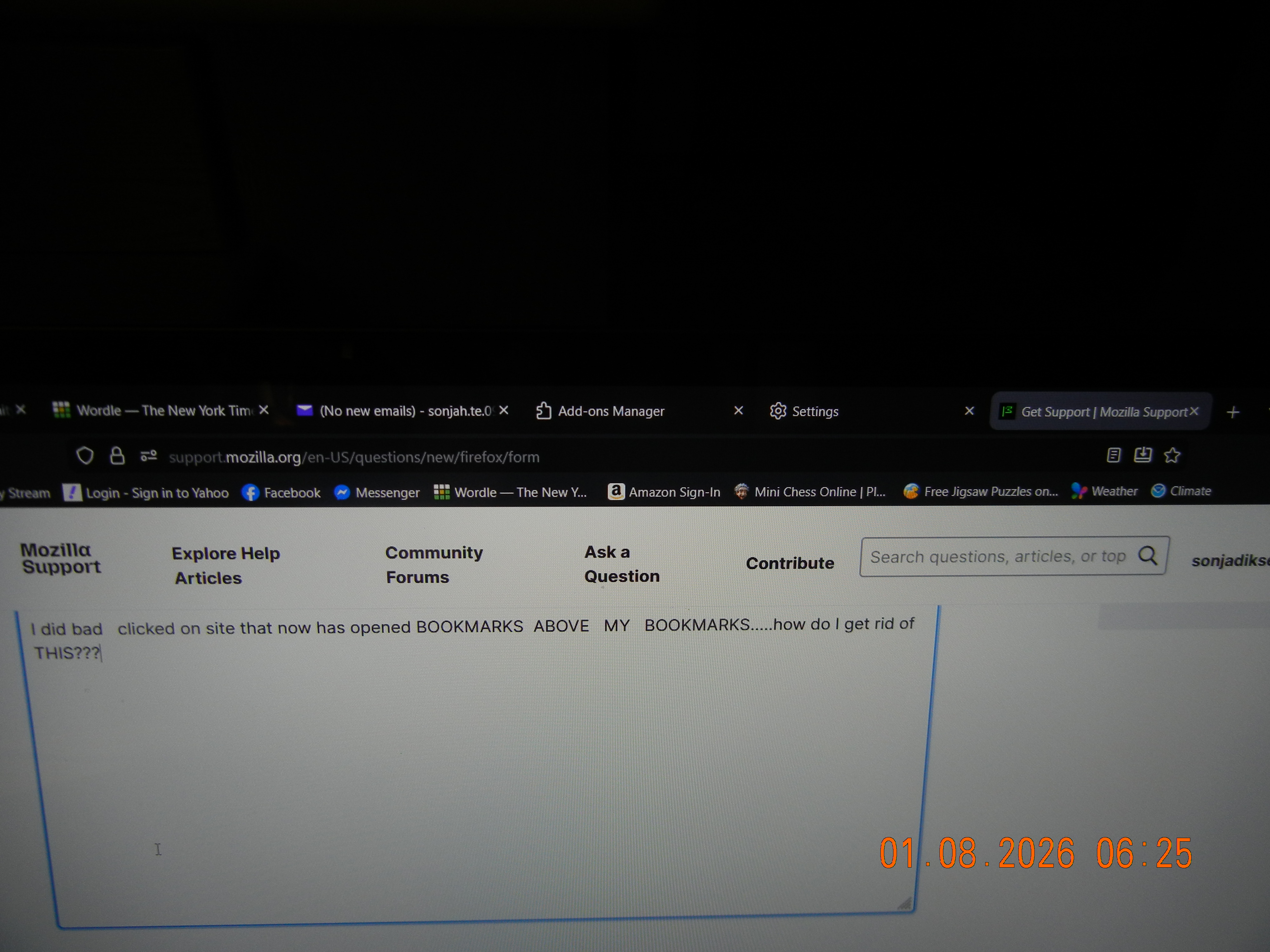
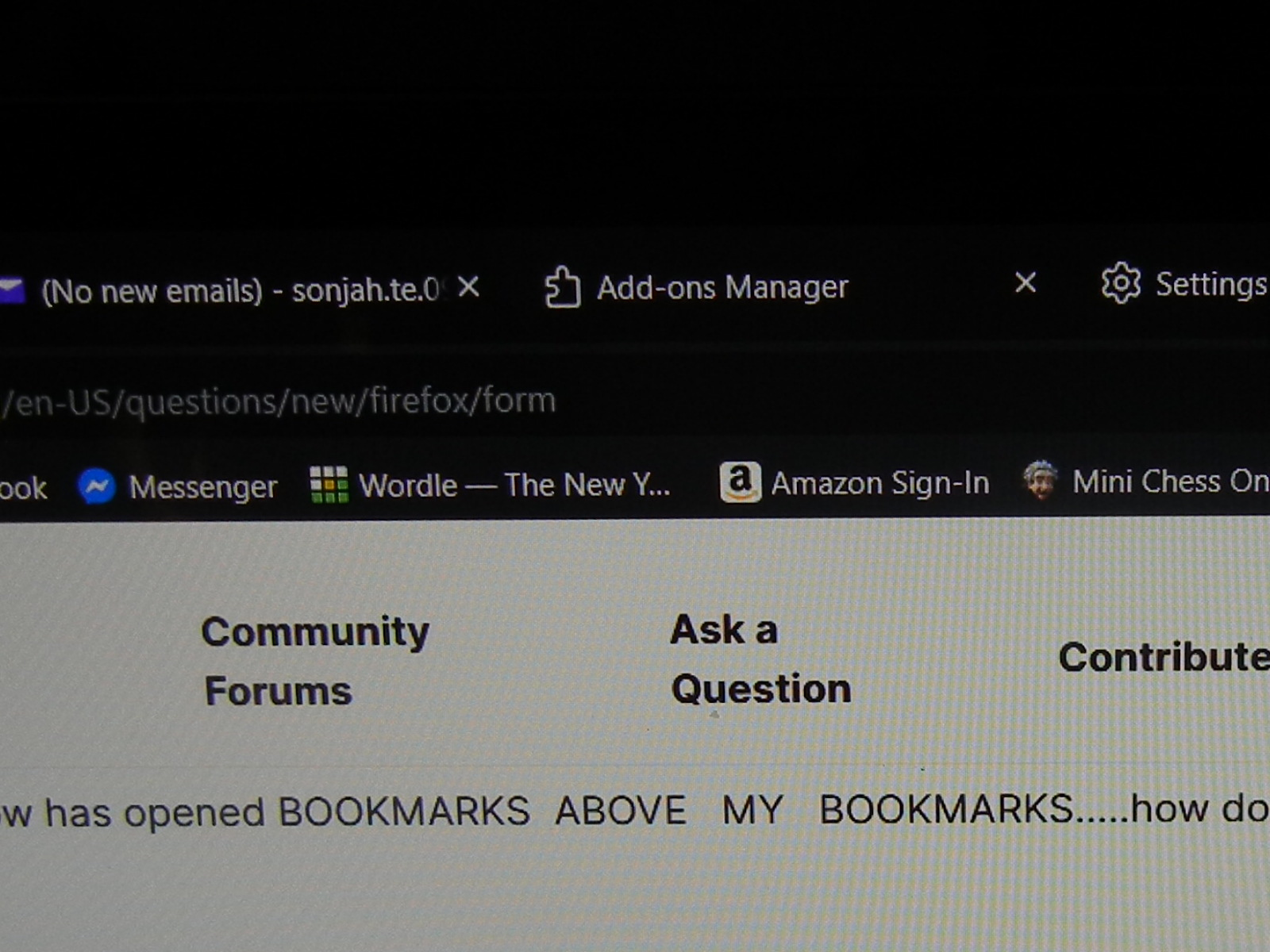
I - unwanted - have a second line of BOOKMARKS above the one I selected. HOW DO I GET RID OF unwanted BOOKMARKS?? SEE PICTURES I TOOK OF these TWO ROWS OF BOOKMARKS, thanks, sfd
I - unwanted - have a second line of BOOKMARKS above the one I selected. HOW DO I GET RID OF unwanted BOOKMARKS?? SEE PICTURES I TOOK OF these TWO ROWS OF BOOKMARKS, thanks, sfd
All Replies (4)
Bookmarks above your bookmarks? I can't see it. There's only one row of bookmarks.
THERE are two ROWS of Bookmarks.....the bottom row has always been there.....BUT THE TOP ROW appeared when I clicked on MICROSOFT REWARDS. HOW DO I REMOVE THE TOP ROW &/or remove MICROSOFT REWARDS???