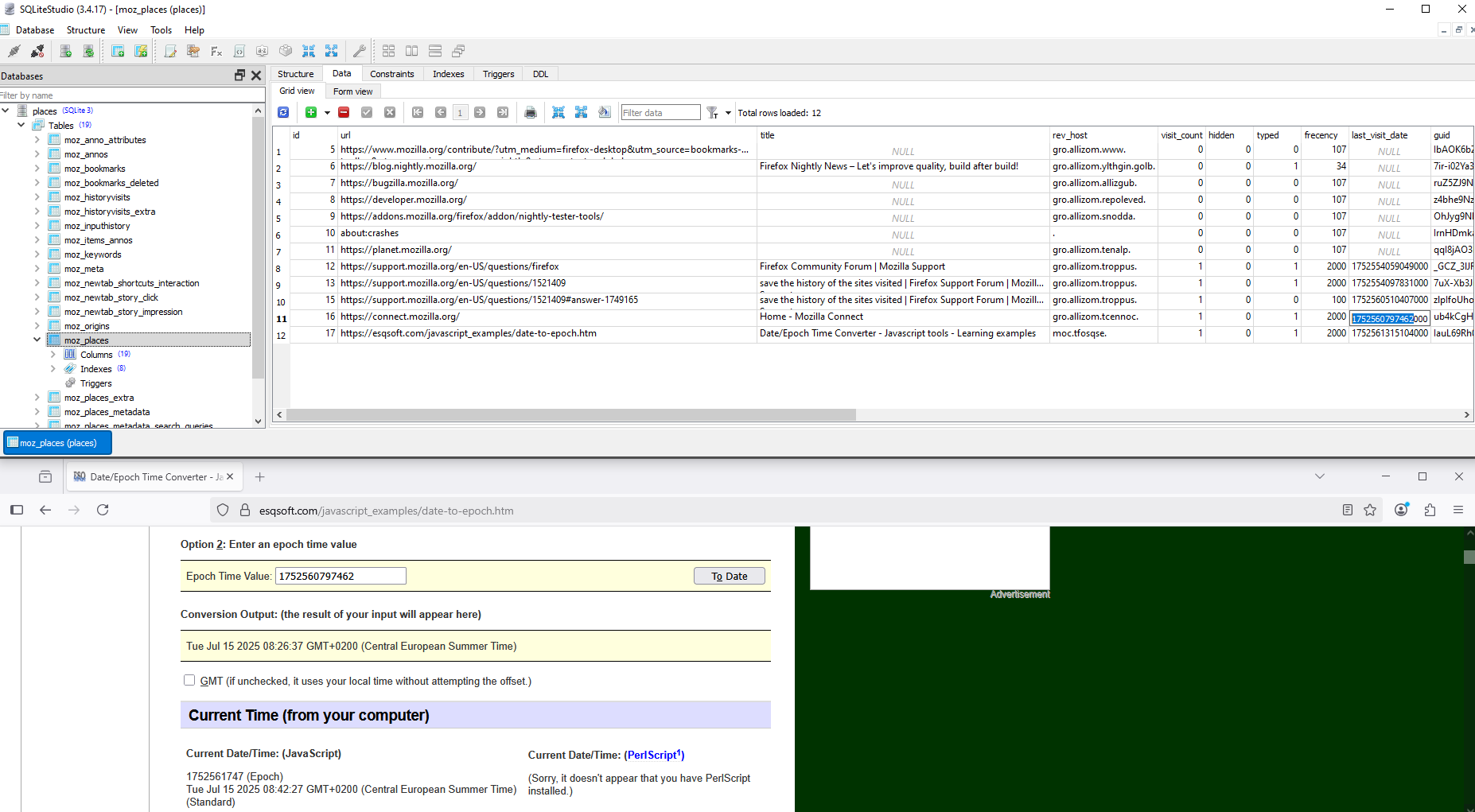
save the history of the sites visited

save the history of the sites visited
All Replies (5)
Hello
What information is stored in my profile? https://support.mozilla.org/en-US/kb/profiles-where-firefox-stores-user-data#w_what-information-is-stored-in-my-profile
SQLiteStudio https://sqlitestudio.pl to try if you wish https://github.com/pawelsalawa/sqlitestudio/releases take Package type Portable and unzip
Once the SQLiteStudio application is running Database -> Add a database The Database window will open Select an existing database, find your profile And click on the file places.sqlite Ok Once open On the left window, double-clic on places to expand places and you can, Database -> Export the database Otherwise On the left window, double-clic on places to expand places and double-clic on moz_places Once open On the right-hand window, click on the [Data] tab
Then top left Database -> Export the database The Export window will open Select only, moz_places Next The html format will be proposed Finish
However, in the html file, the links are not clickable. Simply select the link, right-click and open the link.
If the user is under Private Browsing https://support.mozilla.org/en-US/kb/private-browsing-use-firefox-without-history There's no history of the websites you've visited.
Deleting database from the list https://github.com/pawelsalawa/sqlitestudio/wiki/User_Manual#deleting-database-from-the-list
To delete database from the list, select the database and either: right-click on it and pick "Remove database", or press "Delete" from the keyboard. You will be asked for confirmation, before the database is actually removed from the list. Deleting database from the list does not delete database file! It only removes it from the list of databases in SQLiteStudio.

There's no shortcut (like Ctrl+C)?
Can we continue in your newer thread: https://support.mozilla.org/questions/1522657
Hello
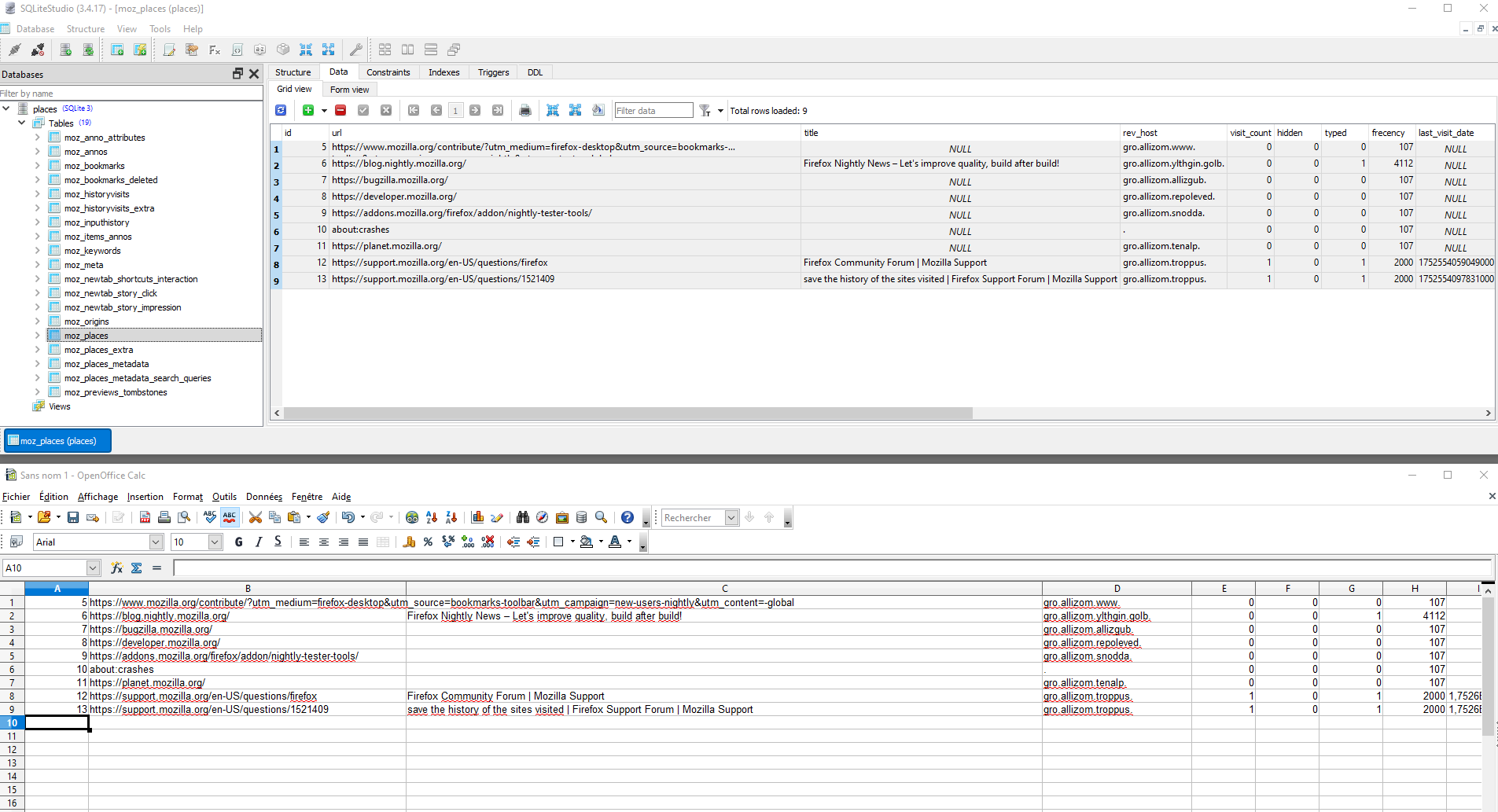
Into SQLiteStudio. Ctrl a Ctrl c It works.
Ctrl v by way of illustration into Calc, it works.
About, last_visit_date.
More info. Take a look at https://support.mozilla.org/en-US/questions/972178#answer-482336
By way of illustration.