


Windows 10 reached EOS (end of support) on October 14, 2025. If you are on Windows 10, see this article.

Search Support

Avoid support scams. We will never ask you to call or text a phone number or share personal information. Please report suspicious activity using the “Report Abuse” option.

Learn More
Archived

Thunderbird email trash

Matt replied
Ken

Working with my ISP, I am trying to determine why my "trash" automatically empties itself despite my setting both in Thunderbird and in the settings with the ISP. I am at a total loss. When accessing the properties of the Trash folder, I have it set NOT to delete any emails in the retention section, but yet, when opening the program, without any notification or warning, many trashed emails have disappeared.

I would want to decide when mails are to be deleted. Can you provide any explanation or any advise as to avoid losing "trashed" emails. Thank you.

Ken Yeager - ken@wriede-yeager.de
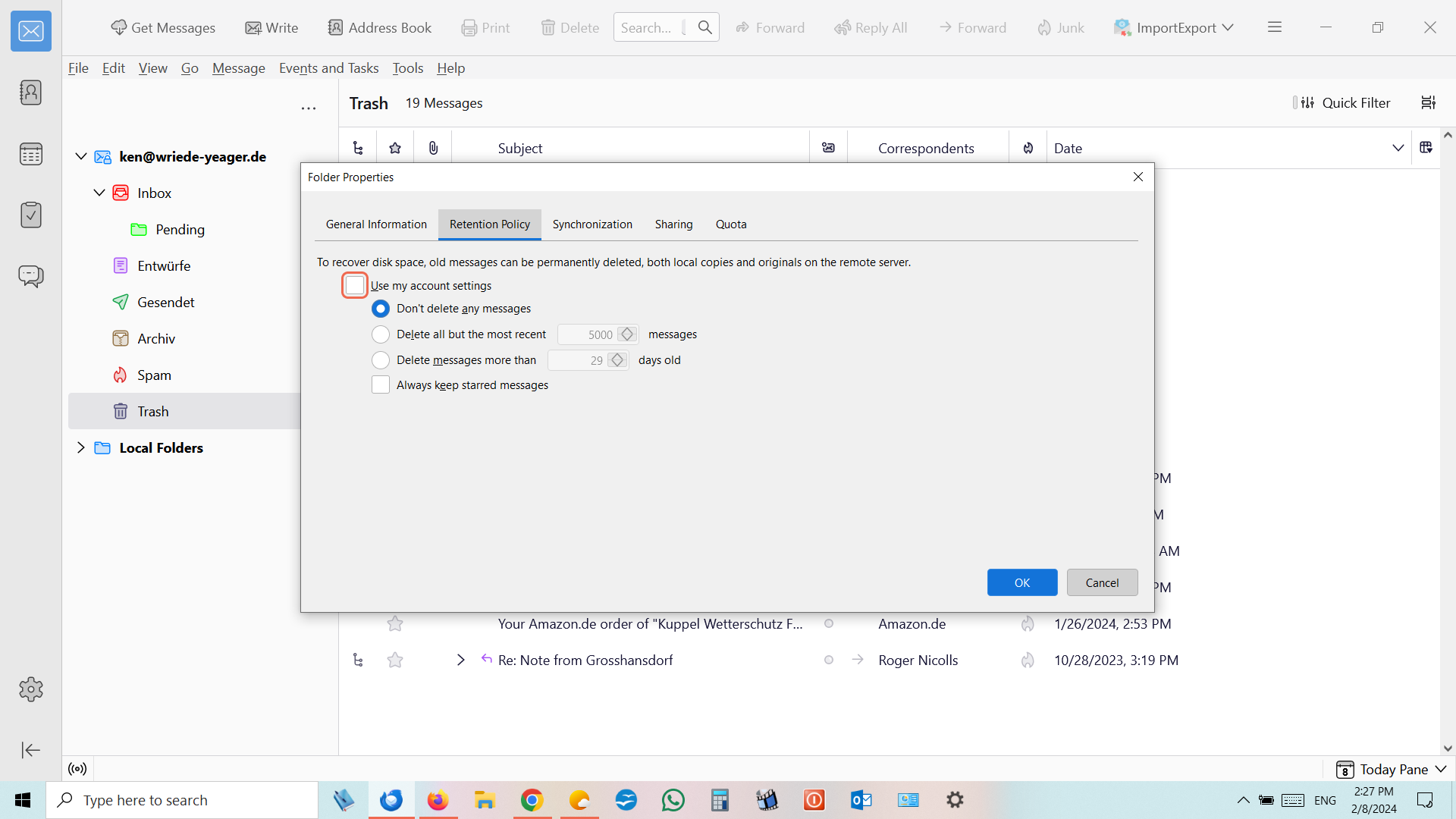
Working with my ISP, I am trying to determine why my "trash" automatically empties itself despite my setting both in Thunderbird and in the settings with the ISP. I am at a total loss. When accessing the properties of the Trash folder, I have it set NOT to delete any emails in the retention section, but yet, when opening the program, without any notification or warning, many trashed emails have disappeared. I would want to decide when mails are to be deleted. Can you provide any explanation or any advise as to avoid losing "trashed" emails. Thank you. Ken Yeager - ken@wriede-yeager.de
Attached screenshots

All Replies (1)

Ok so you have Thunderbird set to not delete message. I have no idea what the other statistic image is supposed to show. But it is not retention policies, or settings for automatic expunge actions.