


how do i delete icons for ebay/pinterest, etc from start page?

have icons for services i don't use or want - instagram/facebook, etc. and don't want them on the firefox start page.
have icons for services i don't use or want - instagram/facebook, etc. and don't want them on the firefox start page.
All Replies (2)
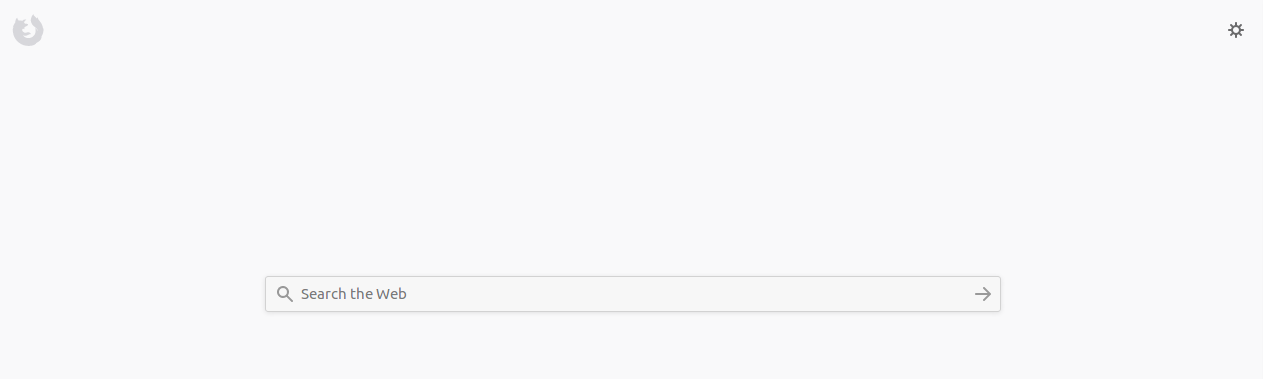
Click on the cog wheel, and then uncheck the things you do not want to see on that page.
Like in the attached screenshot.
If this solved your problem, mark as solution.
Hover the cursor over one of those icons and a circle with 3 dots will appear in the upper-right corner of the icon. Click on those 3 dots and select Dismiss. It will be gone never to reappear,