


Missing option to show remote content for a single message

I have 'Allow remote content in messages' turned off.
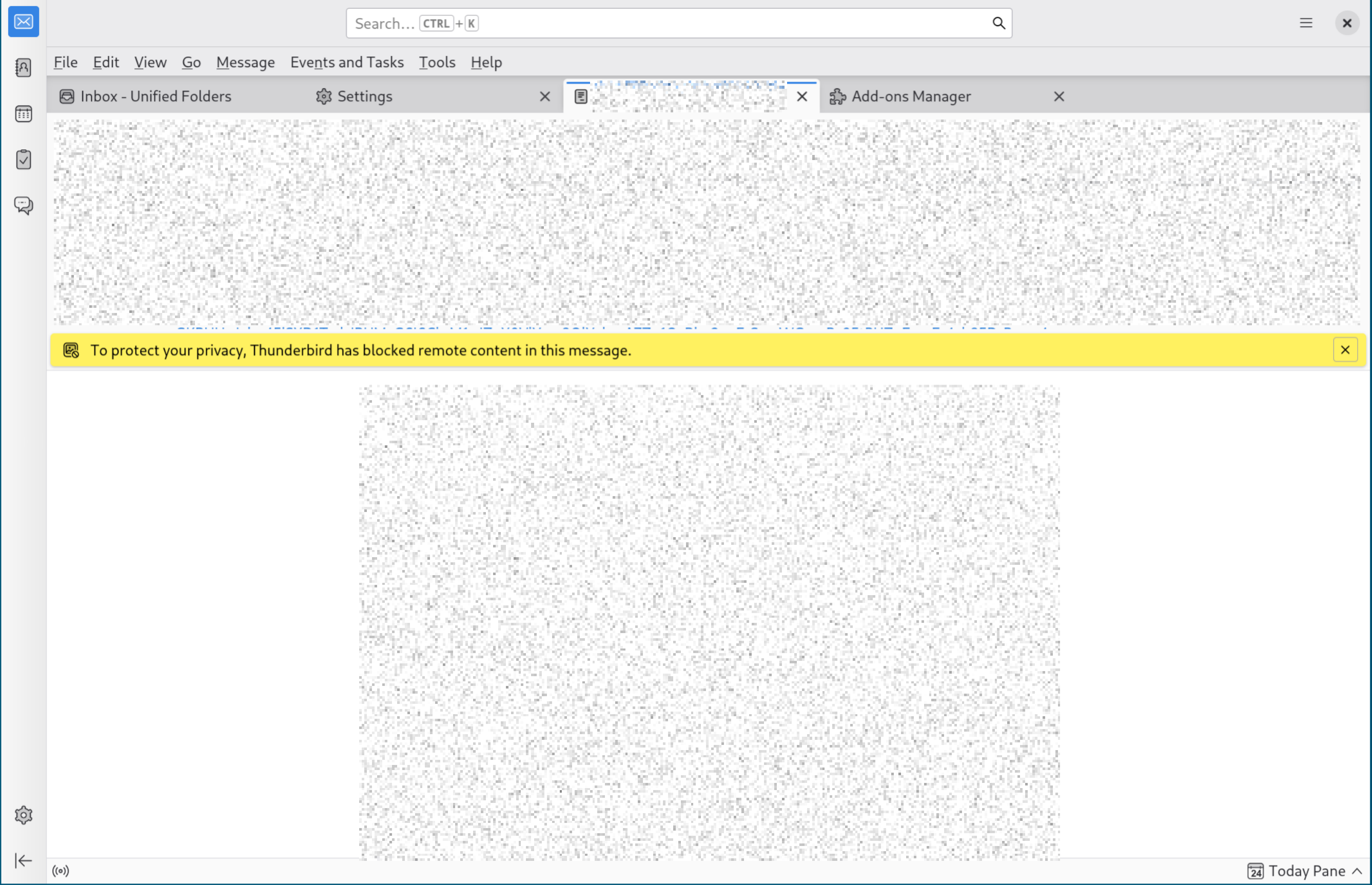
When viewing a message with remote content, I see the bar "To protect your privacy, Thunderbird has blocked remote content in this message", however the 'Preferences' dropdown described in Remote Content in Messages does not exist...
I want to show remote content for a single message, but this seems impossible!
What am I doing wrong?
Alla svar (5)

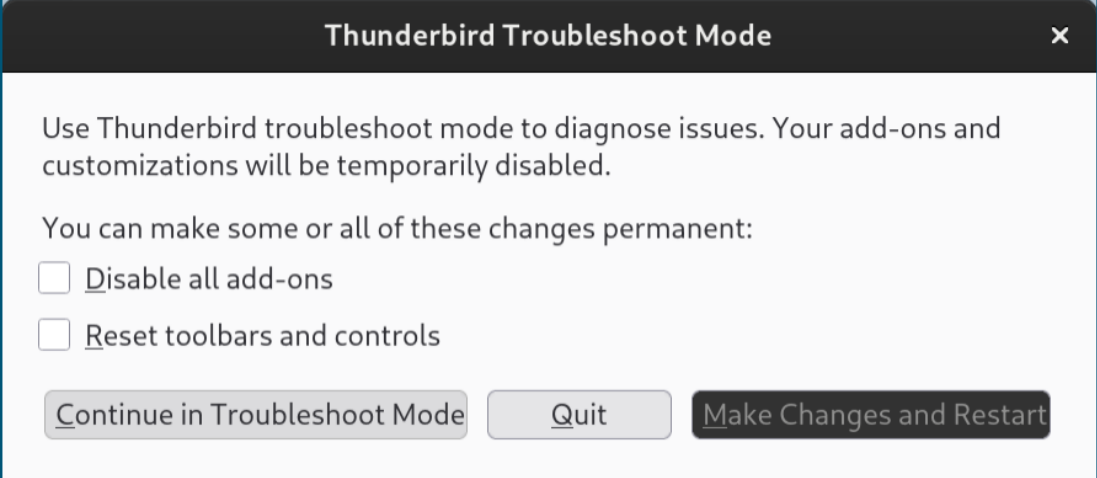
In this case, you'd be looking for an "Options" button, not "Preferences"... but you're missing that one, too! What happens when you restart Thunderbird in Troubleshooting Mode (see menu option <Help | Troubleshooting Mode>)? This will, among other things, temporarily disable all add-ons in case one of them is misbehaving.
The help article Remote Content in Messages describes and shows a screenshot of a "Preferences" button not an "Options" button, but yes I am missing any button at all.
I restart in Troubleshooting Mode (without ticking the boxes to make the changes permanent), but I still don't see any button/drop-down in the 'To protect your privacy...' banner. I still see the same thing as the first screenshot I uploaded.
I have tried re-installing Thunderbird but this has not helped.
Ändrad av sedation_fame329
What is your operating system?
What version of Thunderbird?
Have you made any non-standard interface tweaks by using a userChrome.css file?
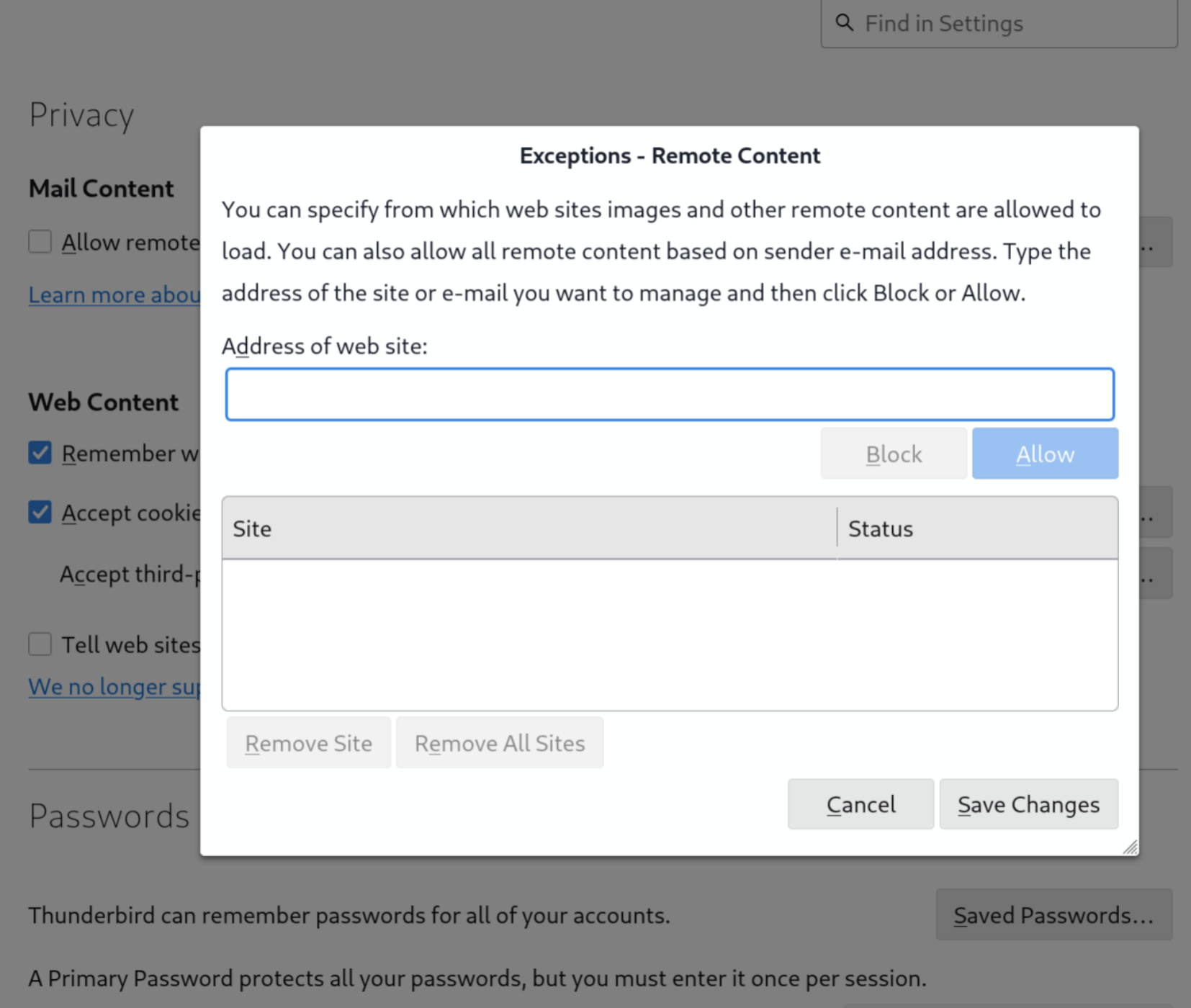
Check the setting <Settings | Privacy & Security | Privacy | Mail Content> - click the "Exceptions" button. Anything listed there?
Ändrad av Lin
Thunderbird 152.0 (64-bit) Mozilla Thunderbird for Arch Linux
I have not made any tweaks at all, nor installed any themes. I checked the directory just in case, and no userChrome.css exists.
I have no exceptions in my Mail Content setting, I just have Allow Remote Content off by default (as described in Remote Content in Messages)
Any ideas?
Well, I wasn't going to do it, but I gave in to curiosity and I installed Arch in Virtualbox, and it was a real chore. But at least I got Thunderbird 152.0 up and running, and I do get the yellow "Thunderbird has blocked remote content" banner, including the "Preferences" button.
I opted for the GNOME desktop environment. If you use something else, maybe that's where the problem lies. Otherwise, I'm out of ideas, sorry.