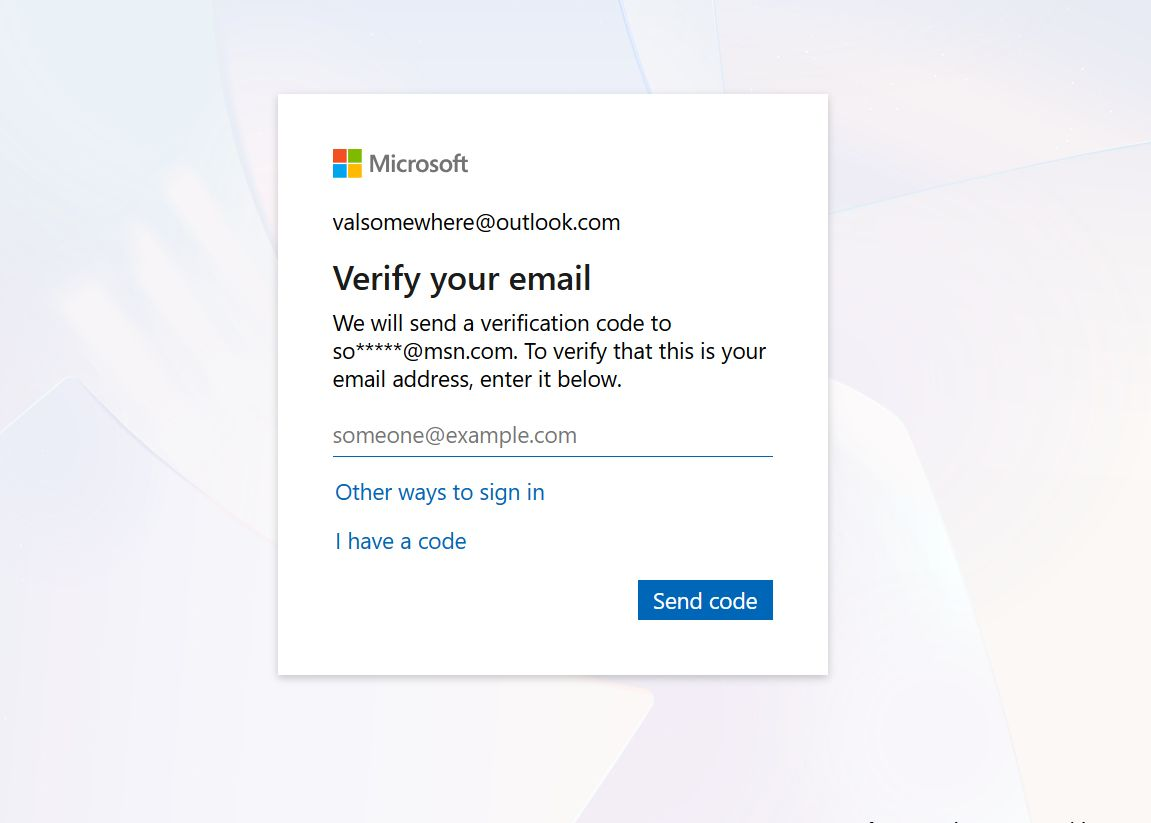
Need urgent help setting up problematic IMAP account Please?

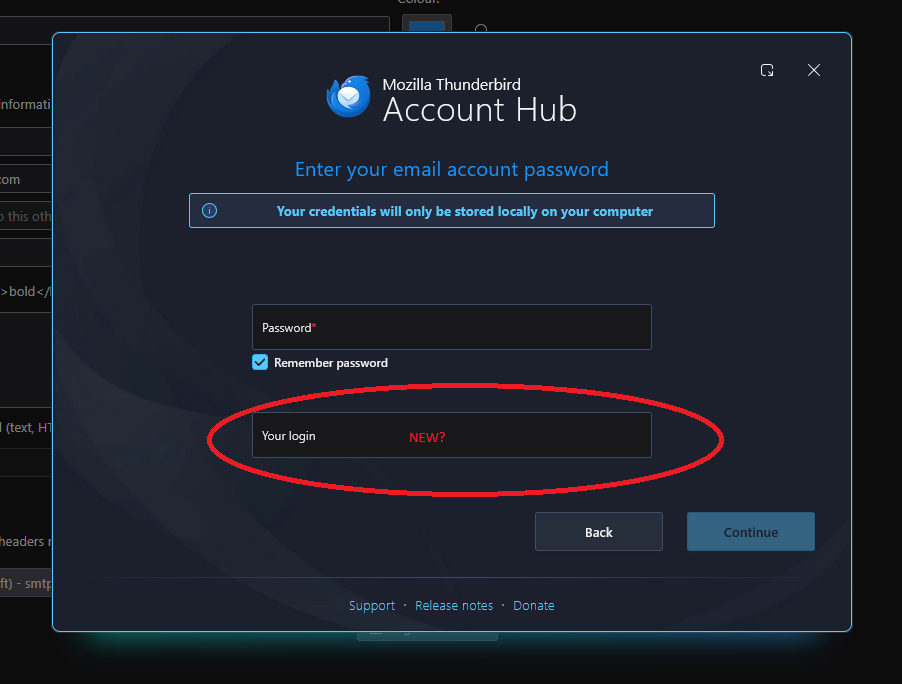
Trying to setup Thunderbird for wife’s new laptop… Her 4 separate email accounts with auto setup for the IMAP server info without issues. One account however will not – VERY frustrating as this works fine on her old laptop. Thunderbird setup now appears to have an extra (4th) field required when setting up the account: Usually, its just name, email address and password. I see there’s now an extra box titled ‘Your Login’ being required for auto login. I have no idea what this field should be set to. Also, when I attempt to do a manual setup for the account, the port numbers and server names shown on the internet are completely different to those used on auto, and still get rejected. Doesn’t help that MS trying (and succeeding) to confuse us with all this “Outlook vs Outlook Classic vs Outlook.com”. My wife is unable to continue her work until I get this sorted:-( PLEEEAAASE can someone help me setup this xxxxxxx@outlook.com email account in Thunderbird as an IMAP account?
Alla svar (7)
It may help to know with version of thunderbird you are using. Windows? Is the new account hub in settings>general on or off? Can you do a screenshot of first setup screen you see? Is this an exchange account? thank you.

Side note/data point... I noticed this same prompt when trying to set up an Outlook,com IMAP account. I, too, was confused about what they were asking for, especially since I had already been asked for and supplied my user ID (email address). I tried my email address again... and it failed. I gave up at that point, intending to revisit it some other day
It occurs to me that it maybe it wants my Windows logon name. I hesitate to give that to them. Also, I wonder if I need an 'app password' for this device. Microsoft's instructions are sketchy and in some places incomplete or wrong.
Thunderbird 150.x on Windows 10.
david said
It may help to know with version of thunderbird you are using. Windows? Is the new account hub in settings>general on or off? Can you do a screenshot of first setup screen you see? Is this an exchange account? thank you.
Yes i should have included that.. Windows 11 25H2 Thunderbird v150.0.2 (64-bit) It's a mail (IMAP) account
Ändrad av somewhere95
These are the screens presented when trying setup the account. What the heck is "Your Login" on the bottom field? Never seen that before. The PC is a Windows LOCAL account
If I manually enter all the server and security details listed online for the IMAP settings, I still an auth error! :-(
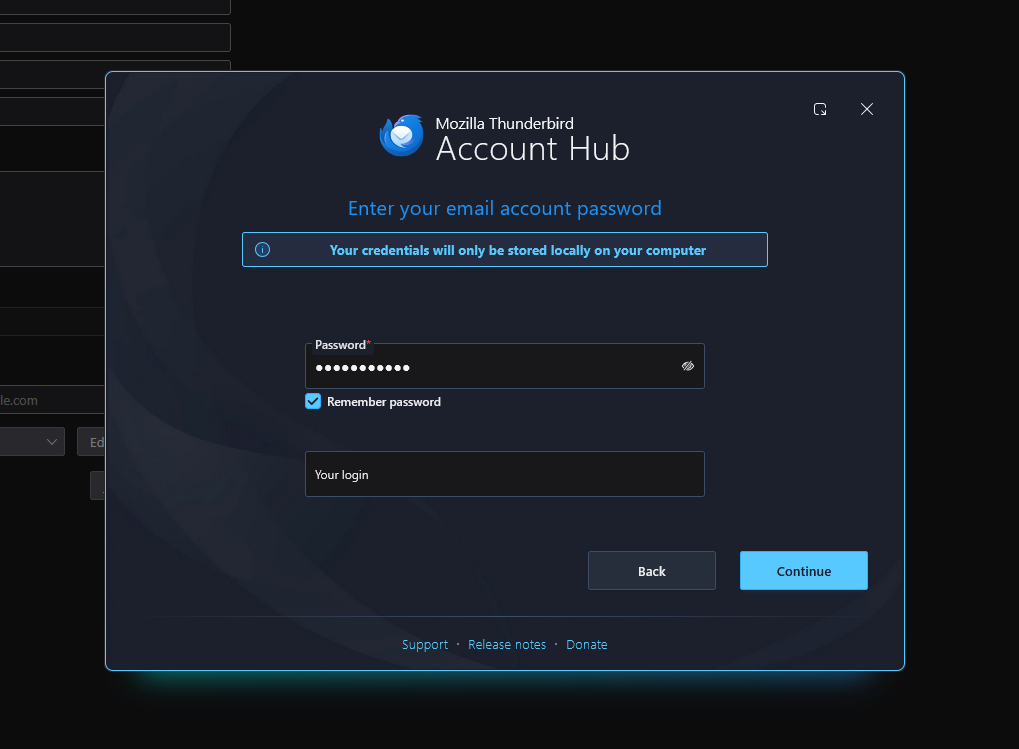
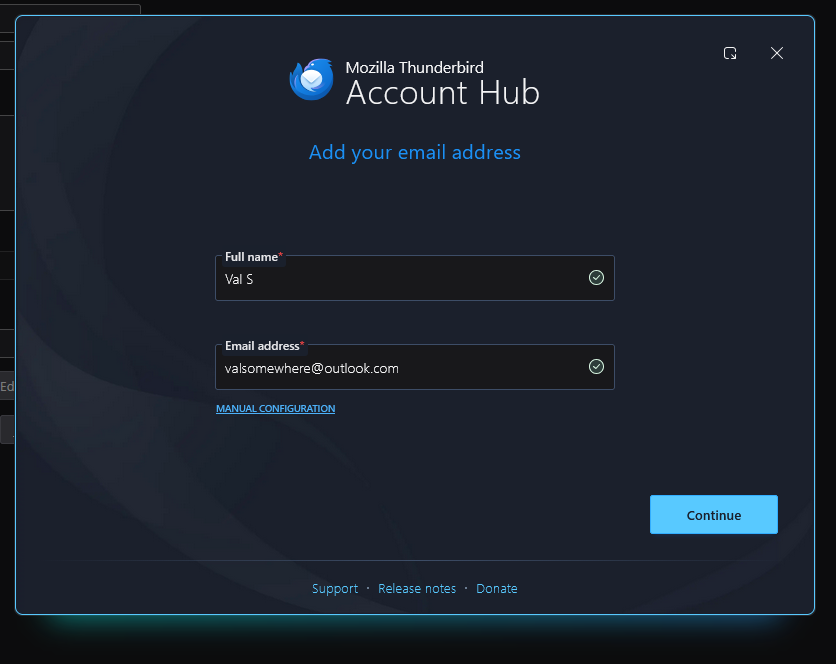
Ändrad av somewhere95
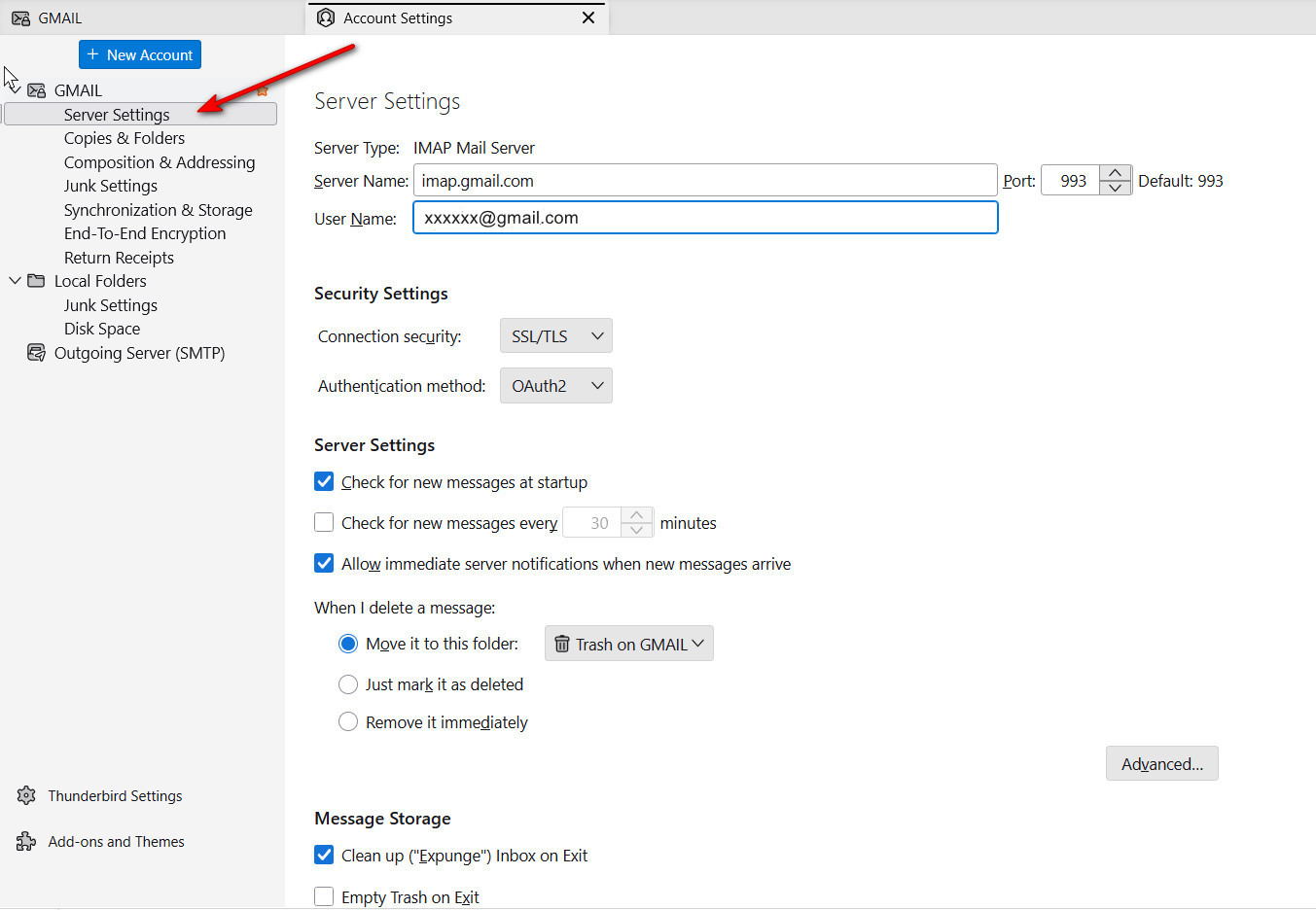
Please post a screenshot of the server setting pane for the account. I included a sample screenshot of one. If the error occurs during setup, then post a screenshot of the screen at the time the error happens. That may help so that we see exactly what you see. thank you
Thanks David, but I think maybe we're talking at cross purposses... I can't post the pic your requested, as Thunderbird isn't getting that far in the setup process. The image I posted earlier where it asks for 'User Login' come before any server setup.
I am trying to help, but when I enter the same information as you have on that screen and press 'continue, here is what I get. see screenshot. At some point an error message must appear. That is what is needed. I was a bit surprised to see that microsoft switched to an MSN.com email address. Maybe I am just not understanding everything.