


HTML Signatures

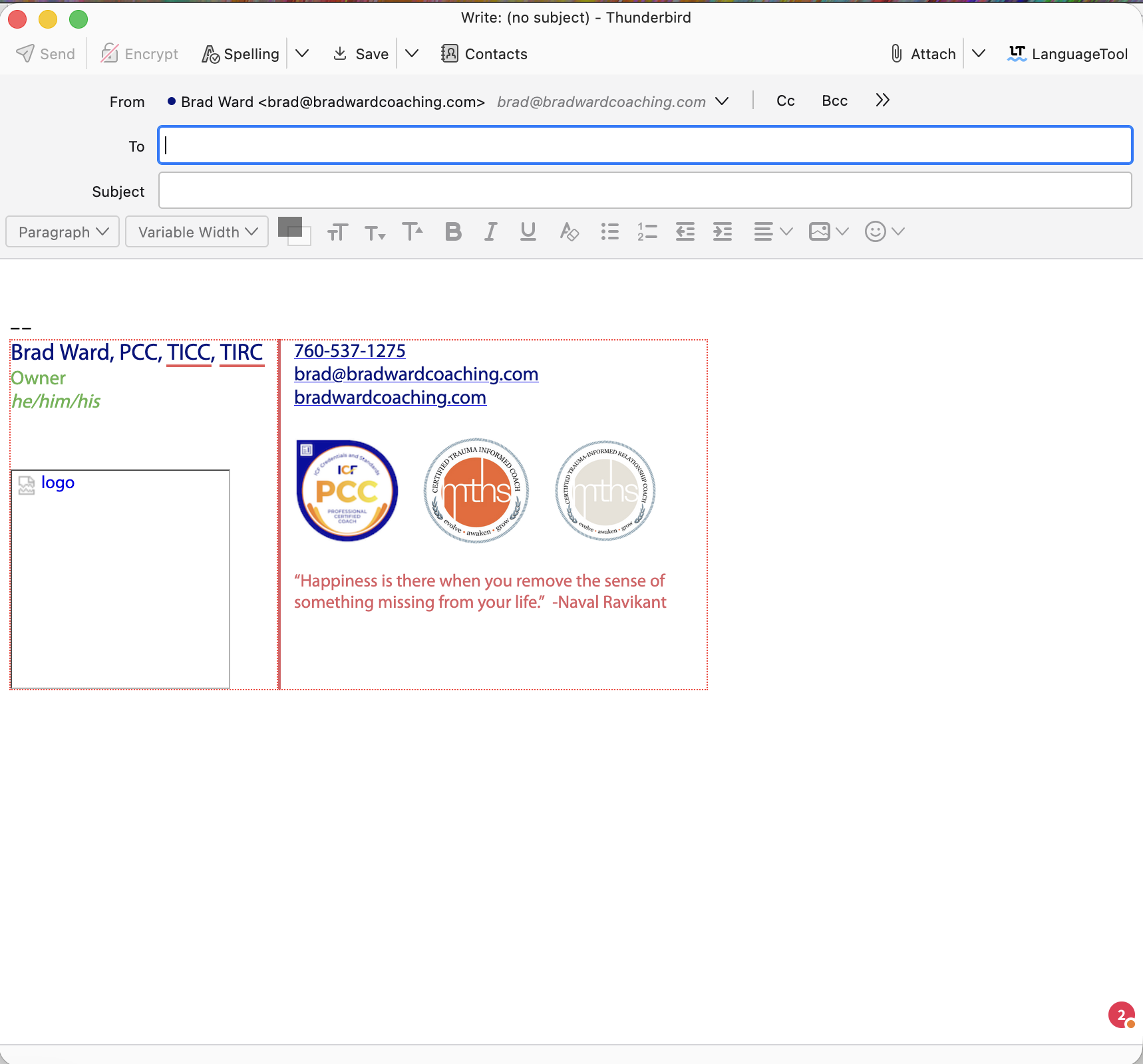
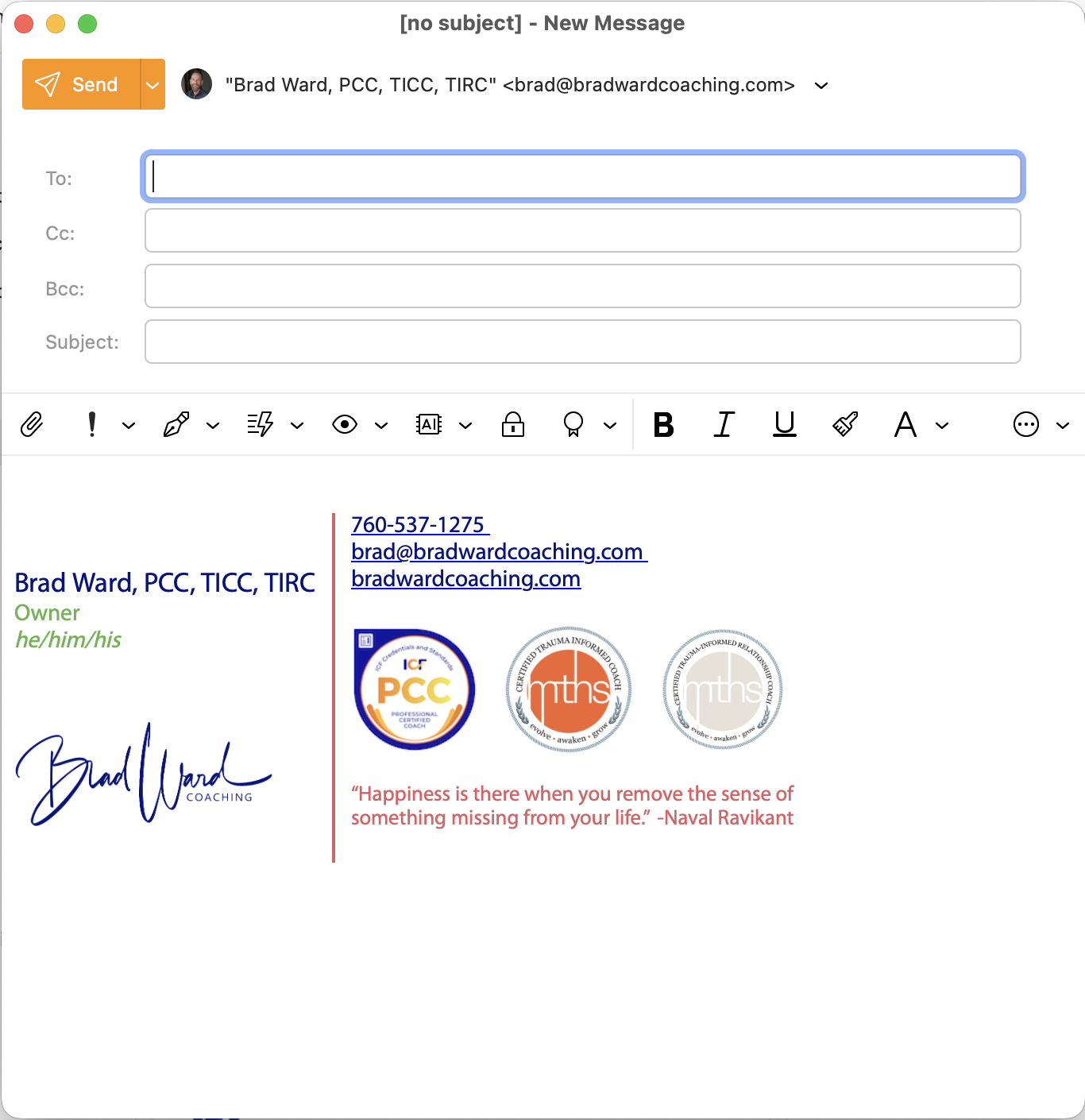
I'm having problems getting my signature to appear in Thunderbird as it does in my soon-to-be former email client. I've attached pics of the signature as it should appear and as it appears when imported to Thunderbird. I can edit the HTML code, but I'm not sure how to correct things like the image not importing when the link is correct and how to get rid of the dotted line border that shows up in Thunderbird when it does not appear in my current email client signature. I attempted to attach my HTML file, but cannot. I can post the code, if that would be beneficial. HELP!
I'm having problems getting my signature to appear in Thunderbird as it does in my soon-to-be former email client. I've attached pics of the signature as it should appear and as it appears when imported to Thunderbird. I can edit the HTML code, but I'm not sure how to correct things like the image not importing when the link is correct and how to get rid of the dotted line border that shows up in Thunderbird when it does not appear in my current email client signature. I attempted to attach my HTML file, but cannot. I can post the code, if that would be beneficial. HELP!
Alla svar (1)
- copy your HTML to windows clipboard
- Go to https://pastebin.com/
- paste in your content
- change the expiration from 'never' to 21 days
- click the 'create new paste' button and a URL will be created for you
- copy that generated URL and paste into a reply this post
OR, do a screenshot of the HTML such that the HTML can be easily read.