


Enable JavaScript iOS

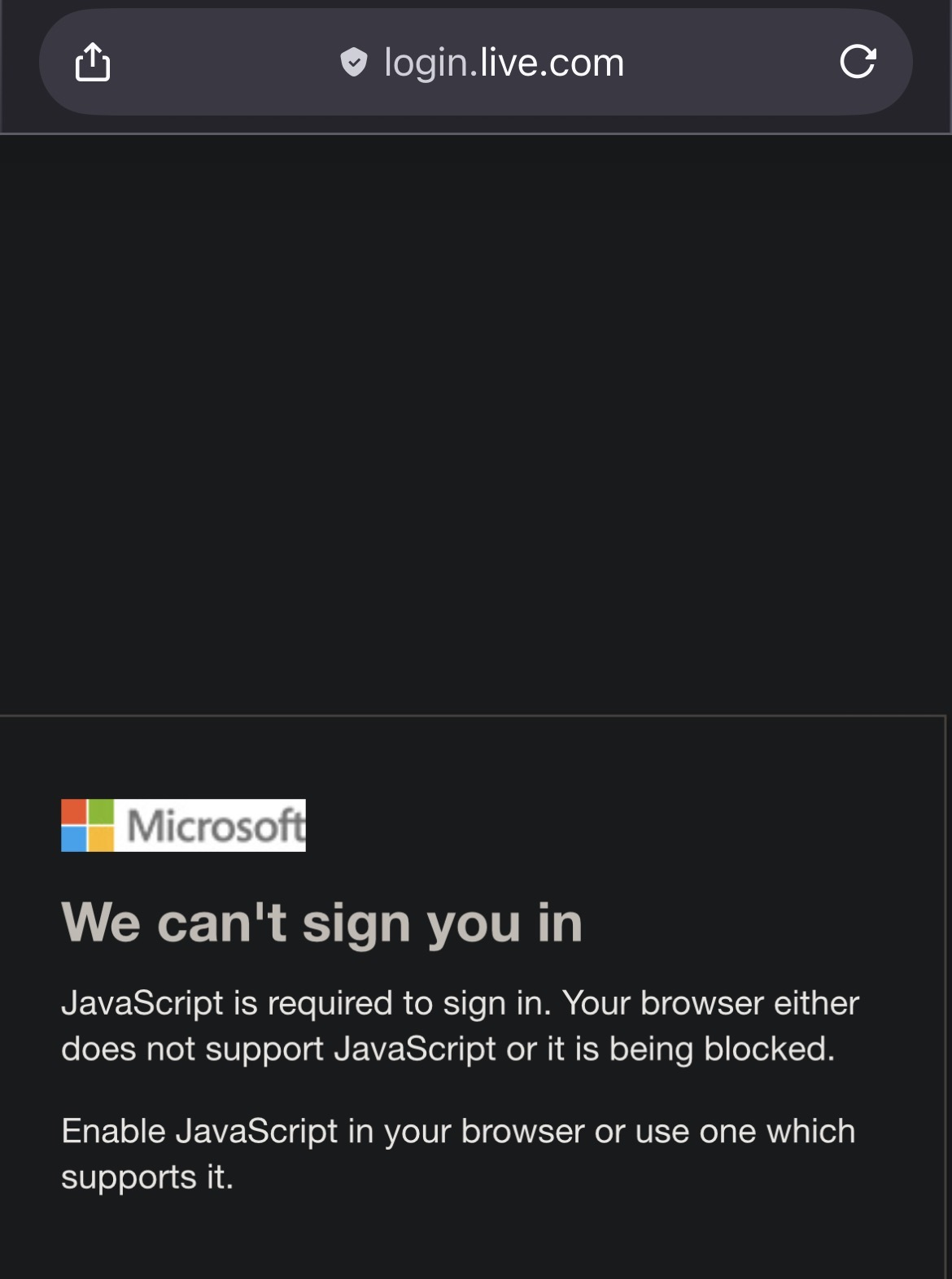
I'm trying to access Microsoft login page using Firefox as my default browser on iOS. This isn't possible until I enable JavaScript but where do I do this?
I've tried about:config however the search engine, DuckDuckGo, kicks in and does a search for " about:config"
Alla svar (1)
Hi Jonathan Muller
The system JavaScript setting for all browsers is managed through your iPhone's main Settings app, not within the Firefox app itself.
You'll need to enable it there:
Go to your iPhone's Settings app .
Scroll down and tap on Safari or Firefox.
Tap on Advanced.
Find the JavaScript toggle and make sure it is switched On.
Since Firefox on iOS uses the same engine, toggling this option in Safari's settings should enable JavaScript for Firefox and any other browser you use on your iPhone!
Maybe that solve your Microsoft login issue.