

Windows 10 reached EOS (end of support) on October 14, 2025. If you are on Windows 10, see this article.

Sök i support

Akta dig för supportbedrägerier: Vi kommer aldrig att be dig att ringa eller skicka ett sms till ett telefonnummer eller dela personlig information. Rapportera misstänkt aktivitet med alternativet "Rapportera missbruk".

Läs mer
Denna tråd har arkiverats. Ställ en ny fråga om du behöver hjälp.
Löst Arkiverad

No Ready To Scan Button

daniel.bondoroi

Hello.

Please help me with the following, highly annoying issue. I just changed laptops and signed in to Firefox with my Mozilla account on the new device. Unfortunately the bookmarks and passwords were not updated so I can't see them.

I thought I'll sync the windows app with the android app that I have on my phone and where I have and can see all the saved passwords.

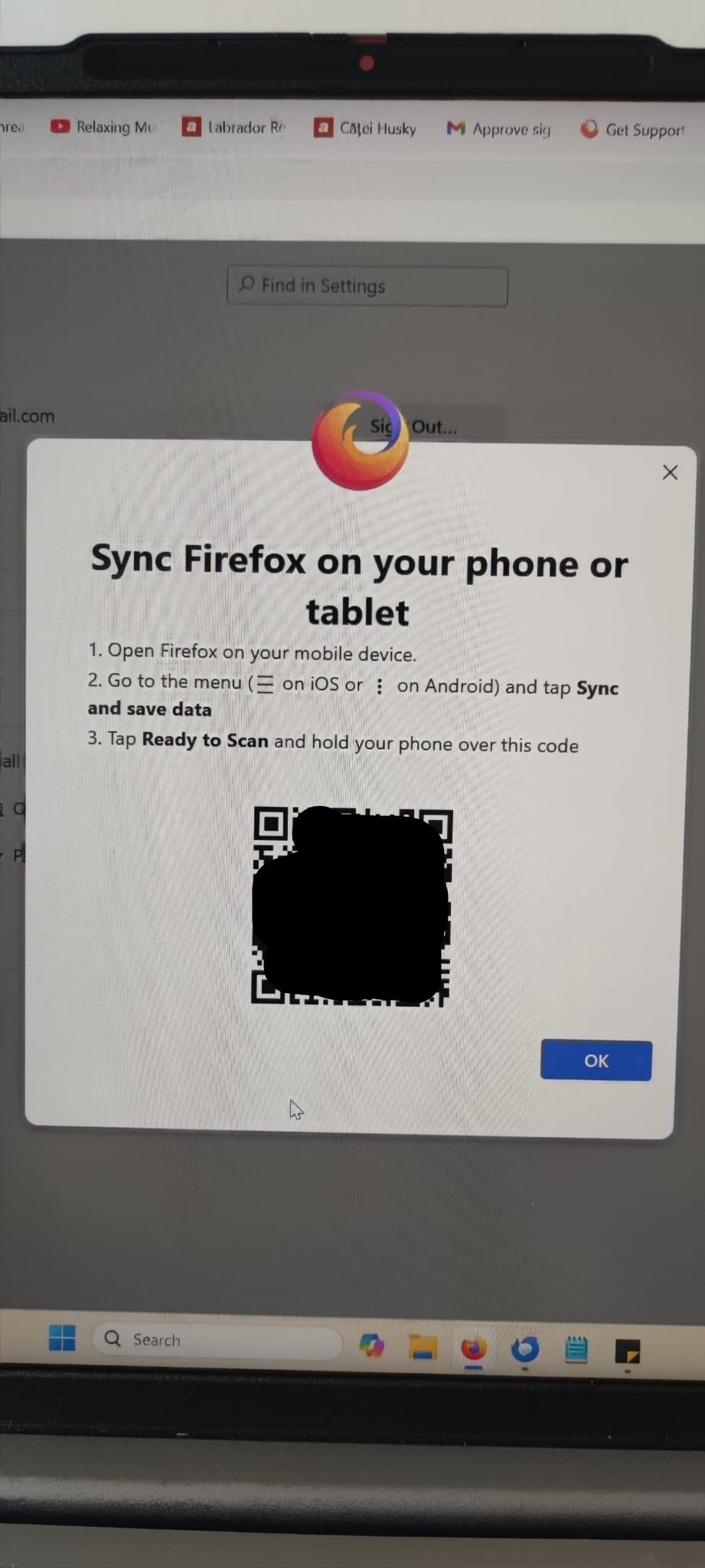
I followed the instructions on how to connect another device that say to open the Android app, go to syncing and tap the ready to scan button to read the QR code. The problem: there is no Tap Ready To Scan button on my phone! I looked for it everywhere and it just isn't there. Please see the attached images.

All I want is to import the passwords and bookmarks from my phone to my laptop. Please help me.

Looking forward to your reply. Daniel B.
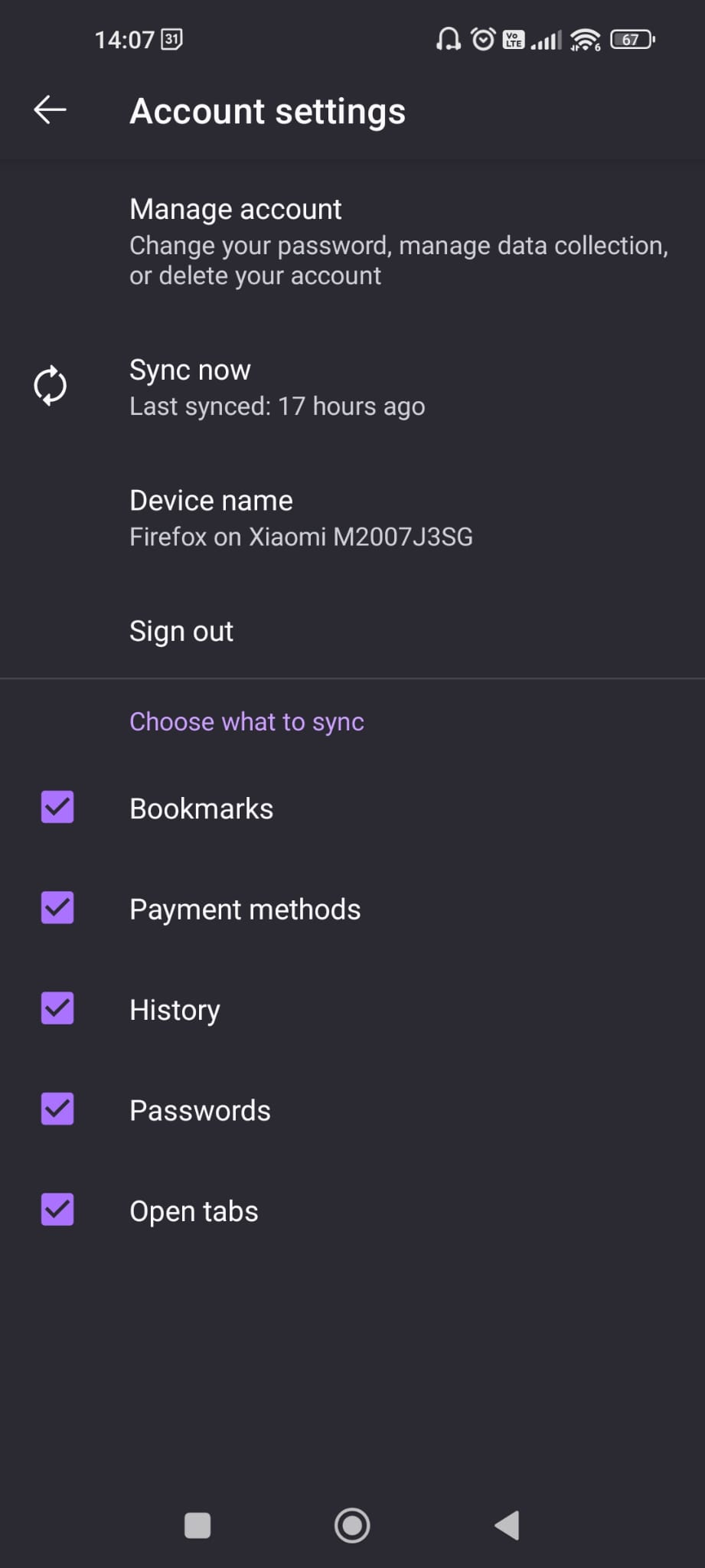
Hello. Please help me with the following, highly annoying issue. I just changed laptops and signed in to Firefox with my Mozilla account on the new device. Unfortunately the bookmarks and passwords were not updated so I can't see them. I thought I'll sync the windows app with the android app that I have on my phone and where I have and can see all the saved passwords. I followed the instructions on how to connect another device that say to open the Android app, go to syncing and tap the ready to scan button to read the QR code. The problem: there is no Tap Ready To Scan button on my phone! I looked for it everywhere and it just isn't there. Please see the attached images. All I want is to import the passwords and bookmarks from my phone to my laptop. Please help me. Looking forward to your reply. Daniel B.
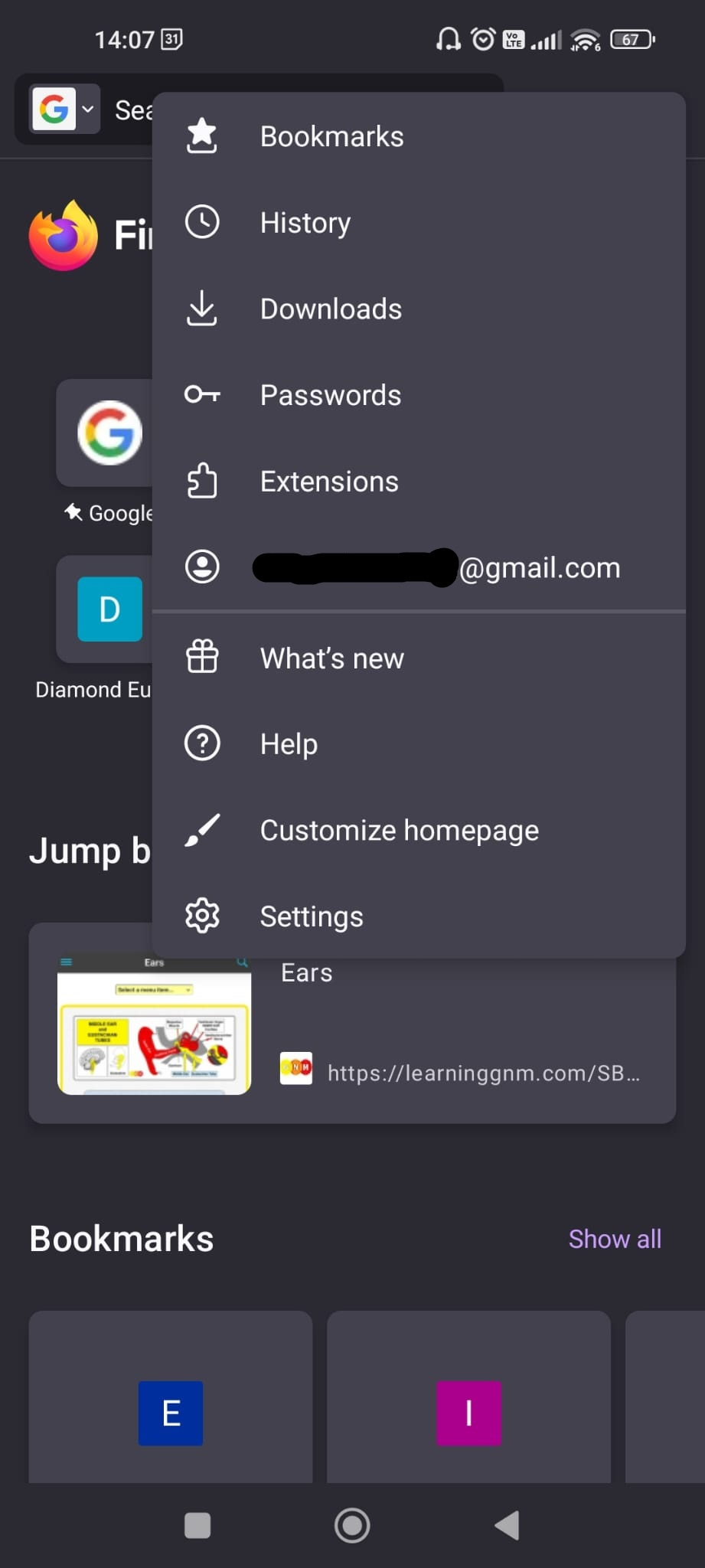
Bifogade skärmdumpar

Alla svar (2)

I checked if my Android is up to date and it is. My laptops runs on win 11. I saw now in the community that others are facing the same issue.
Vald lösning

It seems that it somehow synced by itself and now everything is alright.