


Thunderbird 128: Message body color

Dear all, Regardless of the theme in Thunderbird I choose, whenever I open a message the background color of the messages is light yellow, what is quite awful and often prevents some message from been read because of the lack of contrast.
I can't find a way to change that. Is there a way to change that, for instance by editing the contents of the XPI of the theme I use?
What should be the CSS code used for that?
thanks a ton for you attention!,
best
Alla svar (2)
Vald lösning
My settings in Settings/General/Lang. & Appearance, Colours, are shown in the first picture. I can make the message body background yellow by changing to the second picture. While it's possible to use css to change the colours, I suggest first trying to do this with the Colours options.
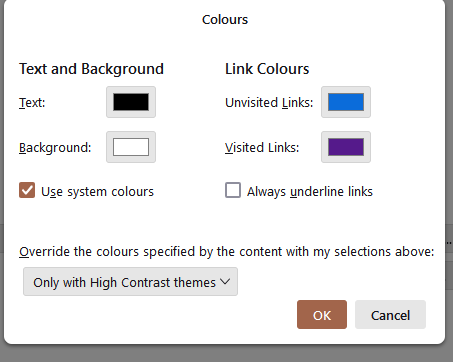
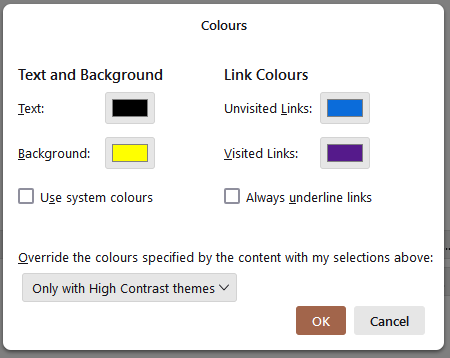
Thank a lot! By clicking Colors button there, selecting new colors and restarting Thunderbird the problem was solved!