


Windows 10 reached EOS (end of support) on October 14, 2025. For more information, see this article.

Sök i support

Akta dig för supportbedrägerier: Vi kommer aldrig att be dig att ringa eller skicka ett sms till ett telefonnummer eller dela personlig information. Rapportera misstänkt aktivitet med alternativet "Rapportera missbruk".

Läs mer

OAuth sign in failed (Gmail)

  • 3 svar
  • 1 har detta problem
  • 177 visningar
  • Senaste svar av purchase20

fler alternativ

One Gmail account imported all of the settings, including the Inbox. The other Gmail account recieves this:

Please sign in We'll redirect you to your email provider to sign in. You need to grant the app access to your email account.

Sign in with Google

Then the following error, as it won't open to Google to confirm (it did with the other account)

Please sign in Oauth sign in failed OAuth 2.0 is currently not supported with this provider Retry

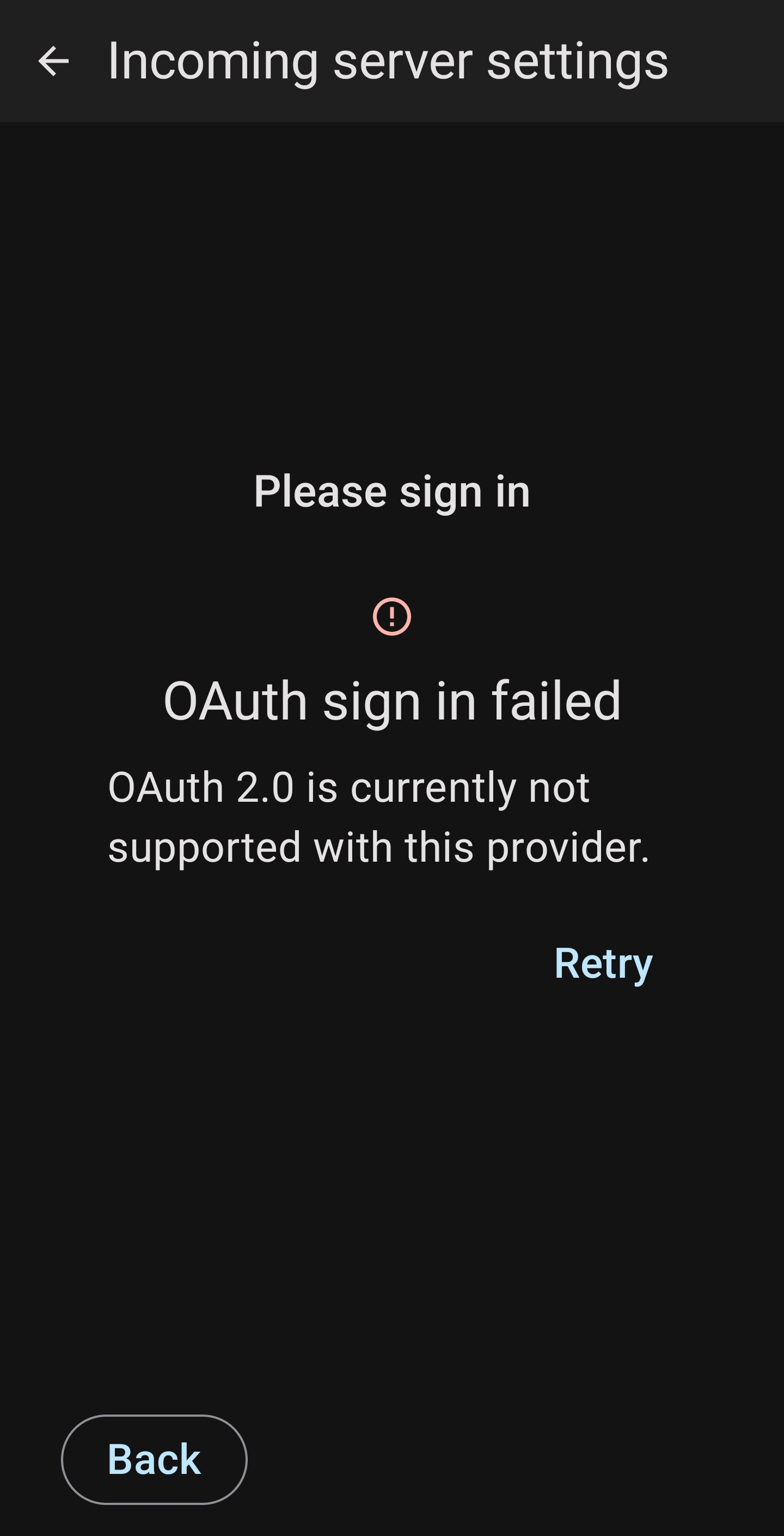
One Gmail account imported all of the settings, including the Inbox. The other Gmail account recieves this: Please sign in We'll redirect you to your email provider to sign in. You need to grant the app access to your email account. Sign in with Google Then the following error, as it won't open to Google to confirm (it did with the other account) Please sign in Oauth sign in failed OAuth 2.0 is currently not supported with this provider Retry
Bifogade skärmdumpar

Vald lösning

RESOLVED

Deleted the imported account that failed.

Added a NEW account.

Issue resolved.

Läs svaret i sitt sammanhang 👍 0

Alla svar (3)

fler alternativ

I changed the incoming settings to the same as the gmail account that works, then Gmail sign in popped up and requested to allow access. However, I recieved a further error (screenshot attached)

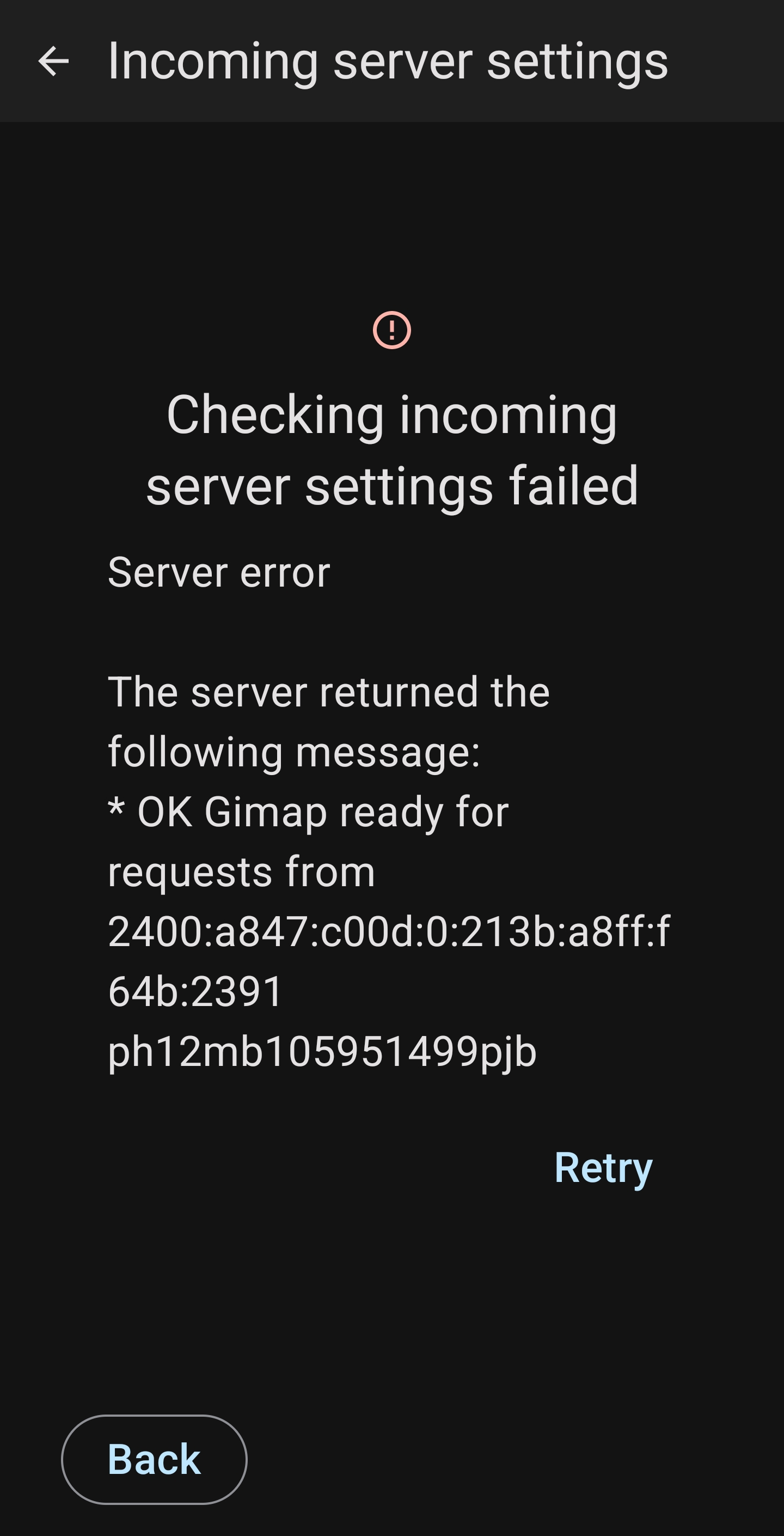
Ändrad av blackspear1

fler alternativ

Vald lösning

RESOLVED

Deleted the imported account that failed.

Added a NEW account.

Issue resolved.

fler alternativ

Thanks, worked for me also.