


UNABLE TO CONNECT TO MAIL SERVER

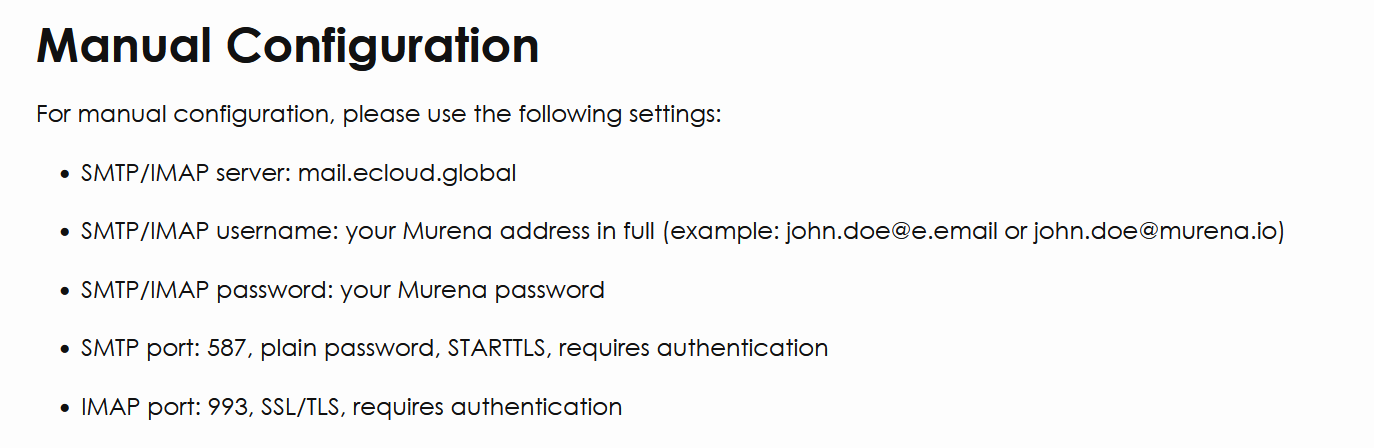
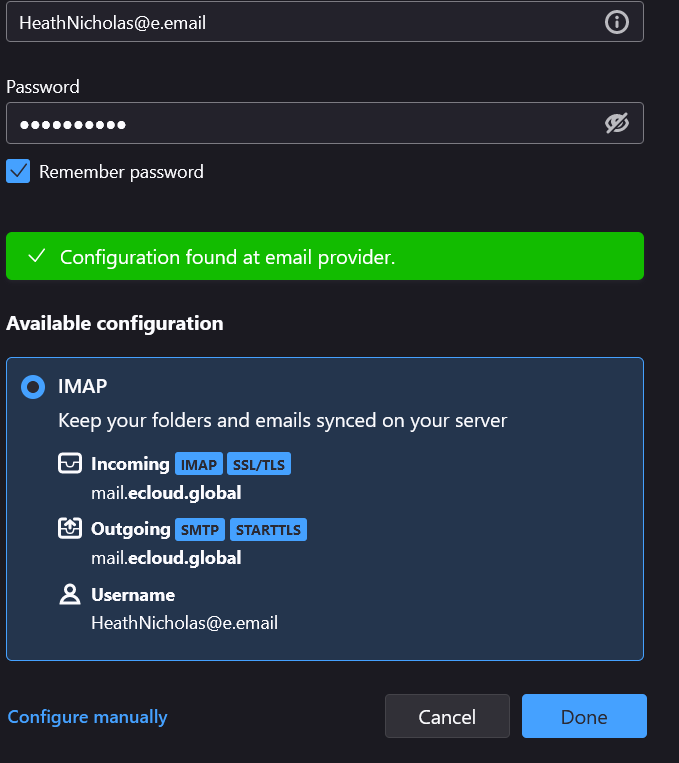
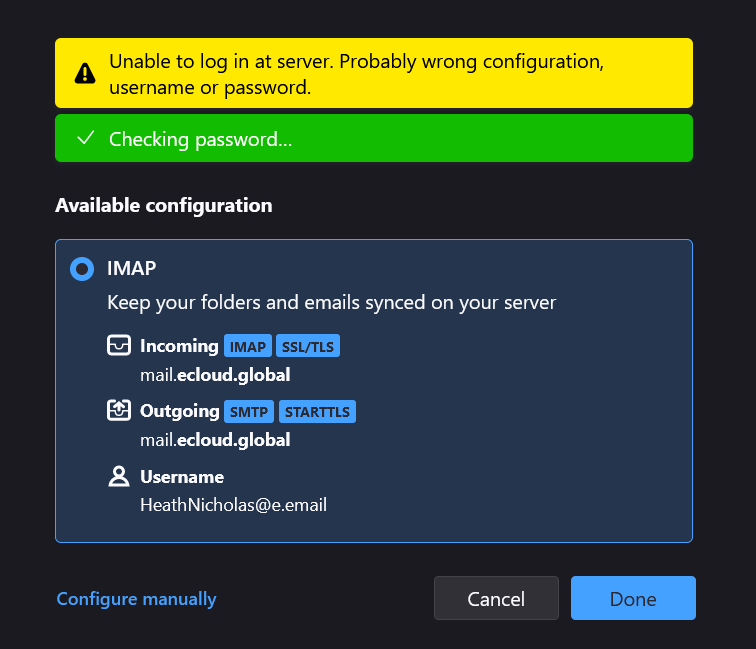
I have tried aimlessly to setup my email account from a 3rd party email service provider, but when I try to connect it will not connect. I have followed the email providers instructions & SMTP/IMAP settings. The email provider is Murena.io. When I enter the initial settings, I get a Successful message, "Configuration found at email provider". However when I try to connect I receive an error message, "Unable to log in at server, probably wrong configuration username or password. I am sure it is in the Configuration Settings where the problem lies, but I am following the provider's instructions with no luck.
I have attached screenshots of the providers instructions as well as the above mentioned error messages.
PLEASE HELP
Heath
Alla svar (1)
Disable your email antivirus scanner and watch things get moving. (I hope)
Thunderbird is reaching out an getting the settings, that indicates there is no firewall issue, or if there is it is port specific. This can be the case, but rarely on consumer equipment. That it then can not log in using the setting it found usually indicates an antivirus scanning email, or encrypted connections, being a fly in the ointment.
Unfortunately most of the current crop of anti virus product are less than conducive to doing anything but browsing the web