


Can't access any website with firefox nightly after socks configuration

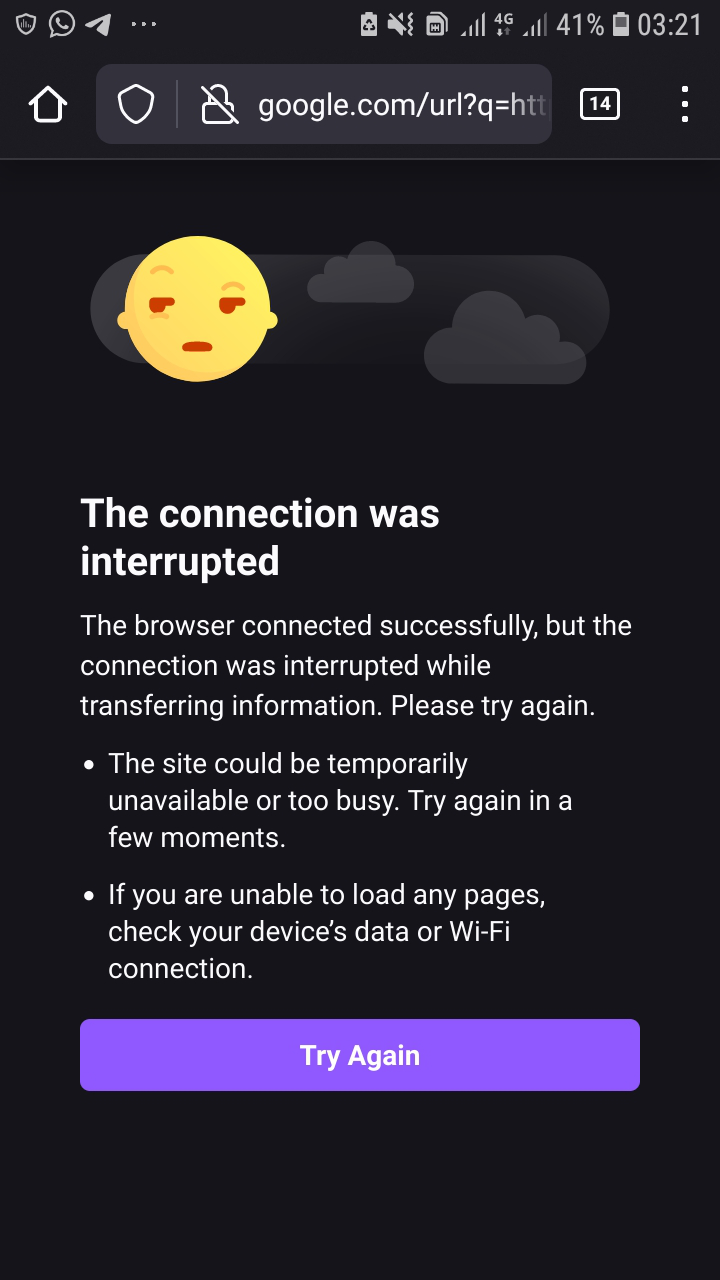
I tried setting socks 5 configuration with my firefox nightly browser on my Samsung j5 prime android phone which was successful based on the error message my browser displayed. After that I couldn't use the configurations for browsing the internet. I don't have any ads on installed like ads guard or any other installations and settings since I recently started using firefox browser.
Alla svar (6)
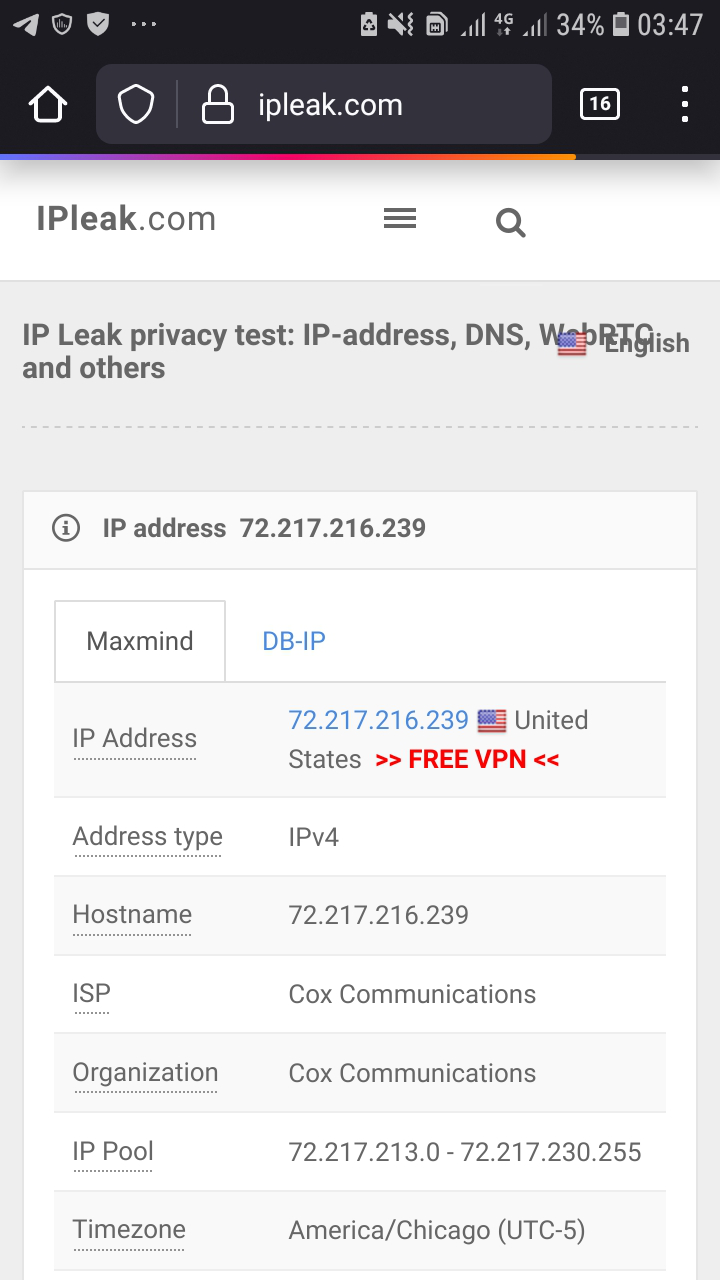
To my greatest surprise I was able to visit ipleak.com website
Hi
I am guessing that you have made changes to about:config?
With the move to GeckView as the underlying engine in Firefox for Android, some settings are baked in when the app is built and as a result the about:config settings may not have the desired effect.
Don't have any idea of any of the changes you said but I could I fix it if you were right... Thanks for replying
How were you trying to set Socks 5 in Firefox for Android?
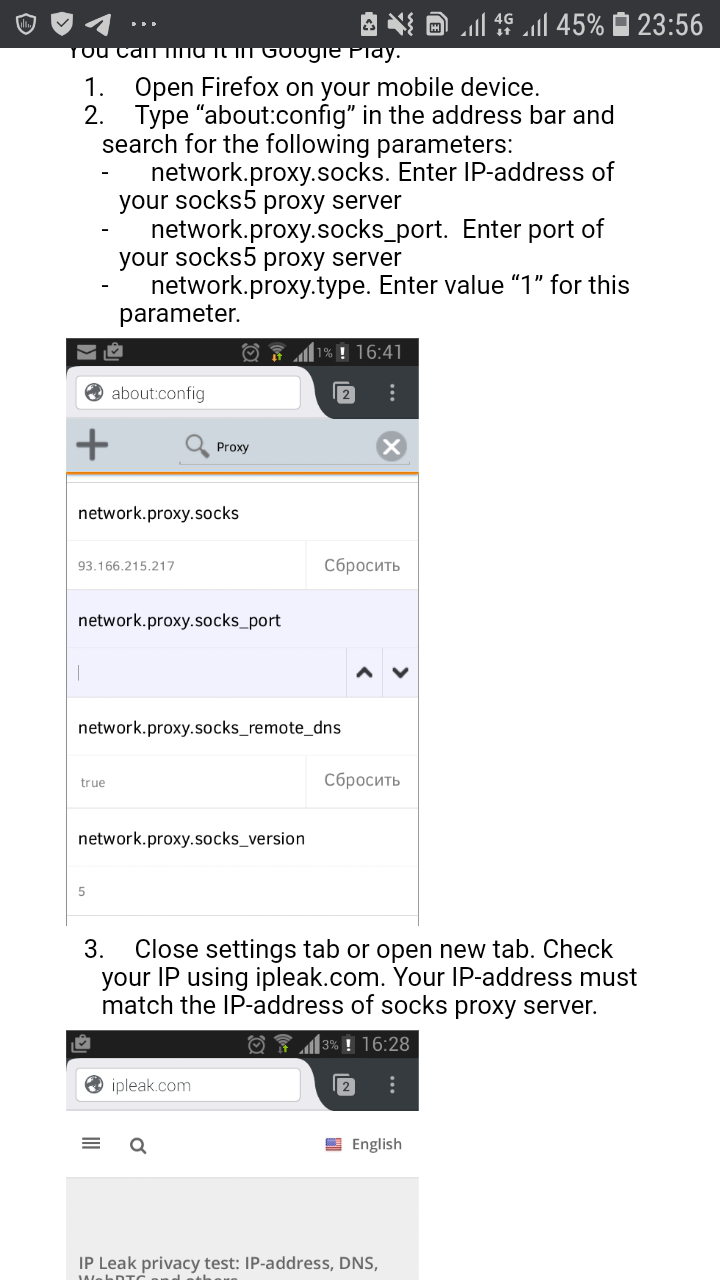
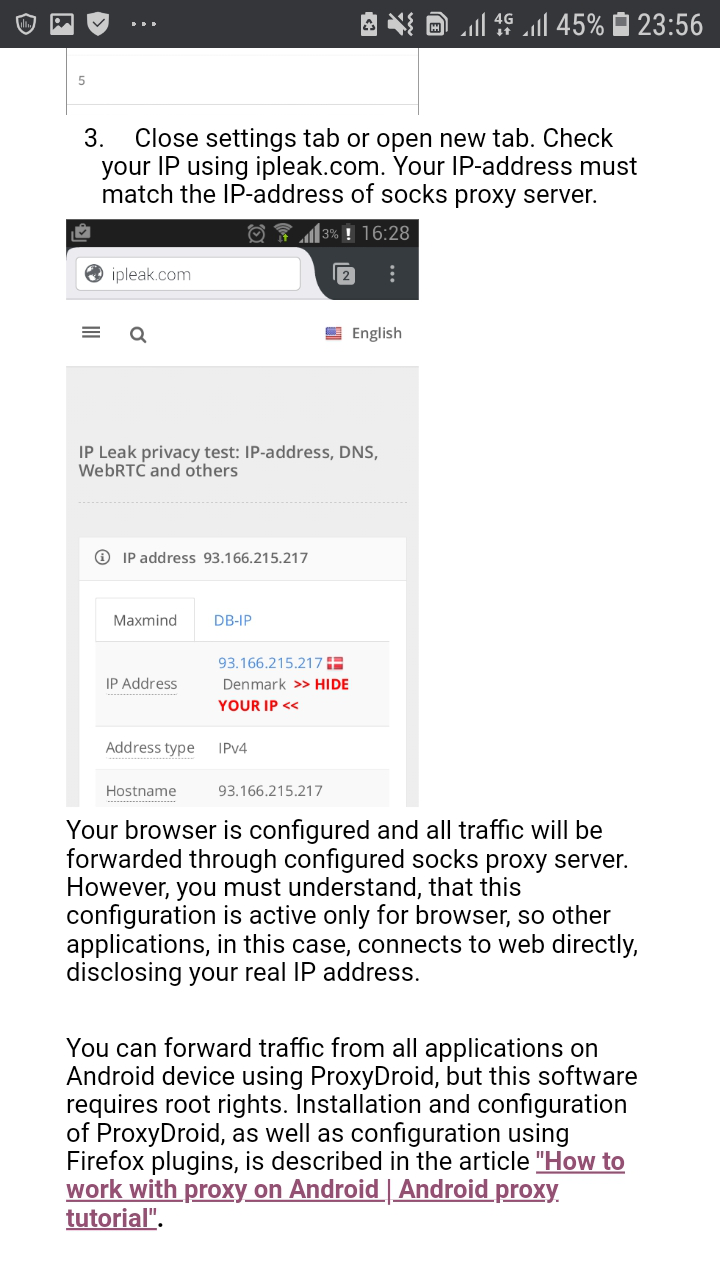
I'm sorry for late reply... I followed those procedures I screenshoted from the website. I'm looking forward for solutions to my socks 5 configuration errors...
Did you using a proxy?