


Remove thin border from browser window (only there when not in full screen)?

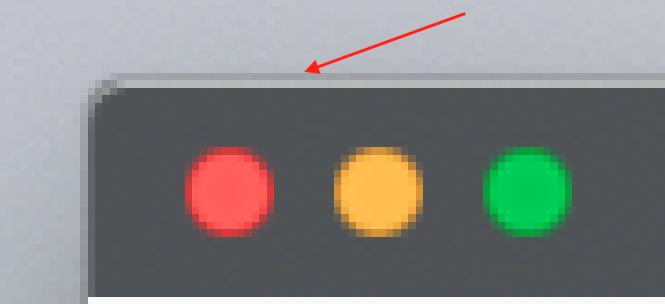
There is a thin border around the Firefox browser when it is not in full screen mode.
It disappears in full screen mode.
Is there a way to remove this border without having to use the browser in full screen?
Pictures attached.


Alla svar (3)

That is probably a feature of your window manager.
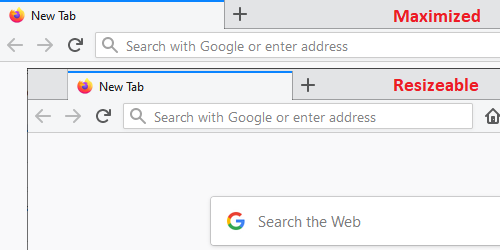
Here is Windows for comparison. I don't know whether userChrome.css rules can remove the border, or whether it is between Firefox and the OS.

(Also, I don't know how to spell resizable without a spell-checker.)
Thanks for the help! It may well be a feature of the Mac window manager (using MacOS Catalina).
It just seems especially prominent with Firefox? Especially with certain themes, such as the popular "Matte Black (Red) by Elijah Lopez" (picture attached).
Is there maybe a way to change the colour of the window border so that it blends in better?
