Windows 10 reached EOS (end of support) on October 14, 2025. If you are on Windows 10, see this article.

Sök i support

Akta dig för supportbedrägerier: Vi kommer aldrig att be dig att ringa eller skicka ett sms till ett telefonnummer eller dela personlig information. Rapportera misstänkt aktivitet med alternativet "Rapportera missbruk".

Läs mer
Denna tråd har arkiverats. Ställ en ny fråga om du behöver hjälp.
Arkiverad

Google messages website blank page

mrvelous1

I have an Ubuntu desktop and I am trying to switch my browsing from Chrome to Firefox but cannot load the website "https://messages.google.com". This is actually a NEW install of Ubuntu Desktop 20.0.4 which had Firefox 86.0.1 64-bit pre-installed.

I have been using the Google Messages app via the computer successfully for YEARS on current versions of Chrome on Ubuntu (and it still works today). I have cleared Firefox cache and all data multiple times. I have restarted the browser multiple times. I have tried to hit the website in standard and private mode. No luck.

If I hit https://messages.google.com/ I get the pretty page with icons then click "messages for web" link in the right corner which redirects me to "https://messages.google.com/web/authentication" and I get a blank white page that never changes. Ever. With Chrome the next thing I would see is a QR code to scan with the phone app ... then it works. Nothing with Firefox.

I have an Ubuntu desktop and I am trying to switch my browsing from Chrome to Firefox but cannot load the website "https://messages.google.com". This is actually a NEW install of Ubuntu Desktop 20.0.4 which had Firefox 86.0.1 64-bit pre-installed. I have been using the Google Messages app via the computer successfully for YEARS on current versions of Chrome on Ubuntu (and it still works today). I have cleared Firefox cache and all data multiple times. I have restarted the browser multiple times. I have tried to hit the website in standard and private mode. No luck. If I hit https://messages.google.com/ I get the pretty page with icons then click "messages for web" link in the right corner which redirects me to "https://messages.google.com/web/authentication" and I get a blank white page that never changes. Ever. With Chrome the next thing I would see is a QR code to scan with the phone app ... then it works. Nothing with Firefox.

Alla svar (1)

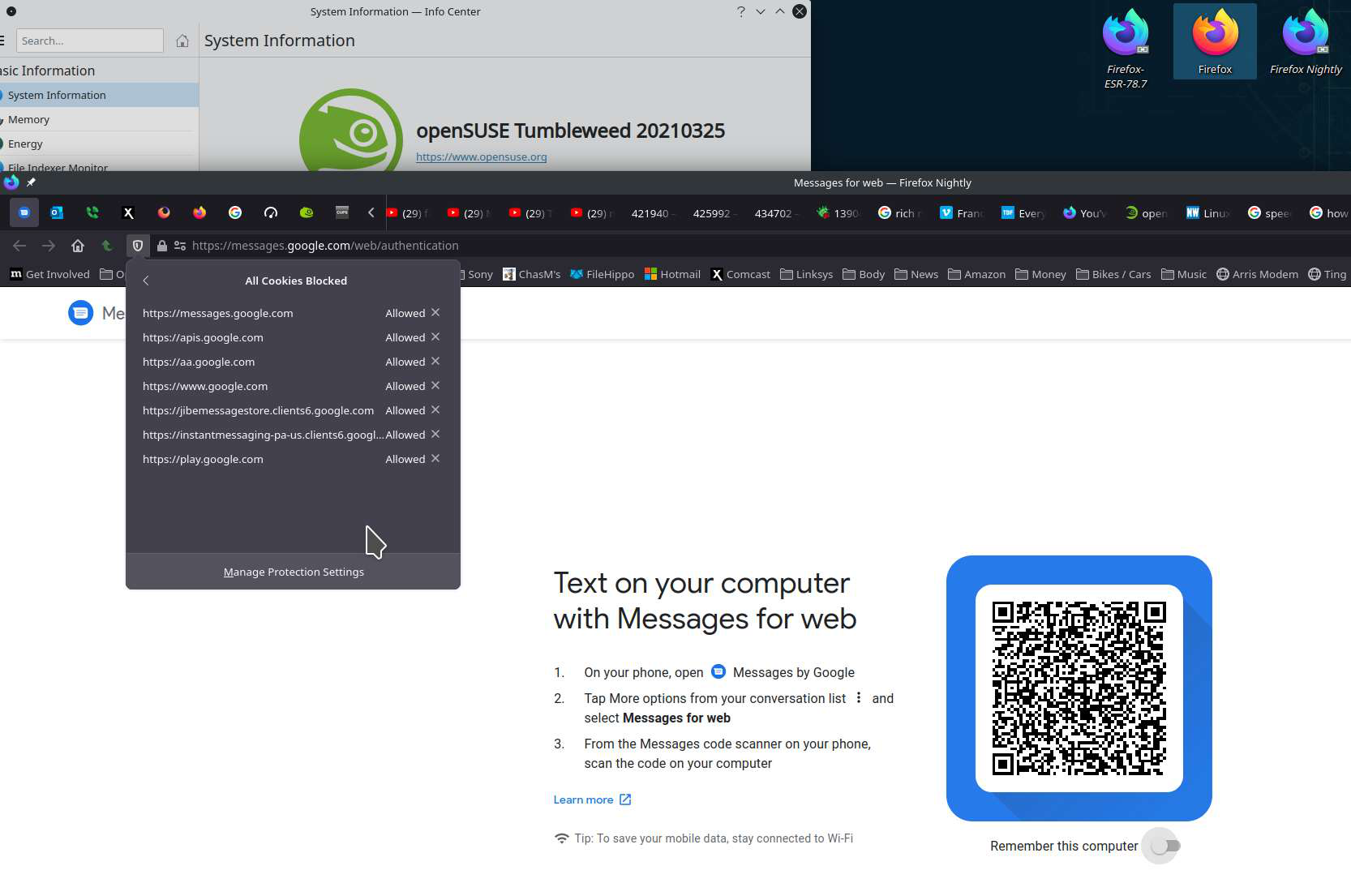
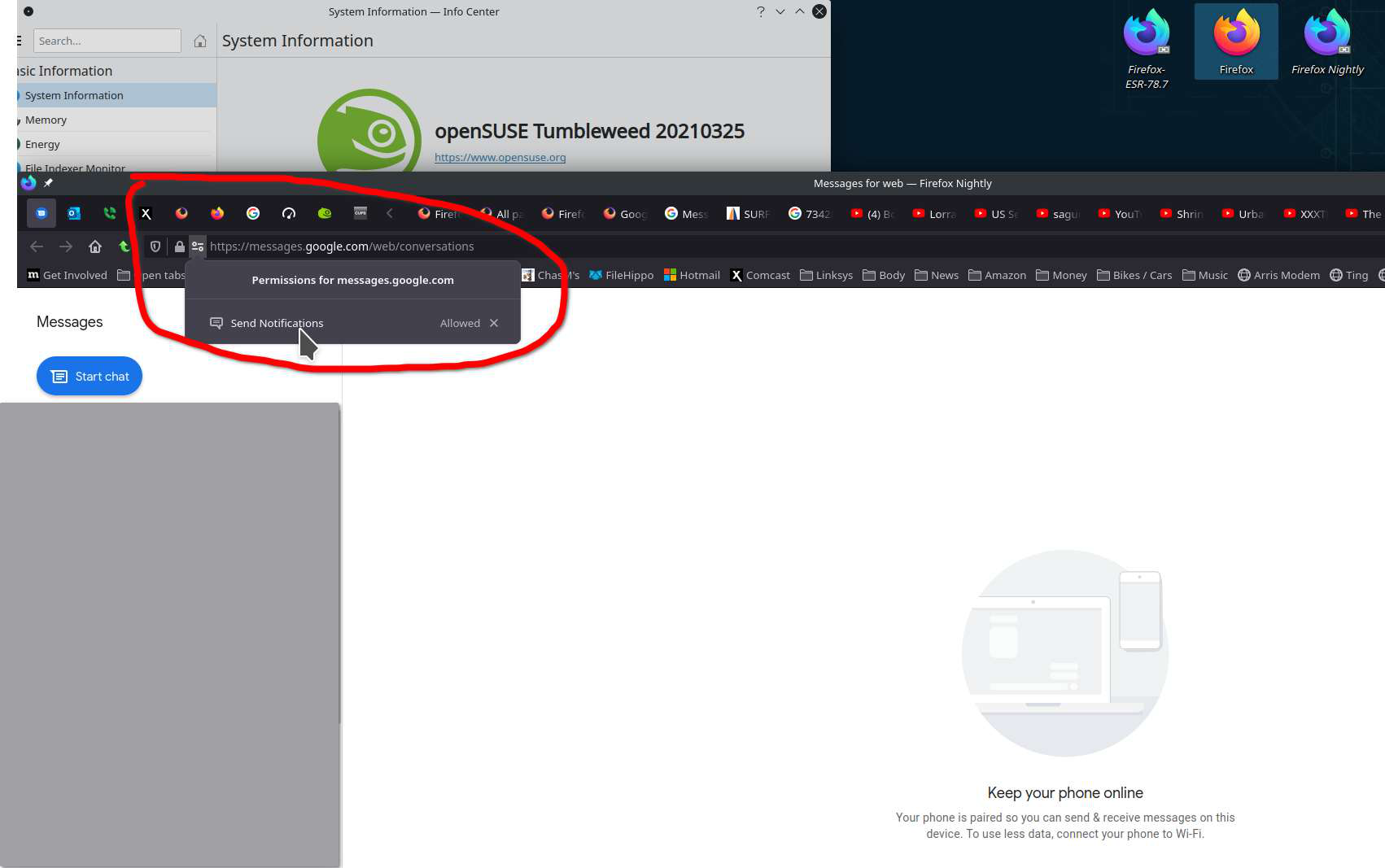
Can you click here to see if anything is being blocked. see screenshots Did you try in safe mode?