


full screen and time out listening to streaming podcasts
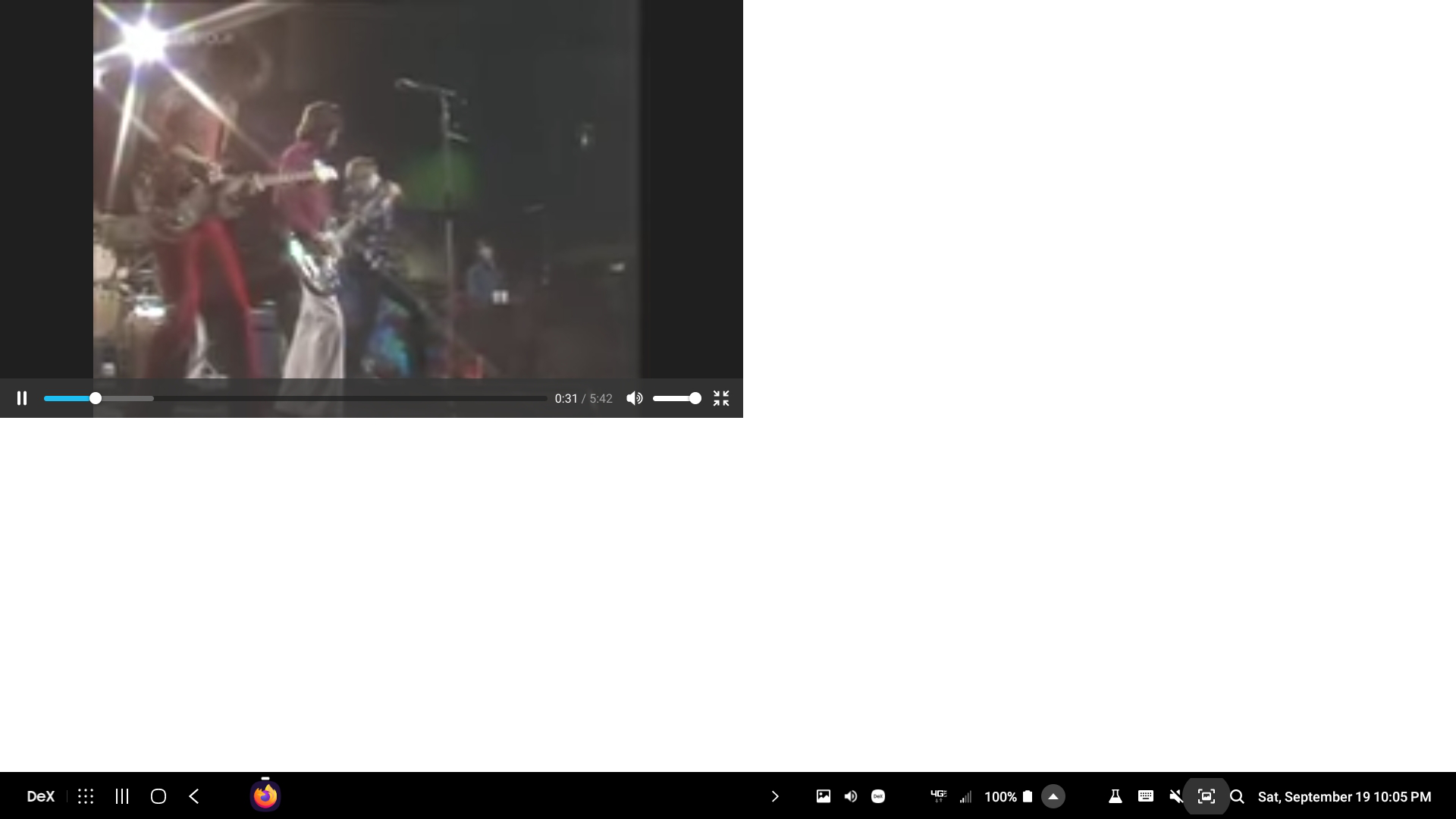
- youtube mobile view (not the app) full screen is not loading correctly , its to the right and off screen using phone hand held and up and to the right on Dex App (pic shown).
- listening to streaming podcasts with andriod phone , stops streaming as phone goes into screen saver.
Ive never had these issues prior to newest update. Also no issues with my samsung internet browser which is slowly becoming my default and prefered app. This happens using both phone hand held or Dex App mode.
Alla svar (3)
Hi
I think that previously you may have been using an add-on that keeps the media content playing when the screen is inactive.
This is something that our developers are currently working on and we hope to make available in a future update.
Vald lösning
As of 9/22/20 this issue has been corrected with recent update android firefox mobile 81.1.1 I will leave 5 star rating. Thank you !
Hello,
I am glad to hear that your problem has been resolved. If you haven't already, please select the answer that solves the problem. This will help other users with similar problems find the solution.
Thank you for contacting Mozilla Support.
Ändrad av Paul