

Denna tråd har arkiverats.
Ställ en ny fråga om du behöver hjälp.

Arkiverad
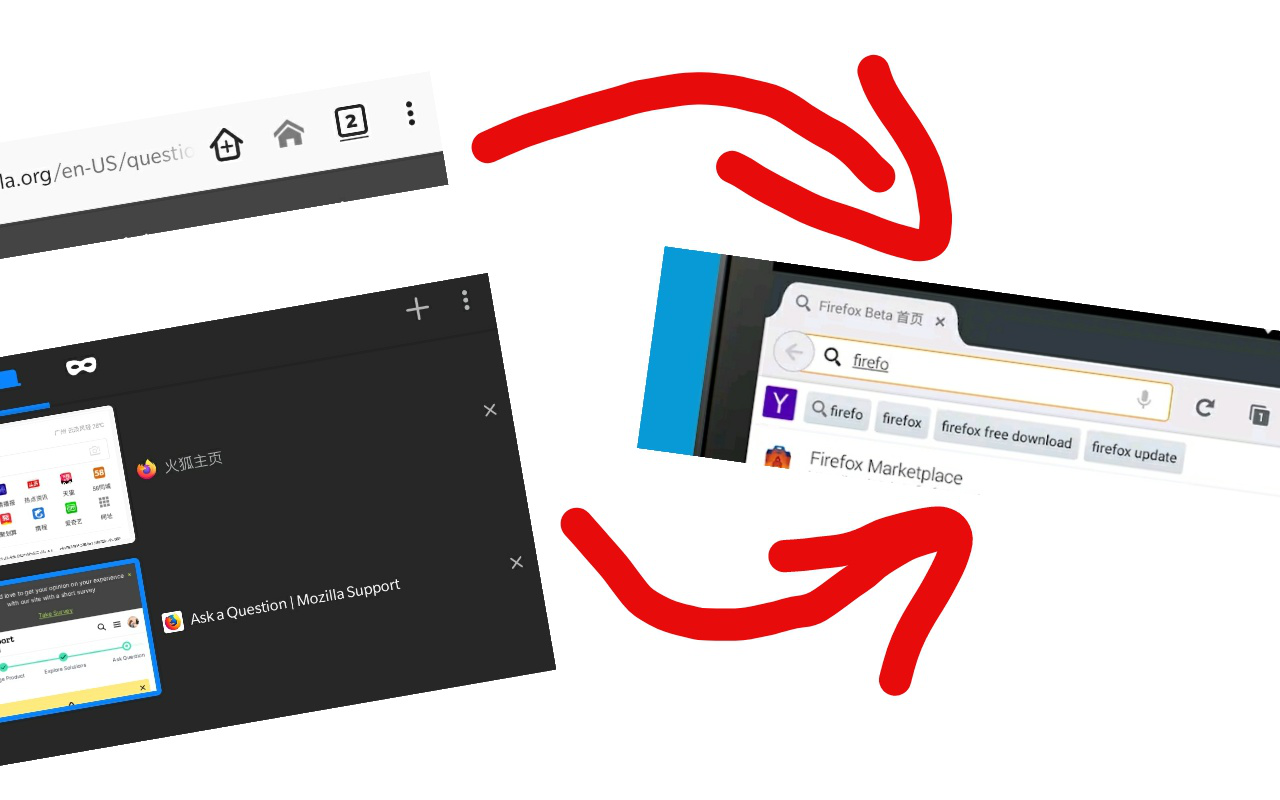
How do I change the label bar as the picture. Tell me the version and setting
How do I change the label bar to the picture. This is too difficult to use. Tell me the version and settings (Google play or China Version) I can't get it back since I changed my phone
How do I change the label bar to the picture. This is too difficult to use. Tell me the version and settings (Google play or China Version)
I can't get it back since I changed my phone
Alla svar (5)
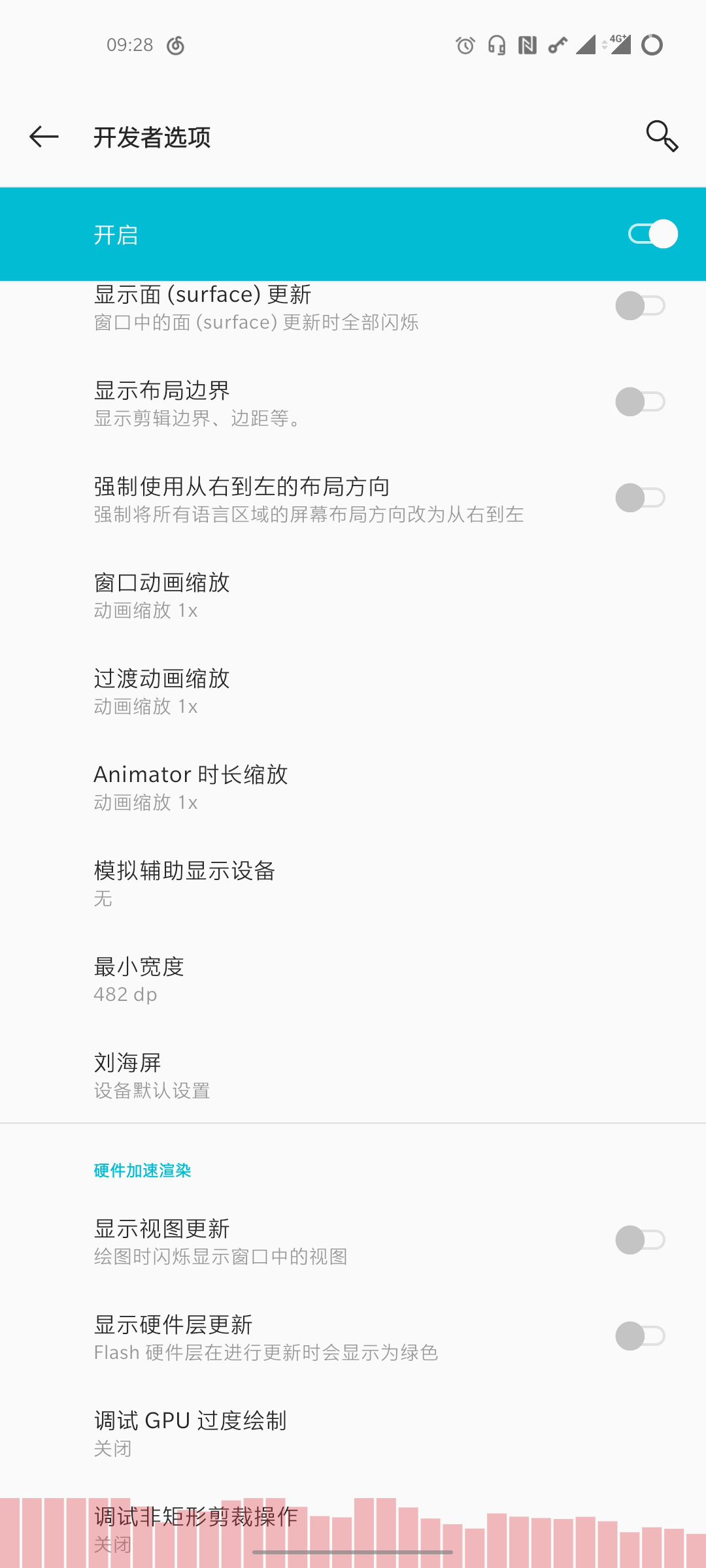
This is a "tablet mode". The tablet experience applies to devices with a screen size above 7" (or above 480dp). You can use Android's developer options to specify a custom value, like 480-500dp.
it doesnt work, i set dp and re-Install
Hi
Are you trying to add a theme to the Firefox for Android toolbar?
Seburo said
Hi Are you trying to add a theme to the Firefox for Android toolbar?
Just like the picture I uploaded, I was use this label bar
I am sorry, I do not know what you mean by "label bar". Are able to describe if in a different way?