


Since the last update, I can't open .PDFs in Firefox. I Click on the link and I get a blank page. I have been using Edge when I want to open a .PDF
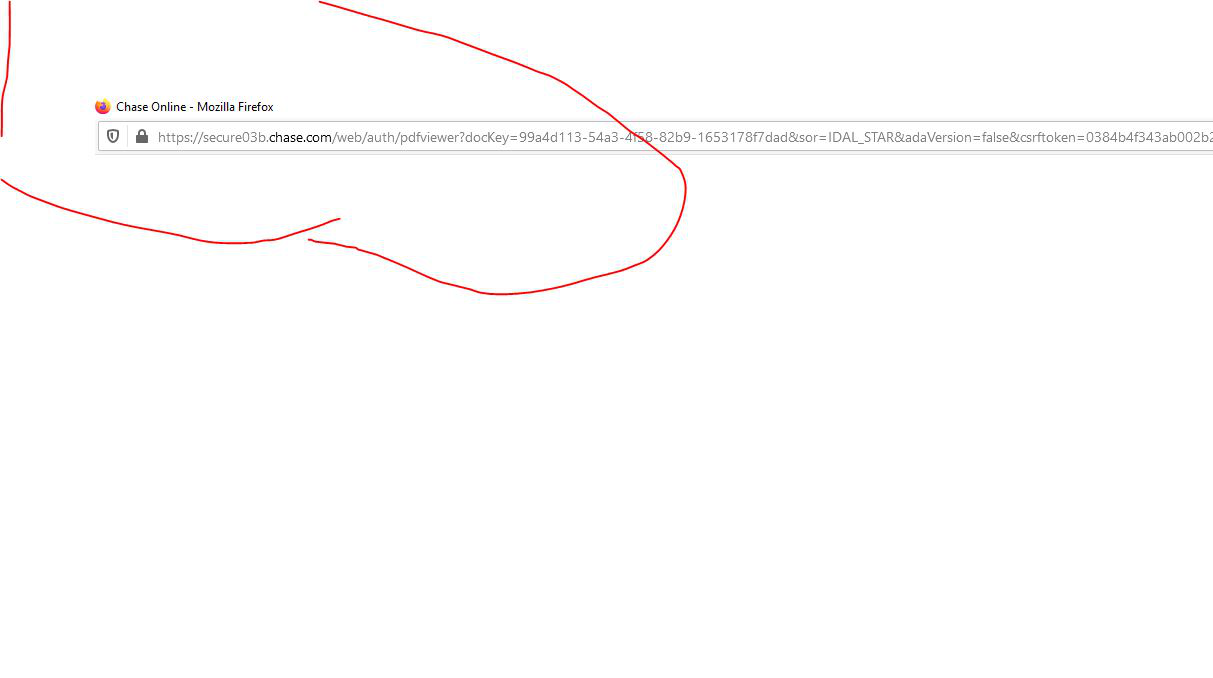
When I go to a site (usually a credit card site) and click on a link to open or download a .PDF. Firefox takes me to a blank page, but does not open the. PDF. This has just started happening recently. I suspect it is a result of an update to FF. It has happened to me on the Chase Bank site, Macy's, Best Buy and Bank of America. I have started using Microsoft EDGE more and more because of this problem.
When I go to a site (usually a credit card site) and click on a link to open or download a .PDF. Firefox takes me to a blank page, but does not open the. PDF. This has just started happening recently. I suspect it is a result of an update to FF. It has happened to me on the Chase Bank site, Macy's, Best Buy and Bank of America. I have started using Microsoft EDGE more and more because of this problem.
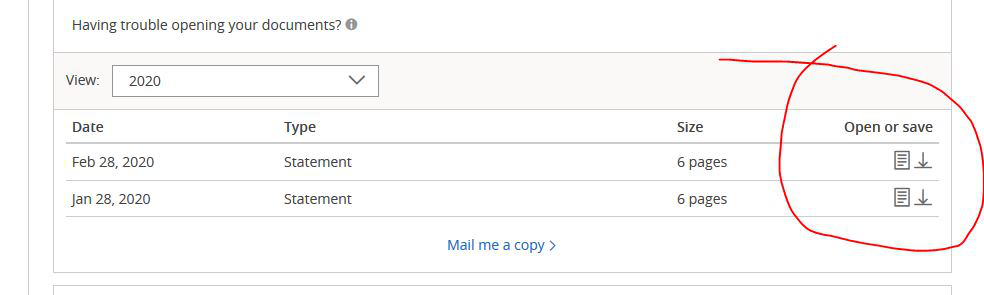
Alla svar (3)
This wouldn't upload. Trying again
Make sure that you have set "Preview in Firefox" for Portable Document Format (PDF) in "Options/Preferences -> General -> Applications".
Well, that option wasn't available, but I kind of hacked around and found that you could set it to open in Adobe Reader and voilá, it worked! Thank you!