


Firefox browser keeps crashing with error messages
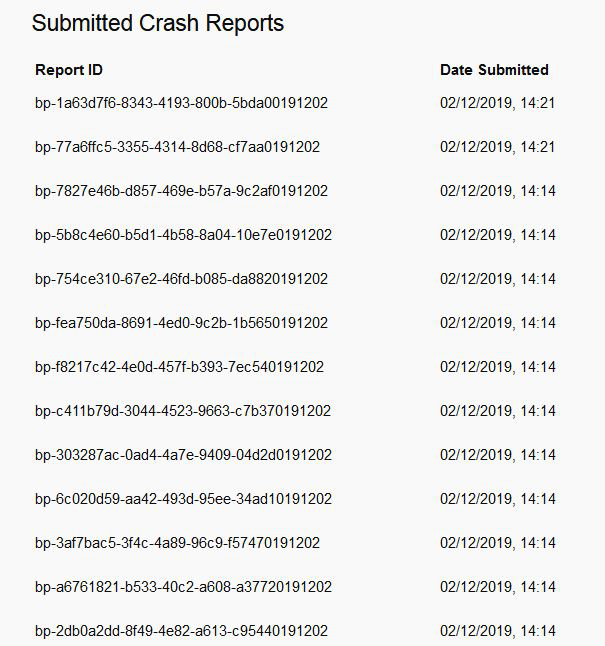
Repeatedly crashes when trying to view different sites - Youtube, hotmail etc. Same thing happens in safe mode, clear history etc. Multiple crash error codes as displayed on attached file
Alla svar (4)
hello, can you please copy and paste your report ids in text form - transcribing those from an image would be quite bothersome... thank you!

Please post the reports A S A P
Product Firefox
Release Channel release
Version 70.0.1
Build ID 20191030021342 (2019-10-30) Buildhub data
OS Windows 7
OS Version 6.1.7601 Service Pack 1
Mon, 02 Dec 2019 14:21:08 GMT bp-1a63d7f6-8343-4193-800b-5bda00191202 Signature: memcpy | gfxDWriteFontEntry::CopyFontTable
Crash Reason EXCEPTION_IN_PAGE_ERROR_READ / STATUS_DEVICE_DATA_ERROR
this one report indicates that the system disk has errors - please try to scan it for integrity/repair it as described in https://support.microsoft.com/help/2641432/check-your-hard-disk-for-errors-in-windows-7
You can also do a RAM test (memtest.org) and possibly check for font related issues and check the system fonts via sfc.exe /scannow