


Is there a way to change only the background image for new tabs?
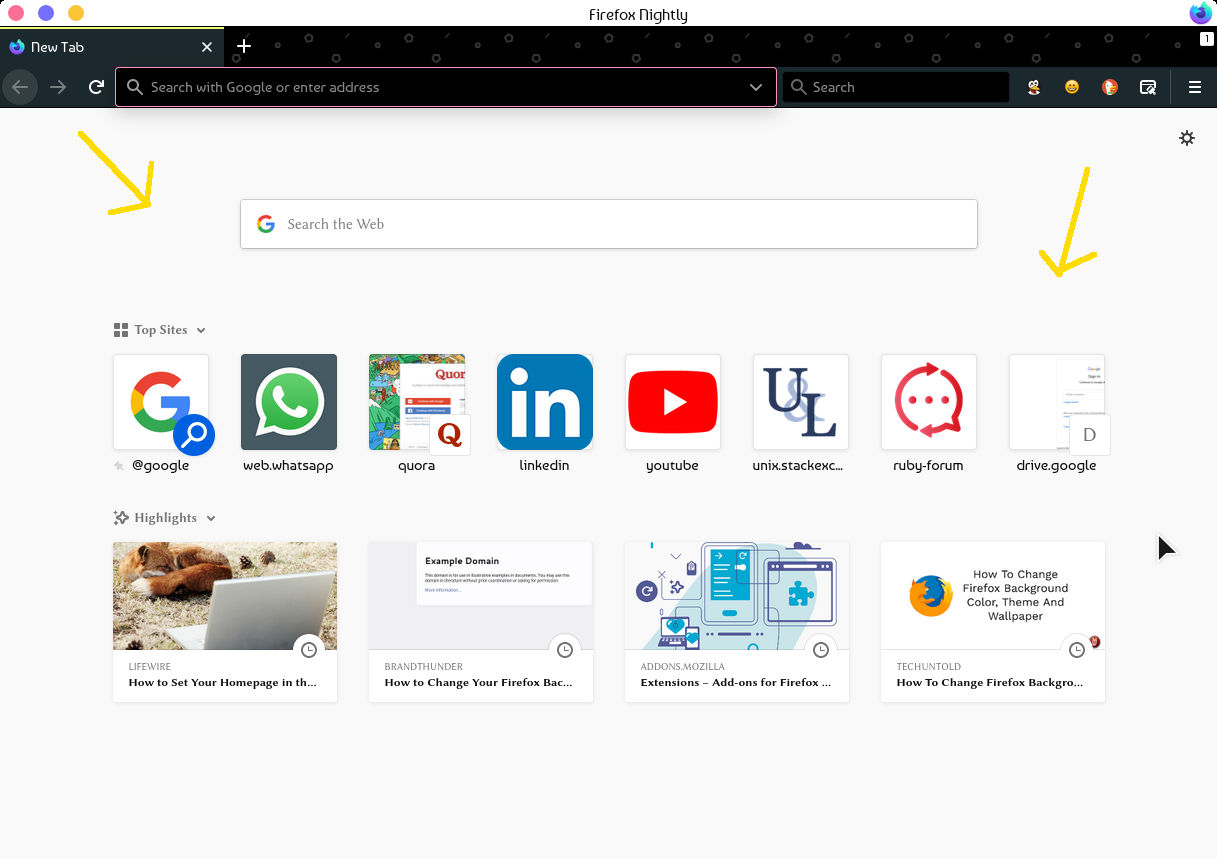
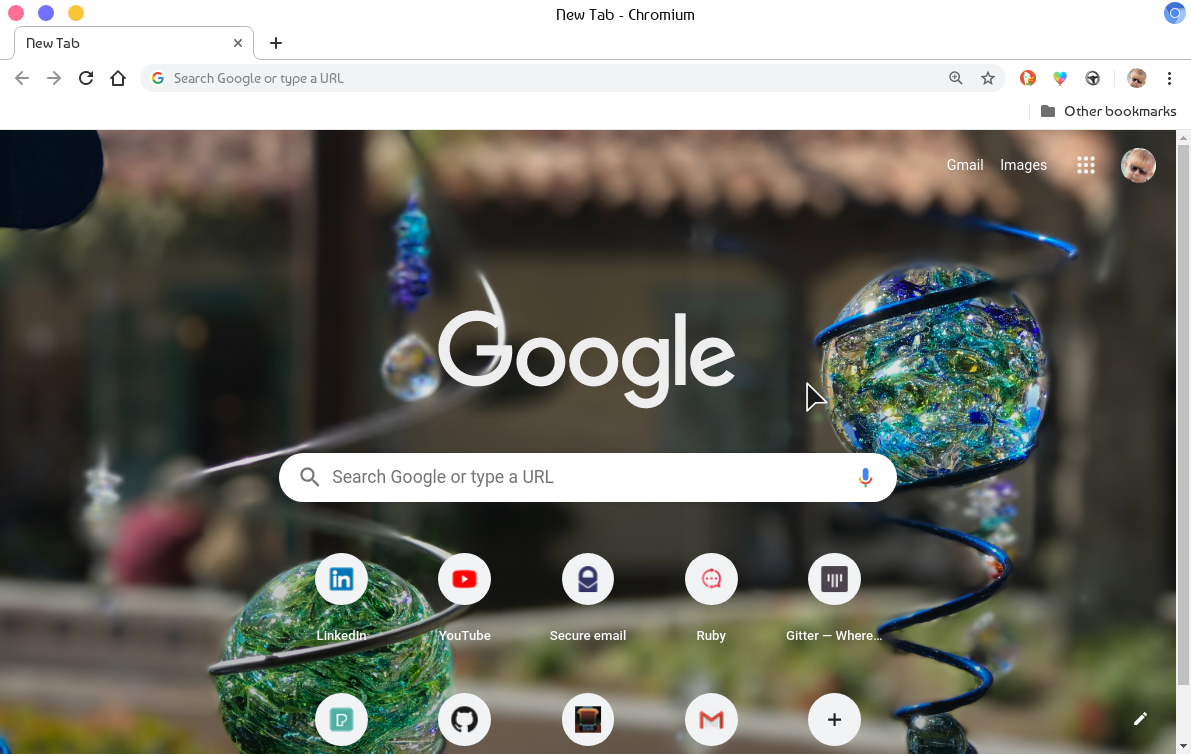
Hi, I have attached 2 screenshots: 1. The background where I want to apply the image in firefox. 2. Chromium after changing the background.
Is there a way to change the background in Firefox to an image of my choice?
Ändrad av Sourav
Vald lösning
Thank you very much @cor-el for your solution. It worked. Here I will just modify what you said, so that others can benefit with the exact steps.
If you are using Firefox 70+ versions on Linux, like me:
1. Go to about:support. And look for the "Profile Directory" button. 2. On the opened directory, create a folder called "chrome" if it doesn't exist. 3. Create a file called userContent.css, and paste in the following contents: ``` @-moz-document url-prefix(about:home), url-prefix(about:newtab) { .click-target-container *, .top-sites-list * { color: #fff !important ; text-shadow: 2px 2px 2px #000 !important ; }
body { background: url(/usr/share/backgrounds/flowers-4564439.jpg) !important ; background-size: cover !important ; } } ``` Save the file and open Firefox (no need to restart at this point).
- [replace the url(...) with the image path. Here, in my case I have images in the /usr/share/backgrounds direcotry]
- [The `background-size: cover !important ;` line here means that the image will be resized automatically].
- [Everything is self explainatory here]
- [IDK how to format codes on support.mozilla.org].
4. Open the url about:config, and change the option "toolkit.legacyUserProfileCustomizations.stylesheets" to true.
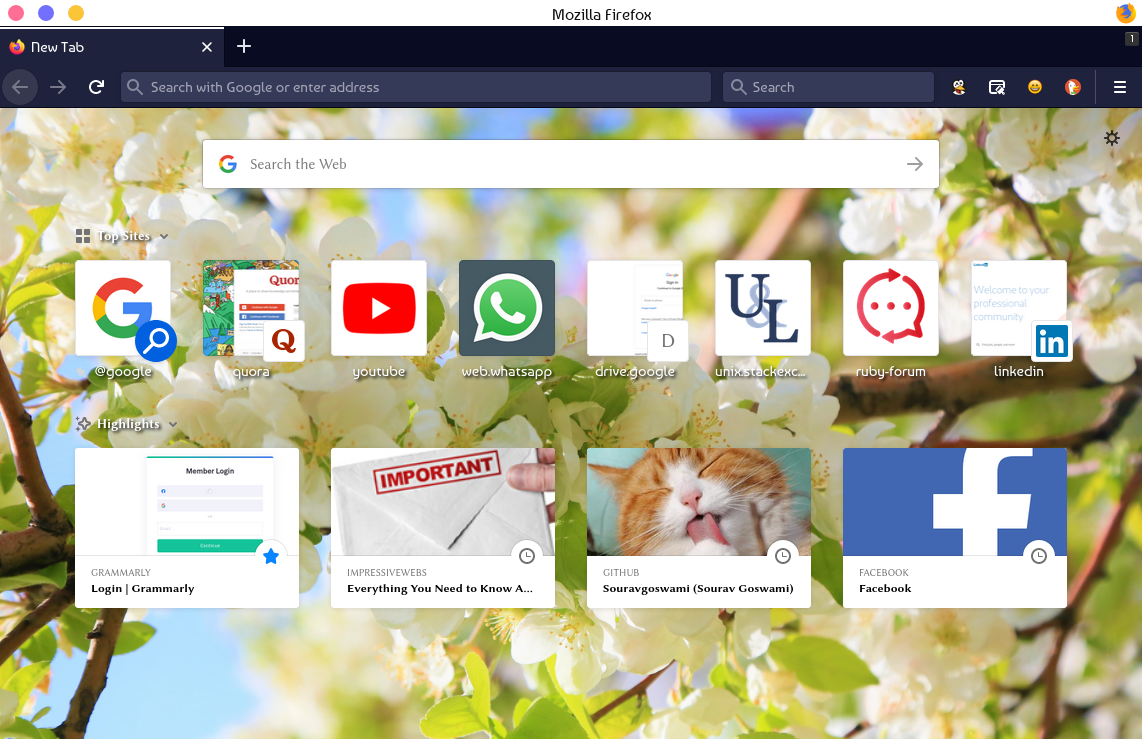
5. Restart firefox. It should look more awesome now!
Läs svaret i sitt sammanhang 👍 0Alla svar (10)
Hi Sourav,
there is a number of extension to customize the New tab page, for instance:
I want to change ONLY the background image. Although they all change the boring static background colour with some nice images, they also replace the "Firefox Home Content" that I am used to. Using firefox with those extension makes Firefox complicated to me, and don't do what I wanted, at all...
Also, "Infinity New Tab (Pro)" by extfans looks awful to me. It's a crap full of ads, and tonnes of permissions. The search engine also got replaced with google custom search. The home page now has tiles of Amazon, Ebay, etc. I use Firefox because it respects my privacy. I can't install crap ad ons like that.
If needed I can use HTML, CSS, JS for that. But I don't yet know how to do all those to modify the look and feel for Firefox...
Ändrad av Sourav
You need to use code in userContent.css in the chrome folder to set a background to about:newtab and possibly to about:home. Best (easiest) is to place this image in the chrome folder.
@-moz-document url-prefix(about:home), url-prefix(about:newtab) {
 body{
  background: url(...) !important;
}
}
- https://www.userchrome.org/what-is-userchrome-css.html
- https://www.userchrome.org/how-create-userchrome-css.html
In Firefox 69 and later you need to set this pref to true on the about:config page to enable userChrome.css and userContent.css in the chrome folder.
- toolkit.legacyUserProfileCustomizations.stylesheets = true
- https://www.userchrome.org/firefox-changes-userchrome-css.html
Vald lösning
Thank you very much @cor-el for your solution. It worked. Here I will just modify what you said, so that others can benefit with the exact steps.
If you are using Firefox 70+ versions on Linux, like me:
1. Go to about:support. And look for the "Profile Directory" button. 2. On the opened directory, create a folder called "chrome" if it doesn't exist. 3. Create a file called userContent.css, and paste in the following contents: ``` @-moz-document url-prefix(about:home), url-prefix(about:newtab) { .click-target-container *, .top-sites-list * { color: #fff !important ; text-shadow: 2px 2px 2px #000 !important ; }
body { background: url(/usr/share/backgrounds/flowers-4564439.jpg) !important ; background-size: cover !important ; } } ``` Save the file and open Firefox (no need to restart at this point).
- [replace the url(...) with the image path. Here, in my case I have images in the /usr/share/backgrounds direcotry]
- [The `background-size: cover !important ;` line here means that the image will be resized automatically].
- [Everything is self explainatory here]
- [IDK how to format codes on support.mozilla.org].
4. Open the url about:config, and change the option "toolkit.legacyUserProfileCustomizations.stylesheets" to true.
5. Restart firefox. It should look more awesome now!
Ändrad av Sourav
Is this the same process on windows? I tried but only ended up with a white background and not my image.
This is what I have in the .CSS file: @-moz-document url-prefix(about:home), url-prefix(about:newtab) {
   .click-target-container *, .top-sites-list * {
       color: #fff !important ;
       text-shadow: 2px 2px 2px #000 !important ;
   }
   body {
       background: url(C:\Users\thoma\Pictures\white-wolf-sw.jpg) !important ;
       background-size: cover !important ;
   }
}
Did you make sure that you did everything correct?
- file name: userContent.css (case sensitive) in the chrome folder in the profile folder
- make sure that userContent.css doesn't have an extra hidden .txt or .css file extension
You can use the button on the "Help -> Troubleshooting Information" (about:support) page to go to the current Firefox profile folder or use the about:profiles page.
- Help -> Troubleshooting Information -> Profile Directory/Folder:
Windows: Show Folder; Linux: Open Directory; Mac: Show in Finder - https://support.mozilla.org/en-US/kb/Profiles
Thomas L said
Is this the same process on windows? I tried but only ended up with a white background and not my image. This is what I have in the .CSS file: @-moz-document url-prefix(about:home), url-prefix(about:newtab) { .click-target-container *, .top-sites-list * { color: #fff !important ; text-shadow: 2px 2px 2px #000 !important ; } body { background: url(C:\Users\thoma\Pictures\white-wolf-sw.jpg) !important ; background-size: cover !important ; } }
Wrong URL. Not a valid url format.
TyDraniu said
Thomas L saidIs this the same process on windows? I tried but only ended up with a white background and not my image. This is what I have in the .CSS file: @-moz-document url-prefix(about:home), url-prefix(about:newtab) { .click-target-container *, .top-sites-list * { color: #fff !important ; text-shadow: 2px 2px 2px #000 !important ; } body { background: url(C:\Users\thoma\Pictures\white-wolf-sw.jpg) !important ; background-size: cover !important ; } }Wrong URL. Not a valid url format.
How should I write the URL?
Open the file in a Firefox tab to get the correct file:/// URI.