


firefox shrink to fit always revert to 30%
I can't use the print button (on adress line or in pdf viewer) as the "shrink to fit size" always revert to 30%. I if change it and print from the print preview it still goes back to 30% next time. Have even tried deleting all "print." and "print_" setting from the "prefs.js" file. Still no change. Where is the default "shrink to fit" size store so I can change it manually?

Alla svar (2)
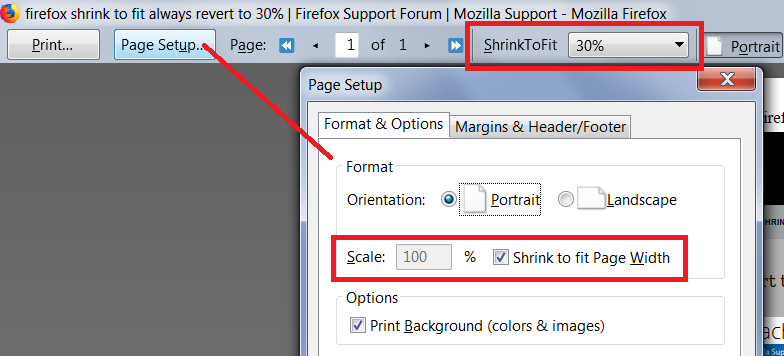
The selector control on the bar is wrong. When you cross check the Page Setup dialog using the button toward the left, the correct information is there. (Example screenshot attached.) Not sure how that got broken. I'll see whether it has been reported as a bug.
This will be fixed in Firefox 64, which is currently in beta testing (bug 1501952).
It may or may not get fixed in Firefox 63; usually only major issues get patched in the current release cycle (crashes, broken websites, security vulnerabilities, etc.).