


Firefox in roaming profiles
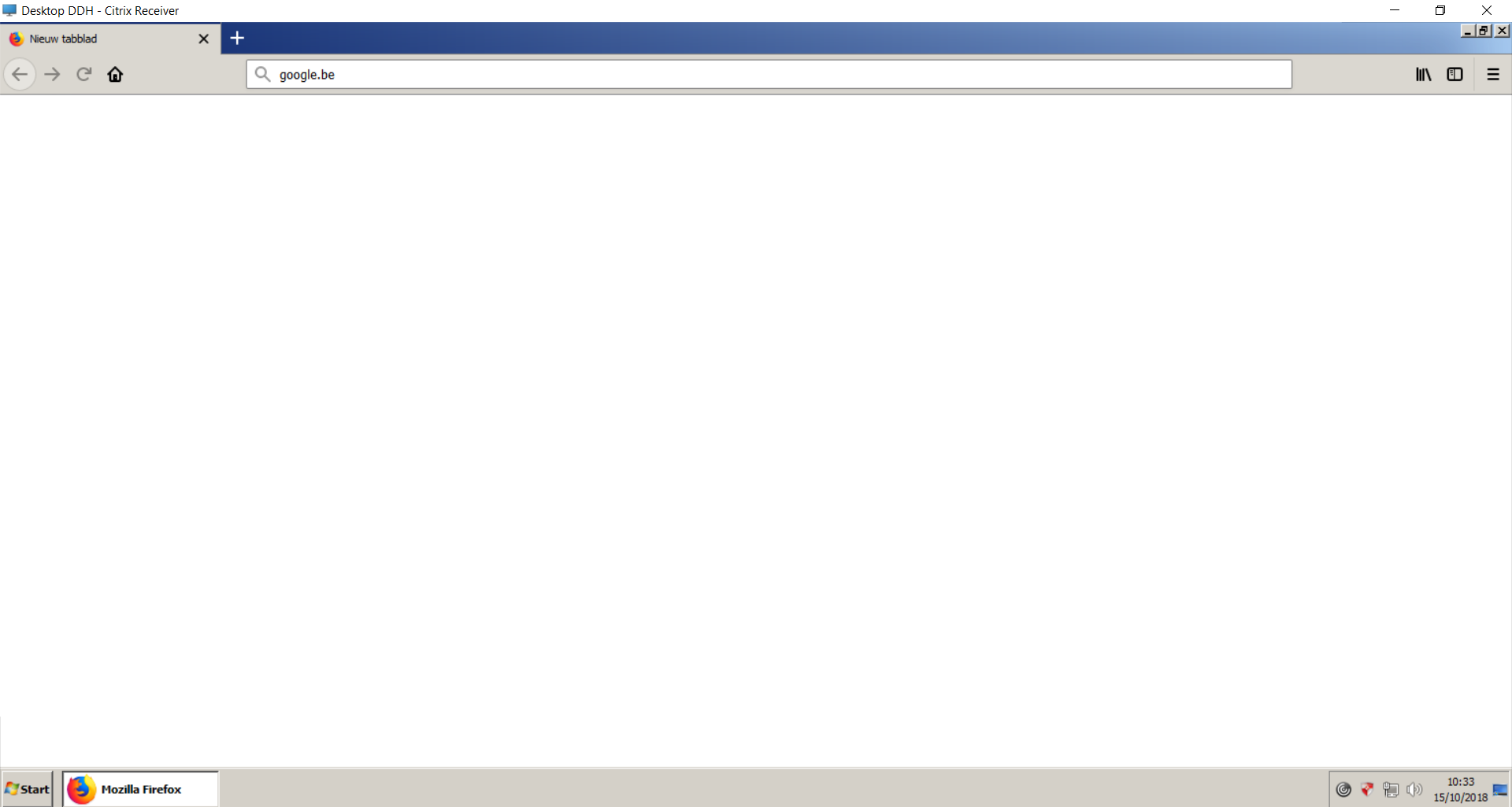
I have installed firefox on our Windows 2008 servers. It works on all except for citrix xenapp 6 servers These have roaming profiles via GPOs. What do i have to look for that causes firefox to only present a whitescreen.
Does it need extra rights to %appdata% or anything GPO related in roaming profiles ?
Alla svar (4)

Can you post a screenshot of what you are seeing?
Firefox normally checks the profiles.ini file to find the path to a specific profile.
Is the profile always available or is there a new profile created on the fly every time?
Are those profiles local or on a network server?
Can you open builtin about pages or do these fail as well?
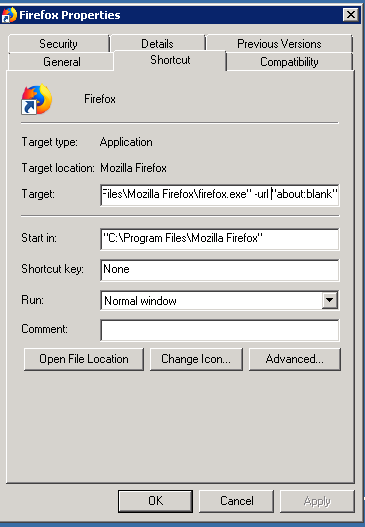
Try to start Firefox with the about:blank page by creating a copy of the current Firefox desktop shortcut. Add a space and -url "about:blank" to the target field in the Properties.
added screenshot of firefox
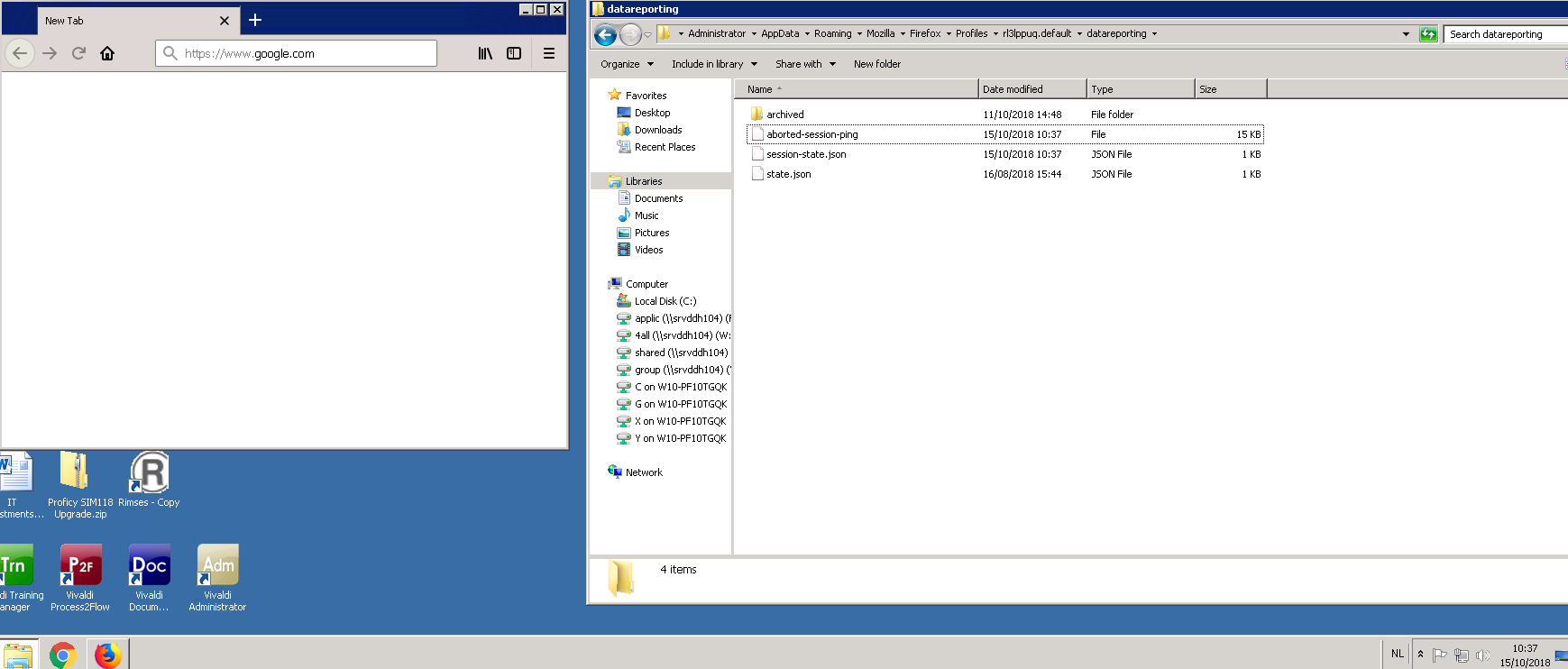

Hmmmm seems its a network issue .... http://movies.naijabams.com.ng