


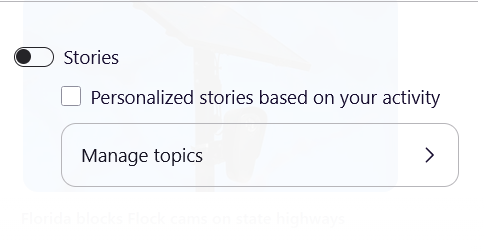
"Stories" widget, despite being turned off and all topics blocked, remains present after latest update

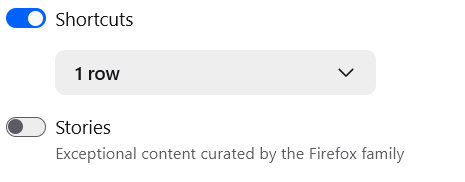
Hi, I believe this is some kind of bug/issue after the latest browser update (as I've quite literally never had this issue before). I like my launch page not to be cluttered with nonsense, no widgets, no activity, just my standard pinned shortcuts and the google search bar. However, after the latest update, "stories" have been on and have stayed on (despite altering all the settings that should get rid of it altogether). Even after turning it off, it appears it turns itself back on immediately. I don't want to see this junk and shouldn't have to, no one should, I even went to the trouble of blocking all topics in hopes the thing would just vanish. It did not. I hoped to report this to Mozilla more directly but couldn't find a meaningful bug report option. If anyone else has encountered this or if anyone has a true solution, I'd like to hear it, thank you.

Všetky odpovede (1)
Vybrané riešenie
I see now this is a known issue (thank goodness), hopefully fixed sooner rather than later. From another post: "It's a bug that's being looked into. We believe that the following workaround should help: in regular Firefox Settings (Settings > Home and startup > toggles under Firefox Home), re-enable stories and then disable them again"
That solution worked for me. I'll leave this up for anyone else encountering this.
Upravil(a) Faint Waves dňa