


private browsing

bold text How can I set private browsing to the default homepage?
Všetky odpovede (5)
Hi
This support article should help:
This didn't work or doesn't apply to the most recent update. The option is not there.
Hello
It works.
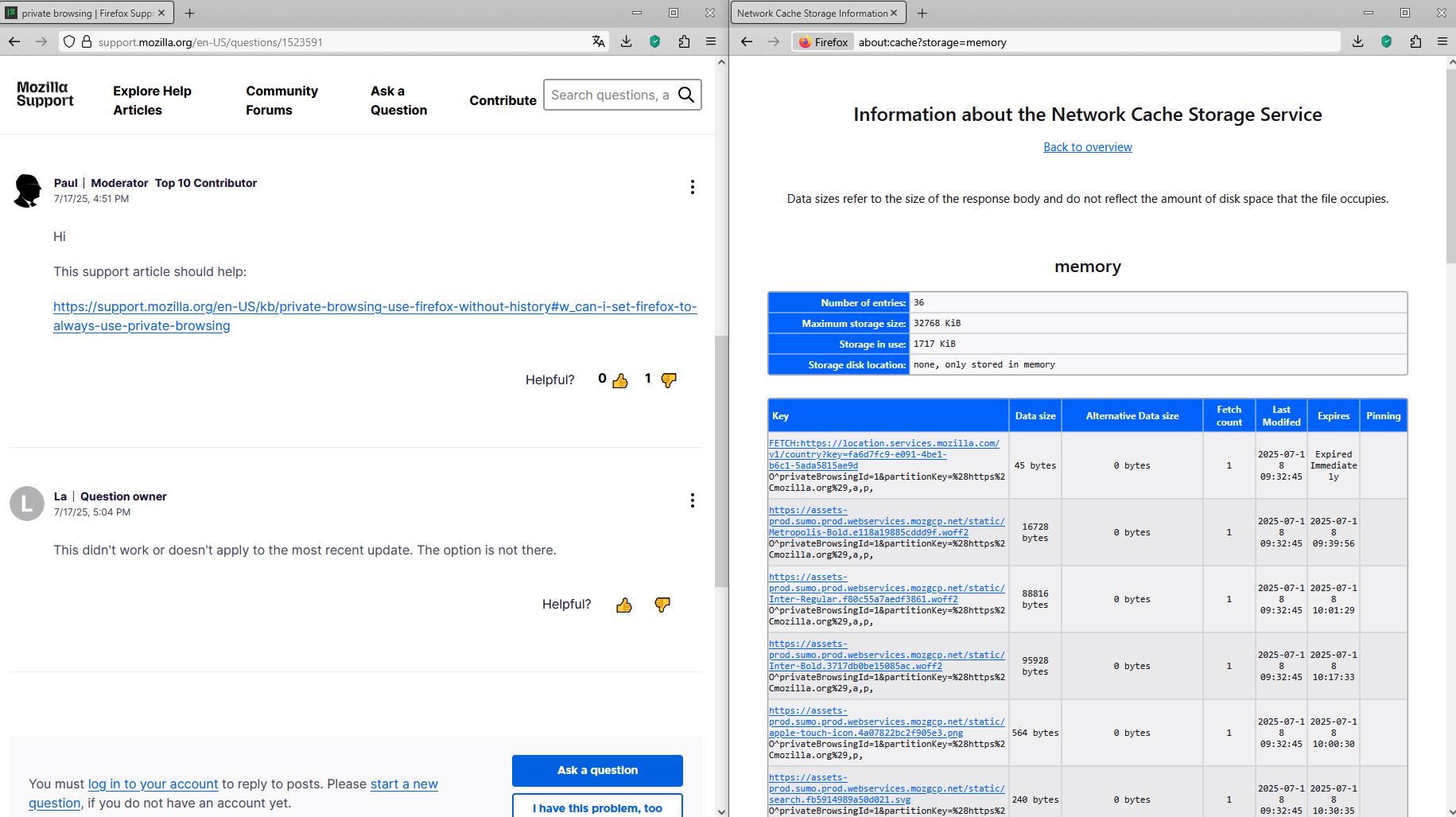
A trick to find out if you're in private browsing mode Type about:cache in the address bar Click on List Cache Entries, you'll find information privateBrowsingId
Hello
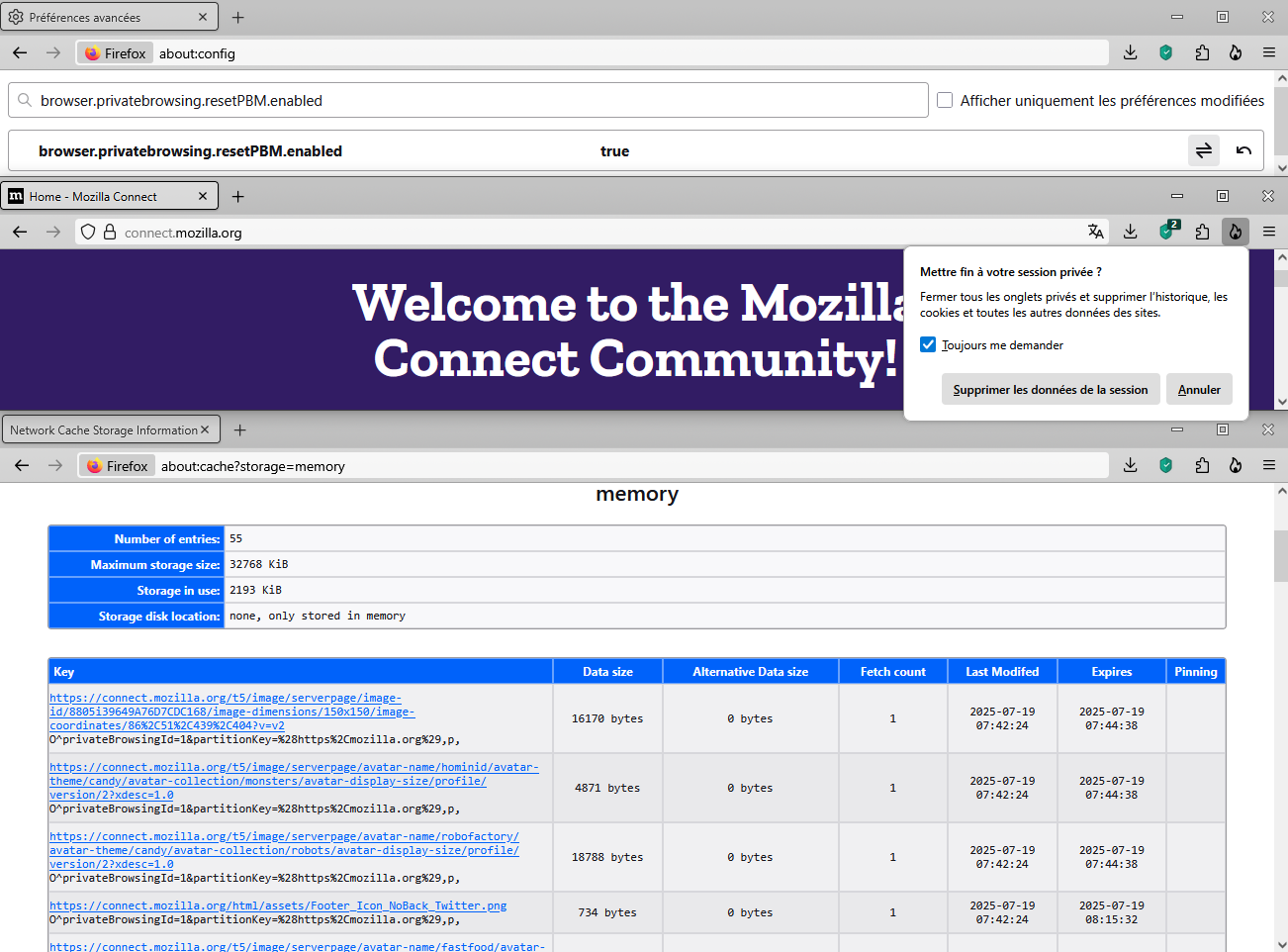
Other indicator to see if you use privatebrowsing.
1 - Go to Configuration Editor for Firefox https://support.mozilla.org/en-US/kb/about-config-editor-firefox 2 - Enter a search term browser.privatebrowsing.resetPBM.enabled value false (by defaut) you can try true.
How to set the home page. https://support.mozilla.org/en-US/kb/how-to-set-the-home-page
To complement, this discussion.