


FIrefox not rendering a Figma prototype correctly

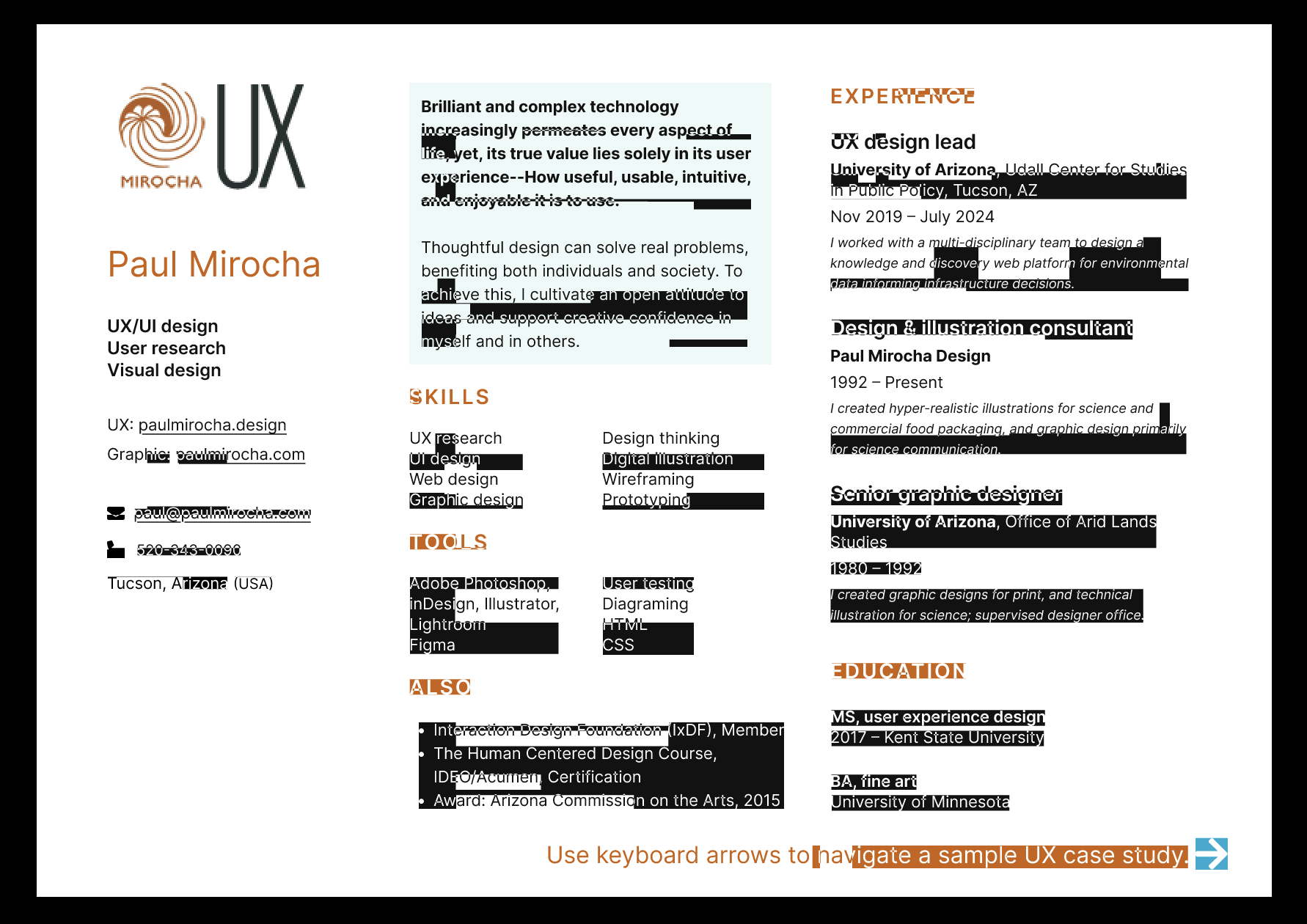
I found that my Figma prototype works in all other broswers, but appears mangled in Firefox. I've restarted and tried troubleshoot mode, but issue remains. See attached screen shots for ramdom background color for text blocks.

Všetky odpovede (4)

Besides screenshot you should post links example so users can verify what happens if it is a Firefox or site issue.
Thanks, I missed that. The Figma prototype link is: https://www.figma.com/proto/Oxav9PL6cW6KBdhPG7y9nh/Paul-Mirocha--resume-card?page-id=7%3A349&node-id=3984-212&scaling=min-zoom&content-scaling=fixed&t=ghRyb99gSyEHHHlN-1
--Paul

Works for me. see screenshot What OS? If windows, what security software are you running besides MS Defender? Do you have the same issue with Firefox in Troubleshoot Mode? https://support.mozilla.org/en-US/kb/diagnose-firefox-issues-using-troubleshoot-mode#w_how-to-start-firefox-in-4troubleshoot-modesf5safe-modesf
Did you try clearing the browser cache? https://support.mozilla.org/en-US/kb/how-clear-firefox-cache#
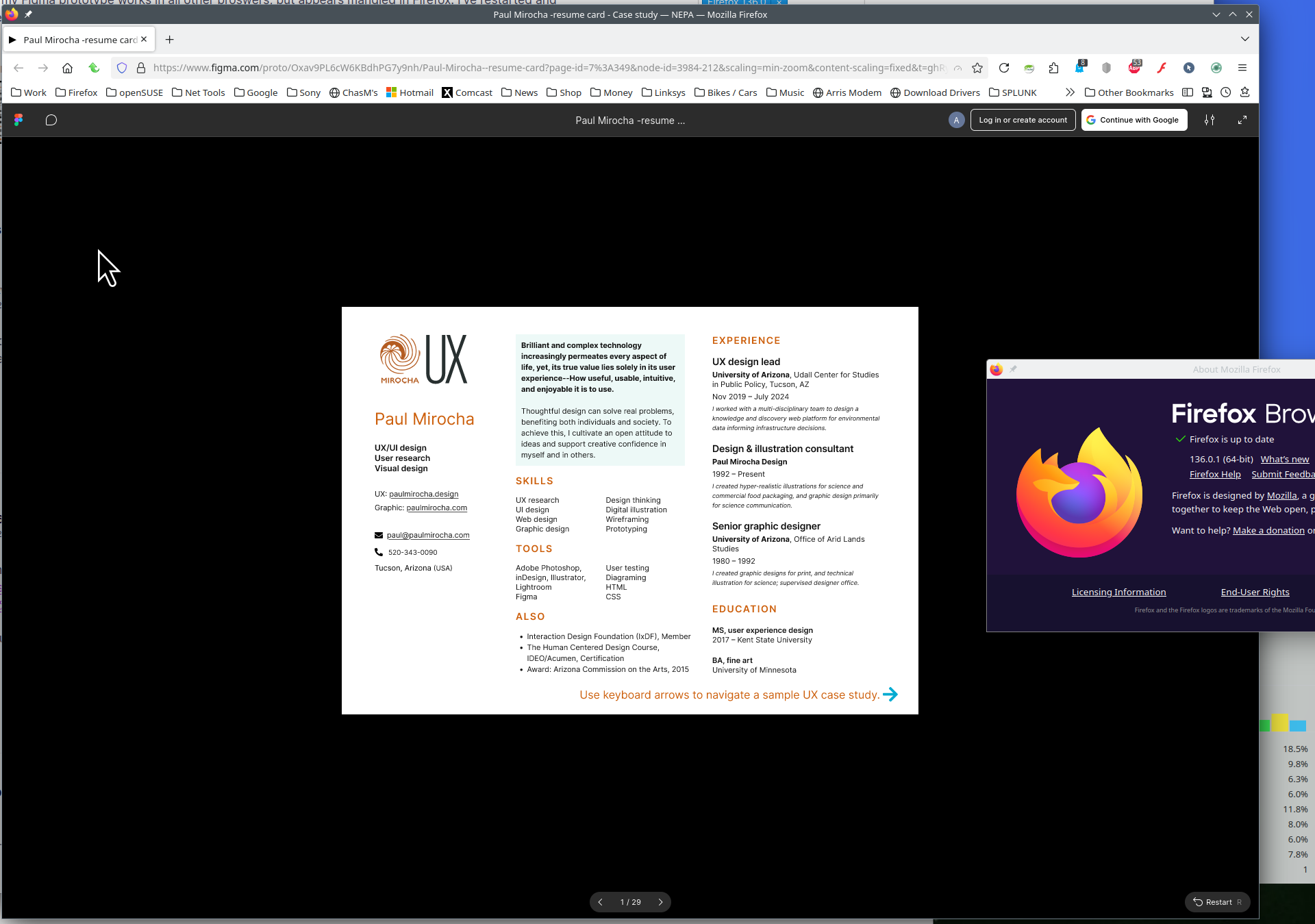
The site renders your design to an HTML canvas. Can you think of any settings you might have changed related to that element, or add-ons that might affect that element?