


Join us to show up for other Firefox users 🦊. Earn fun badges and Mozilla swag vouchers! Find out more: https://mzl.la/askafox150

Windows 10 reached EOS (end of support) on October 14, 2025. If you are on Windows 10, see this article.

Vyhľadajte odpoveď

Vyhnite sa podvodom s podporou. Nikdy vás nebudeme žiadať, aby ste zavolali alebo poslali SMS na telefónne číslo alebo zdieľali osobné informácie. Nahláste prosím podozrivú aktivitu použitím voľby “Nahlásiť zneužitie”.

Ďalšie informácie

Microsoft Sign In

  • 1 odpoveď
  • 0 má tento problém
  • 224 zobrazení
  • Posledná odpoveď od SuMo Bot
  • Archivované

When I try to sign into microsoft outlook or an app, the pop-up dialog box says: "Microsoft account requires JavaScript to sign in. This web browser either does not support JavaScript, or scripts are being blocked.

"To find out whether your browser supports JavaScript, or to allow scripts, see the browser's online help."

This is a new problem. Recently I update privacy and security features and now this appears when I try to log in.

Any ideas on how I fix this?

Thanks very much, Dave
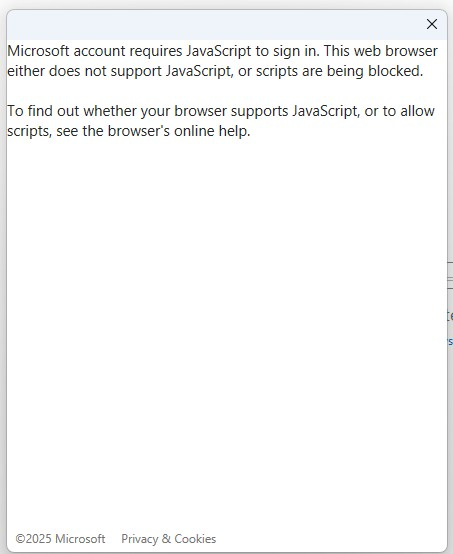
When I try to sign into microsoft outlook or an app, the pop-up dialog box says: "Microsoft account requires JavaScript to sign in. This web browser either does not support JavaScript, or scripts are being blocked. "To find out whether your browser supports JavaScript, or to allow scripts, see the browser's online help." This is a new problem. Recently I update privacy and security features and now this appears when I try to log in. Any ideas on how I fix this? Thanks very much, Dave
Priložené obrázky

Všetky odpovede (1)

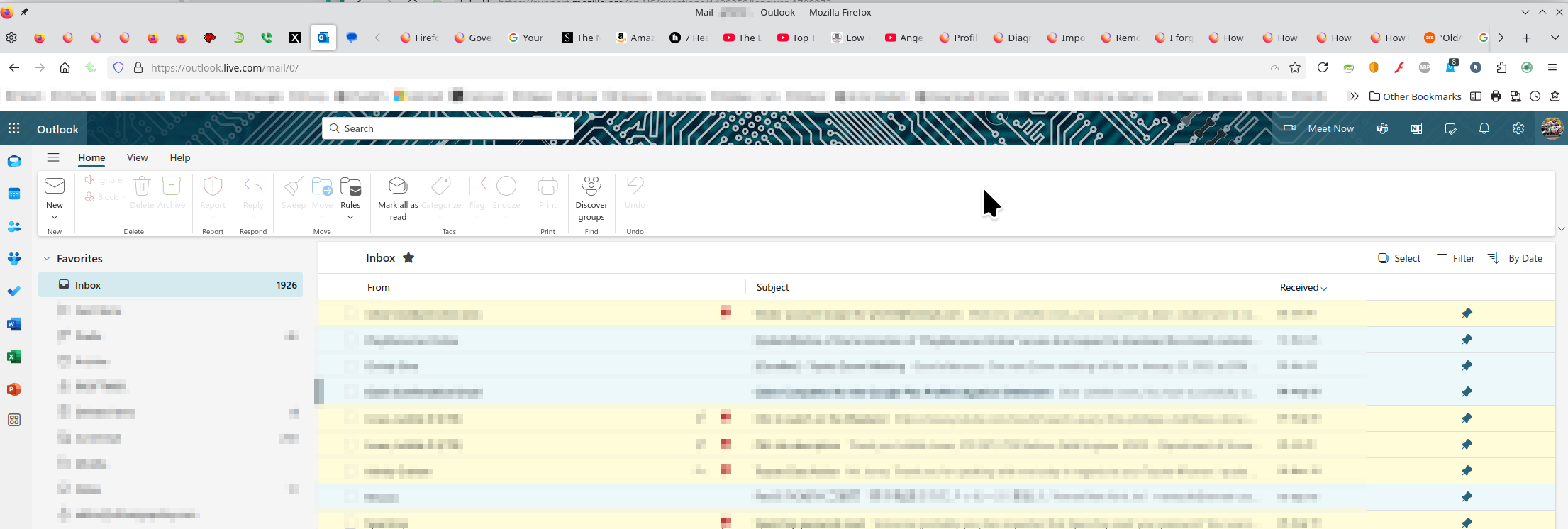
I'm in Hotmail / Outlook everyday with no issues. see screenshot A full browser screenshot would be more useful in the future. Like the message says, something is being blocked. Have you tried with Firefox in Troubleshoot Mode? https://support.mozilla.org/en-US/kb/diagnose-firefox-issues-using-troubleshoot-mode#w_how-to-start-firefox-in-4troubleshoot-modesf5safe-modesf

Did you clear your browser cache? https://support.mozilla.org/en-US/kb/clear-cookies-and-site-data-firefox
Upravil(a) jonzn4SUSE dňa