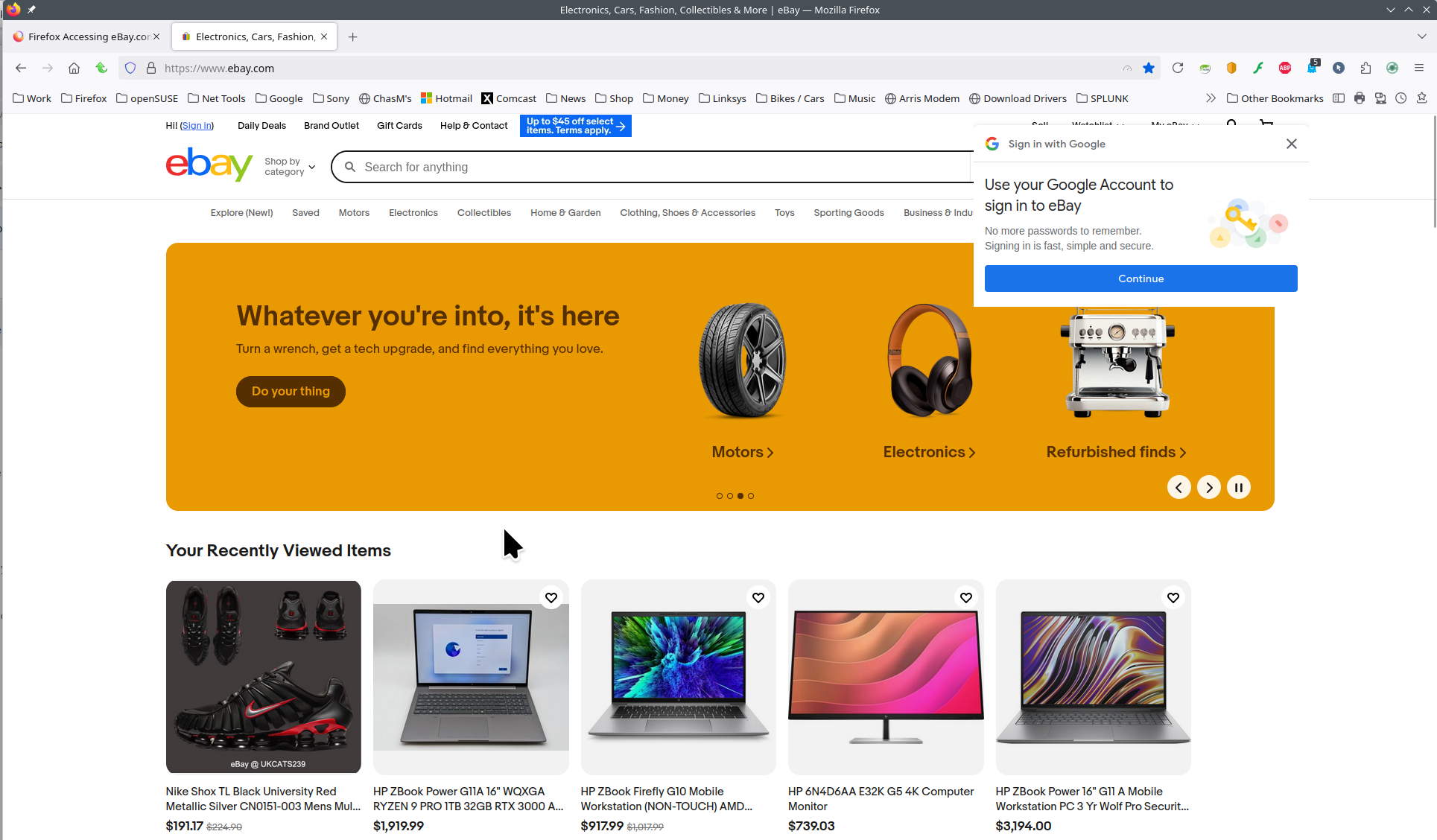
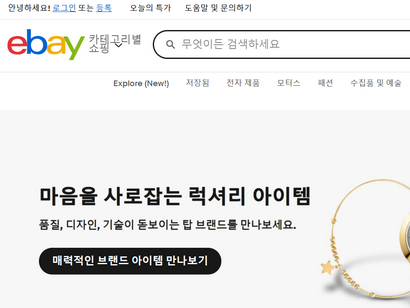
Firefox Accessing eBay.com URL Gives Korean Text

Starting yesterday, browsing to the ebay.com url resulted in Korean language text being displayed per the attached screenshot. The same continues today. I tried the ebay options of changing language by choosing a national flag. Choosing the US Stars and Stripes made no difference; I still got Korean text. I tried disabling my VPN; it made no difference. I tried choosing the Canadian Maple Leaf flag and got English text but Canadian prices.
I tried to report the problem (in Firefox) using ebay's contact links; but those links require logging in. I could not because I could not pass the Capcha challenge while remaining in Firefox.
Thinking that the problem might lie with Firefox, I loaded and used the Brave browser. Not only did I get US English and prices straightaway, I was able to login with ebay and report the problem. My VPN is active and has been since I loaded Brave.
Because I have these problems only while using Firefox, I came here to report the problem and ask for assistance resolving it.
Všetky odpovede (1)
Did you try with Firefox in Troubleshoot Mode? https://support.mozilla.org/en-US/kb/diagnose-firefox-issues-using-troubleshoot-mode#w_how-to-start-firefox-in-4troubleshoot-modesf5safe-modesf
Did you clear your browser cache? https://support.mozilla.org/en-US/kb/clear-cookies-and-site-data-firefox Site works for me. see screenshot Also, it's more helpful if you post a full browser screenshot instead of section. Who are you using for DNS?