Hotmail/Outlook

Yesterday, I get a screen popup that says" Outlook(formerly Hotmail)" Saying Hotmail will now be Outlook.
I've had Hotmail for maybe 30+ years now? I've always had Firefox open to my inbox, which is Outlook and has been for a year or better.
Since yesterday it will not open up to my inbox. It opens to the MS website showing what I wrote up above and a picture of Outlook.
I've deleted cookies and cache. Also history. Even though I point it to my inbox it just goes to that advertisement. I have the stay signed in box checked and don't show this again. But it does show again and again. I hope there's a way to fix this, pretty sure it not a Firefox issue. Just hoping someone else has had and and found a way around it.
Thanks Daniel B
Všetky odpovede (3)
Very odd. I've just entered "hotmail.com" into Firefox and it opened up as it always has. Try opening it in Troubleshooting Mode: Press Alt-h and choose it from the drop-down menu that appears. That will rule out any problems with incorrectly stored log-in details or settings.
HotMail actually became Outlook over ten years ago. It was only a name change, like SkyDrive becoming OneDrive.

had the same problem hotmail and outlook will not work on firefox. easy fix I just switched browsers to either chrome or brave. all works well now... simple fix..
It's still working fine for me.
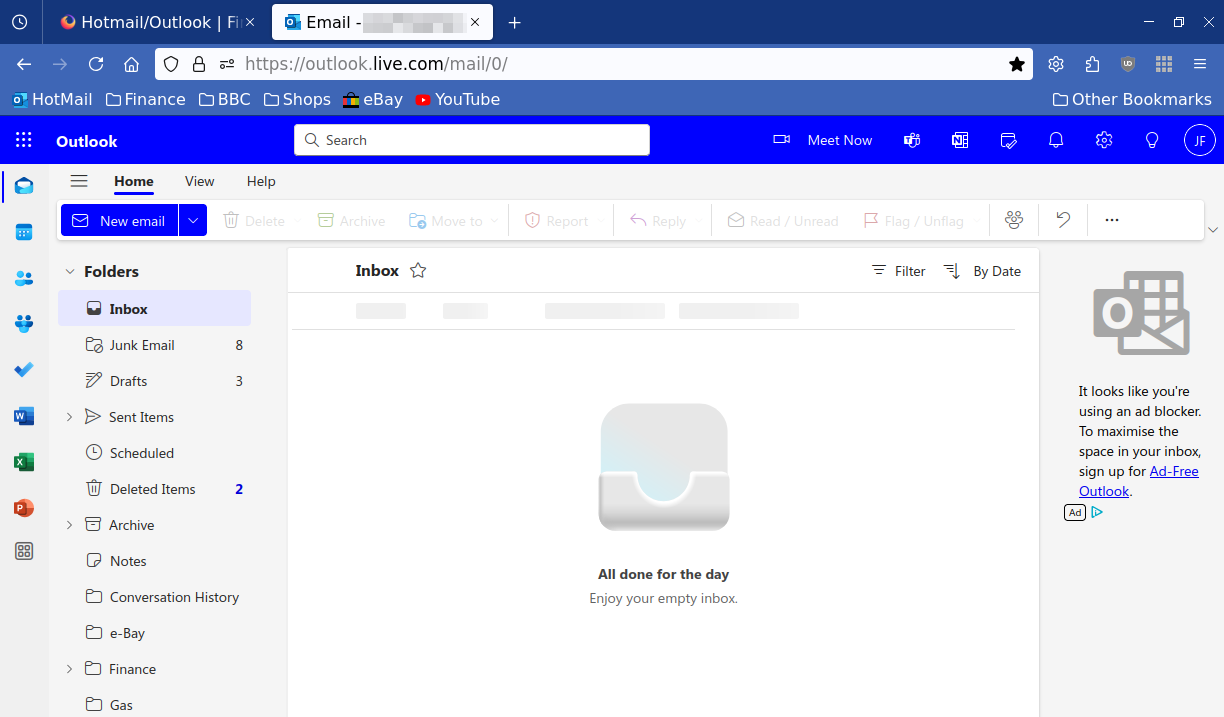
If I enter HotMail.com in the URL/Search bar it automatically changes to https://outlook.live.com/mail/0/ and I get what's shown below.