


Can t hide the video controls bar on Coursera website

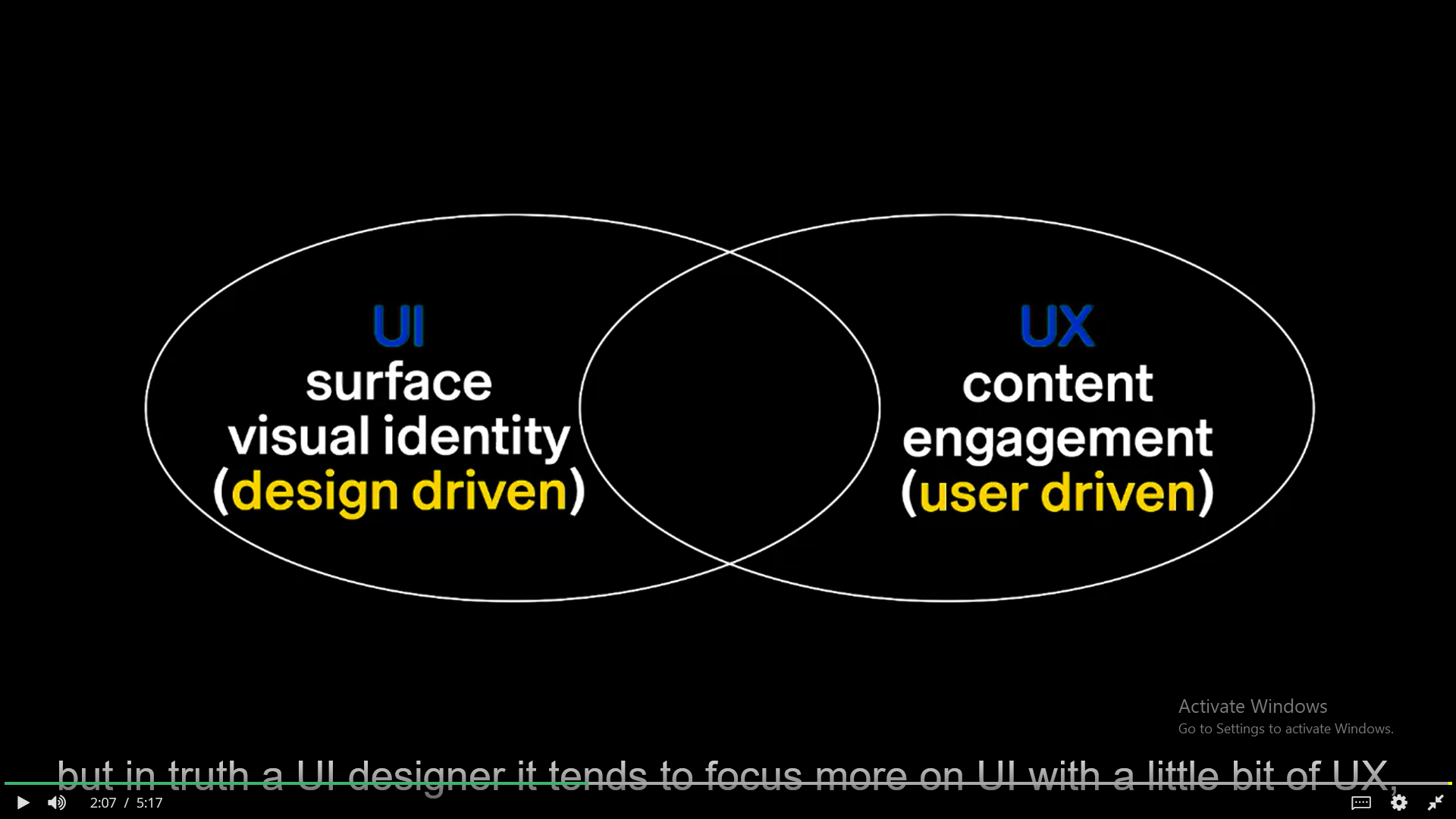
As the title says when I am using the video player on Coursera website I am not able to hide the control bar while on fullscreen mode (even if I don t move my mouse for more than 15 seconds). I ve attached a screenshot with the control bar being displayed. (also the captions are overlapping with that control bar) I ve also tried different ways of opening the fullscreen mode (click on the "Full Screen" button or by pressing 'F'). I don t have this problem on websites like YouTube.
Všetky odpovede (3)
Does it still happen in Troubleshoot Mode?
zeroknight said
Does it still happen in Troubleshoot Mode?
Yes, the problem still persists even in troubleshoot mode (safe mode)
Does it still happen in a new profile? An easy way to test a new profile is to install Developer Edition and see if it happens there or refresh your existing profile. Make sure you stay signed out of your sync account when testing.