


Открытый
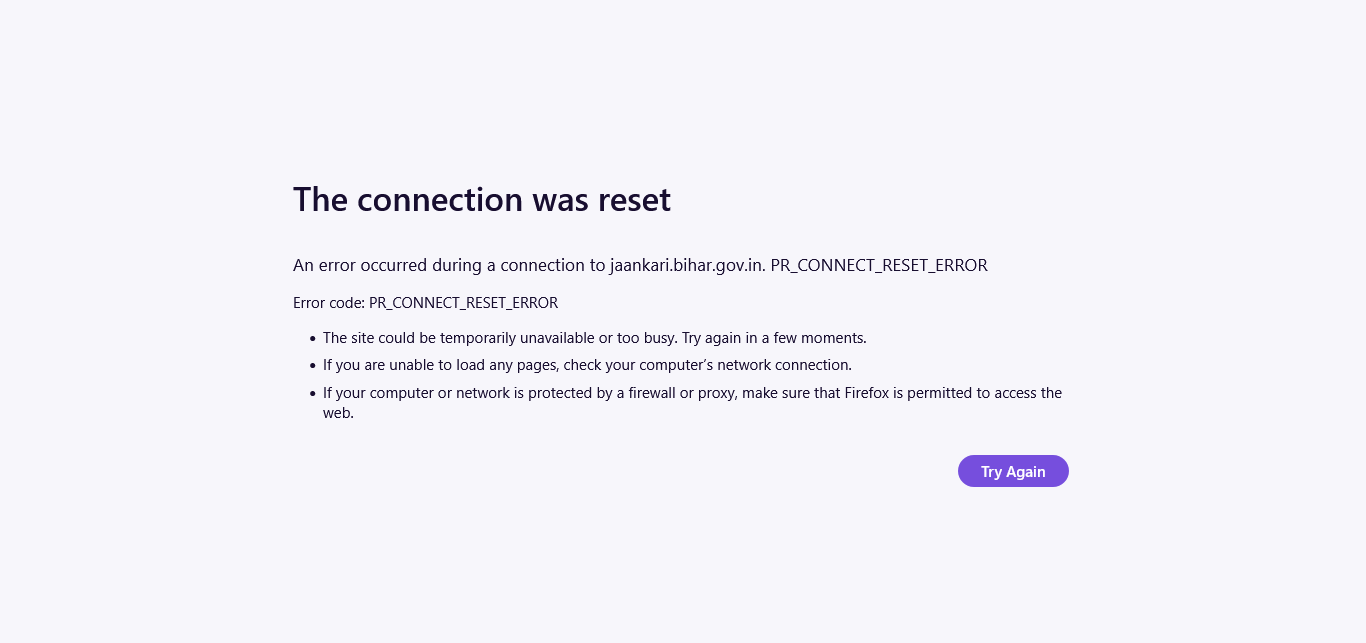
is my computerprotected by a firewall or proxy ?

How Can I remove firewall or proxy ?
How Can I remove firewall or proxy ?
Все ответы (1)

Hi there, thanks for sharing that — it sounds a bit confusing, especially with the screenshot being quite small to read.
Just in case it helps, you could try having a quick look in Firefox under Settings, then General, and scrolling down to Network Settings, to see whether a proxy is set there. If it is set to something you don't recognise, you could try changing it back to “No proxy” and seeing if that makes a difference.
It might also be worth leaving your firewall on if you can, as it does help to keep things a bit safer, and just checking whether Firefox is allowed through it in your Windows settings.
Hope that helps a little, and please do let us know how you get on if you get a chance.