


Verical tab panel management changed

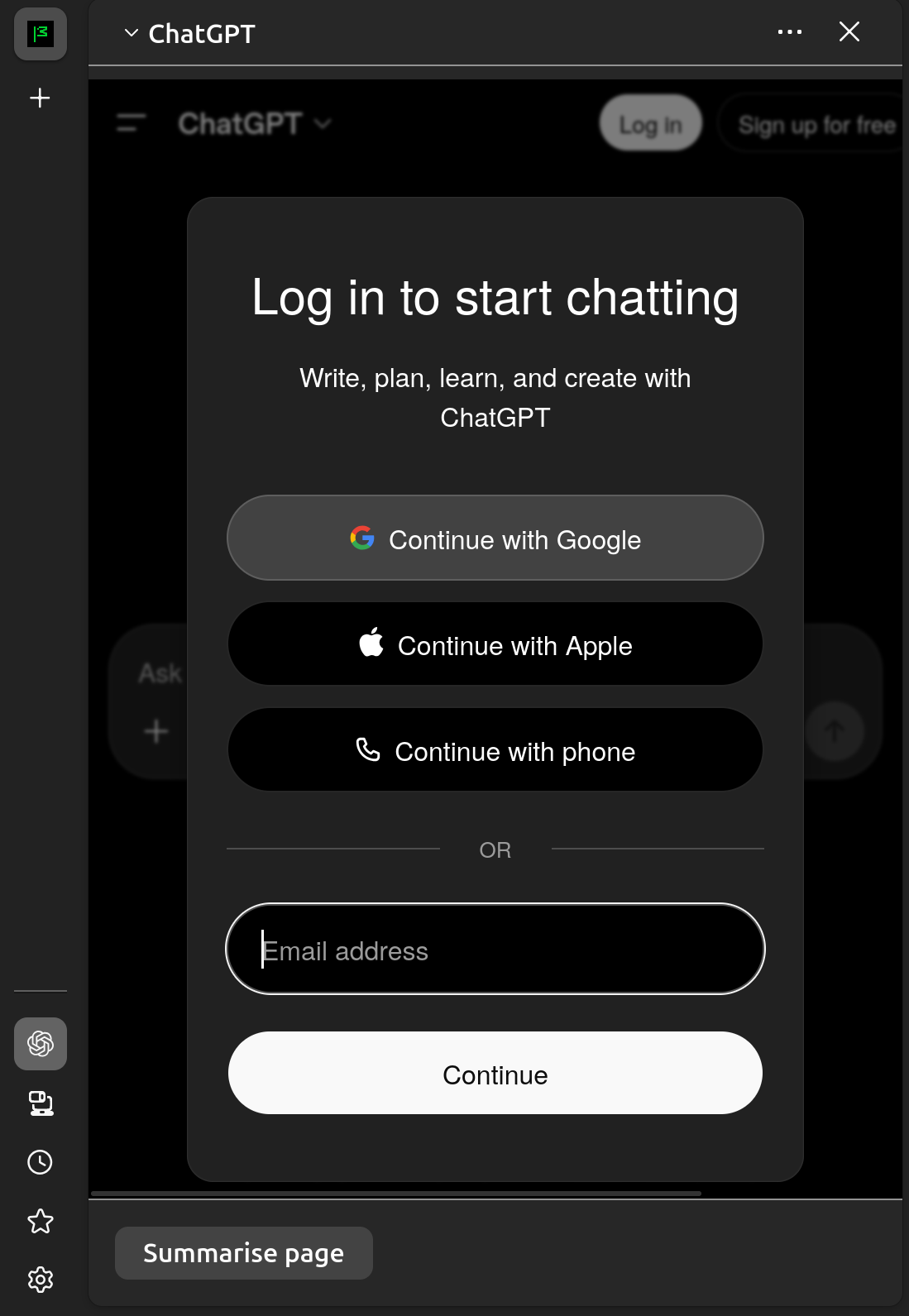
Hello! I really liked the vertical tab panel management before, if I wanted it to disappear I've pressed ctrl + alt + z and if I wanted it to show only icons of the websites - I could press ctrl + alt + x twice and had the mini version of it. For some reason, now it's gone, when I press ctrl + alt + x twice the panel is gone completely. Could you help out here? Essentially, I want to be able to make it look like that (screenshot attached), only without the AI Assistant.
Hello! I really liked the vertical tab panel management before, if I wanted it to disappear I've pressed ctrl + alt + z and if I wanted it to show only icons of the websites - I could press ctrl + alt + x twice and had the mini version of it. For some reason, now it's gone, when I press ctrl + alt + x twice the panel is gone completely. Could you help out here? Essentially, I want to be able to make it look like that (screenshot attached), only without the AI Assistant.
Все ответы (2)
You maybe have an extension or theme, which did this. Sometimes a second extension or a change in the version changes the behavior (the developer developed something new).
Hi!
I've disabled all extension I had but it didn't change anything.
Don't you have the same issue?