


HOME PAGE DOES NOT OPEN TO MY SAVED ICON

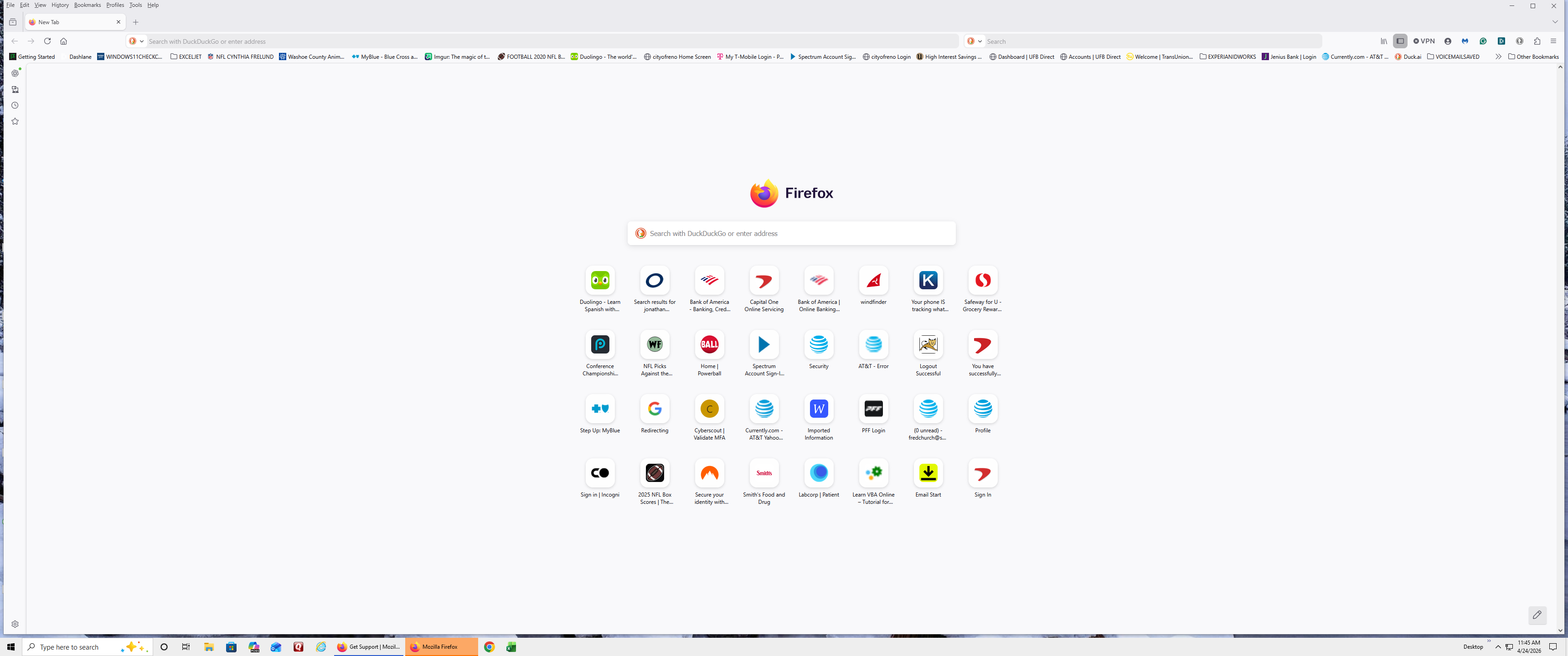
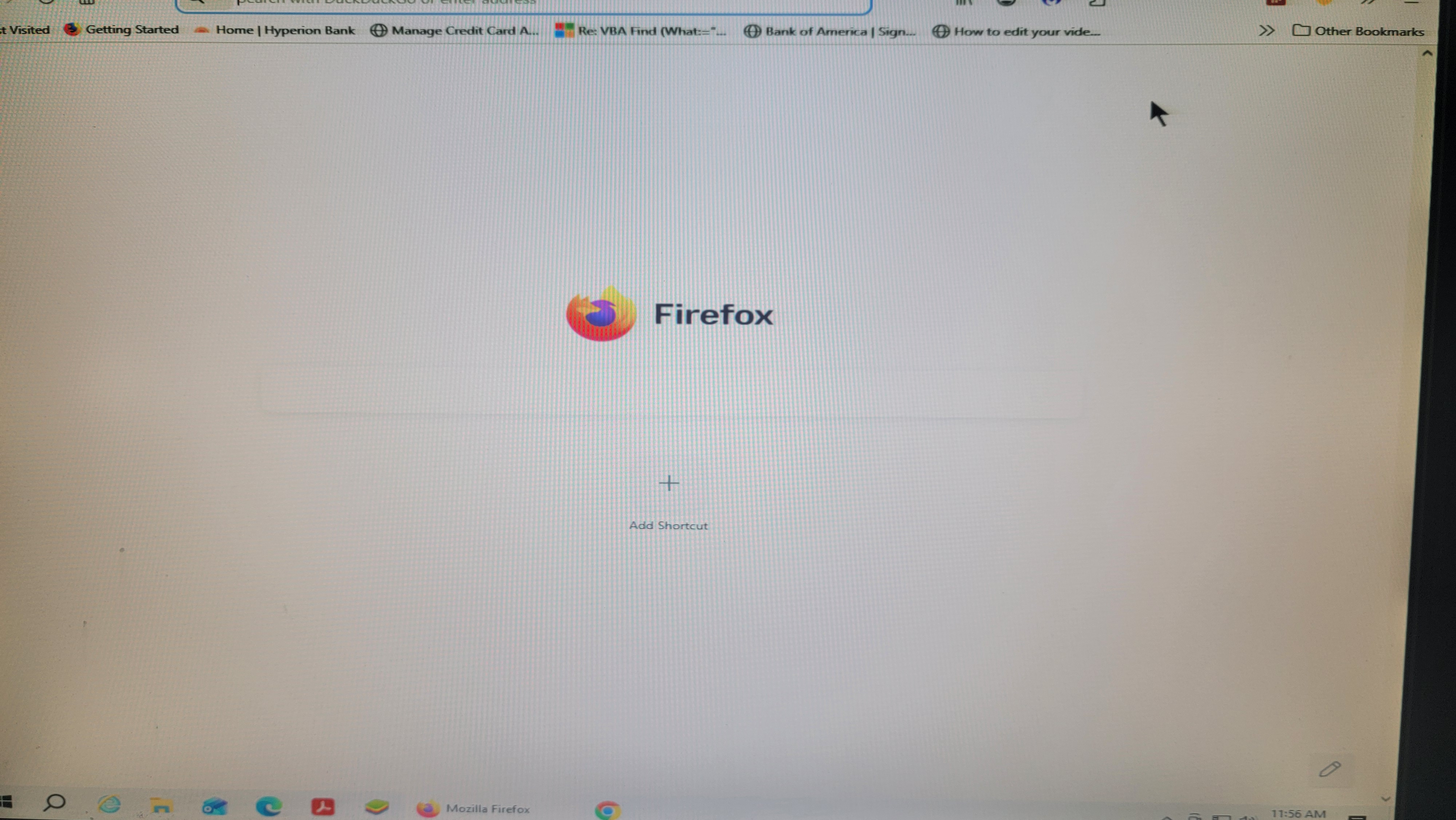
I HAVE A HOME PAGE WITH ICONS. BUT WHEN I OPEN FOXFIRE NOW I GET A HOME PAGE WITH ONE ICON TO ADD MORE ICONS. HOW DO I GET FOXFIRE TO OPEN MY HOME PAGE? WHAT IS GOING ON? THE FIRST PHOTO IS WHAT IT SHOULD BE AND THE SECOND IS WHAT COMES UP WHEN I OPEN FOXFIRE.
Все ответы (2)

Hi. Did this happen after an update.
"WHAT IS GOING ON? "
Yes but apart from being upset, noted by the text in capitals, you don't provide OS or FF versions etc. Nor what you have tried to get the 'old' setup back.
Sorry for the caps. I type all my work in caps.
I assume OS means operating system: Windows 10. Not sure what FF is. I assume Firefox version 150.0(64-bit) I believe there was a Windows update during this period. I don't believe there was an update to Firefox. All that I have done is a workaround to access my saved websites. I click on FF tab, it opens with the one icon home page. I close it and reopen. Then I get a notice that says: That FF is open, and it has to be closed click here. I click it, and FF closes. I then click on my FF tab, and it opens to my home page.
I just want FF to open to my home page and stop FF from opening with the one icon.
I have two desktops side by side, and they are both doing it. Thanks fot any help you can give me.