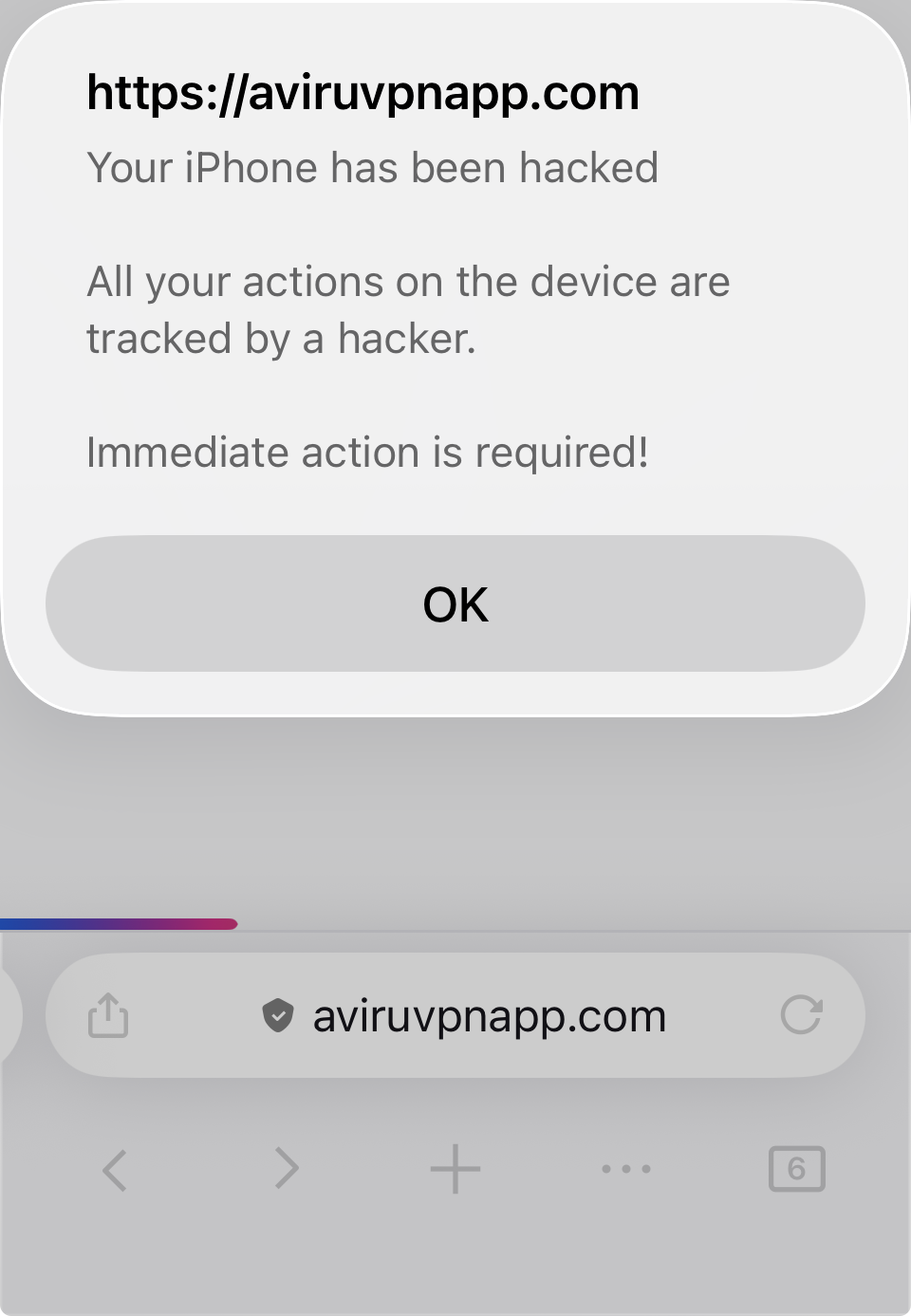
My iPhone screen is frozen while using Firefox due to a pop up scam.

My iPhone full screen is frozen in the Firefox app due to a pop up scam. I've tried a forced restart as well as running airplane mode to be able to delete the URL. But, this hack is different from the couple of other times this has happened to me. The URL is also frozen. After a forced restart the URL is accessible for just a millisecond before it changes to "viruvpnapp.com" and freezes. There isn't any time to delete it before it freezes. I've also uninstalled and reinstalled the Firefox app. I've also closed the app and then shut off Wi-Fi and cellular and then reopened the app thinking that the pop up would not be able to connect. But, it was still there. Any suggestions?
My iPhone full screen is frozen in the Firefox app due to a pop up scam. I've tried a forced restart as well as running airplane mode to be able to delete the URL. But, this hack is different from the couple of other times this has happened to me. The URL is also frozen. After a forced restart the URL is accessible for just a millisecond before it changes to "viruvpnapp.com" and freezes. There isn't any time to delete it before it freezes.
I've also uninstalled and reinstalled the Firefox app. I've also closed the app and then shut off Wi-Fi and cellular and then reopened the app thinking that the pop up would not be able to connect. But, it was still there.
Any suggestions?