


how to create a new profile
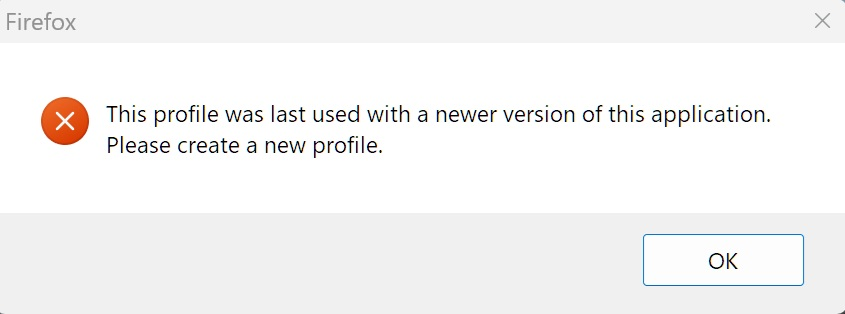
I have an account for standard support release versions, I am now using extended support release version 140.7.0 and a popup notification keeps nagging me to make a new profile. How do I do this?
Все ответы (4)
Hi,
Are you trying to use the same profile in ESR that you used in the regular Firefox version?
That is correct, since ESR is a "previous" version the "current" standard version profile is apparently not compatible. So I am requesting assistance in creating a new profile for the ESR version. I would like to keep the existing profile if possible because I am trying the ESR version to see if it works better for my pedestrian usage. All assistance with this endeavor would be appreciated.
Sorry for asking, I'm not an expert in this kind of situation... Are you able to see anything in ESR at all, except for the error message? What happens when you click OK?
After the notification sporadically appears, selecting the OK button makes the notification vanish only to reappear... whenever, ie nagging. As per the notification the manufacture of a profile for the ESR version should remedy the situation. My question is: can I keep the present profile in reserve and manufacture a profile for the ESR version, if so how?