History and bookmarks sidebar not showing correctly

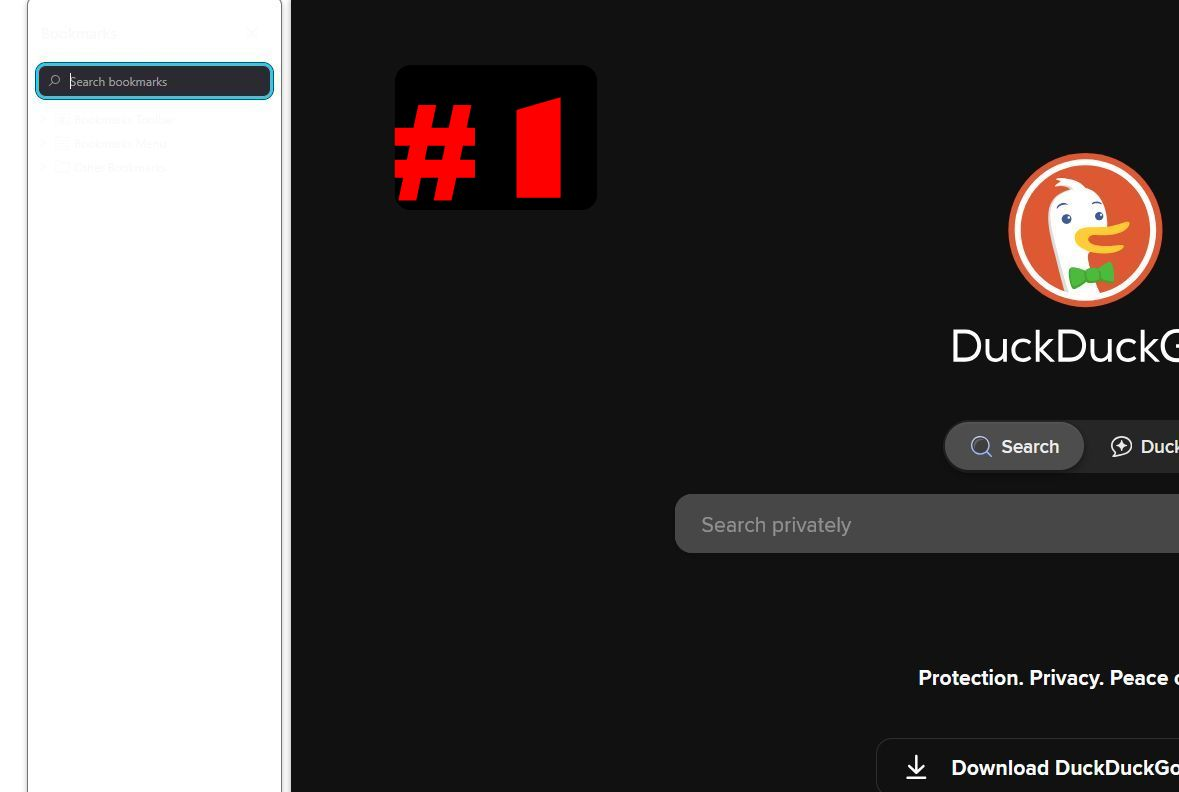
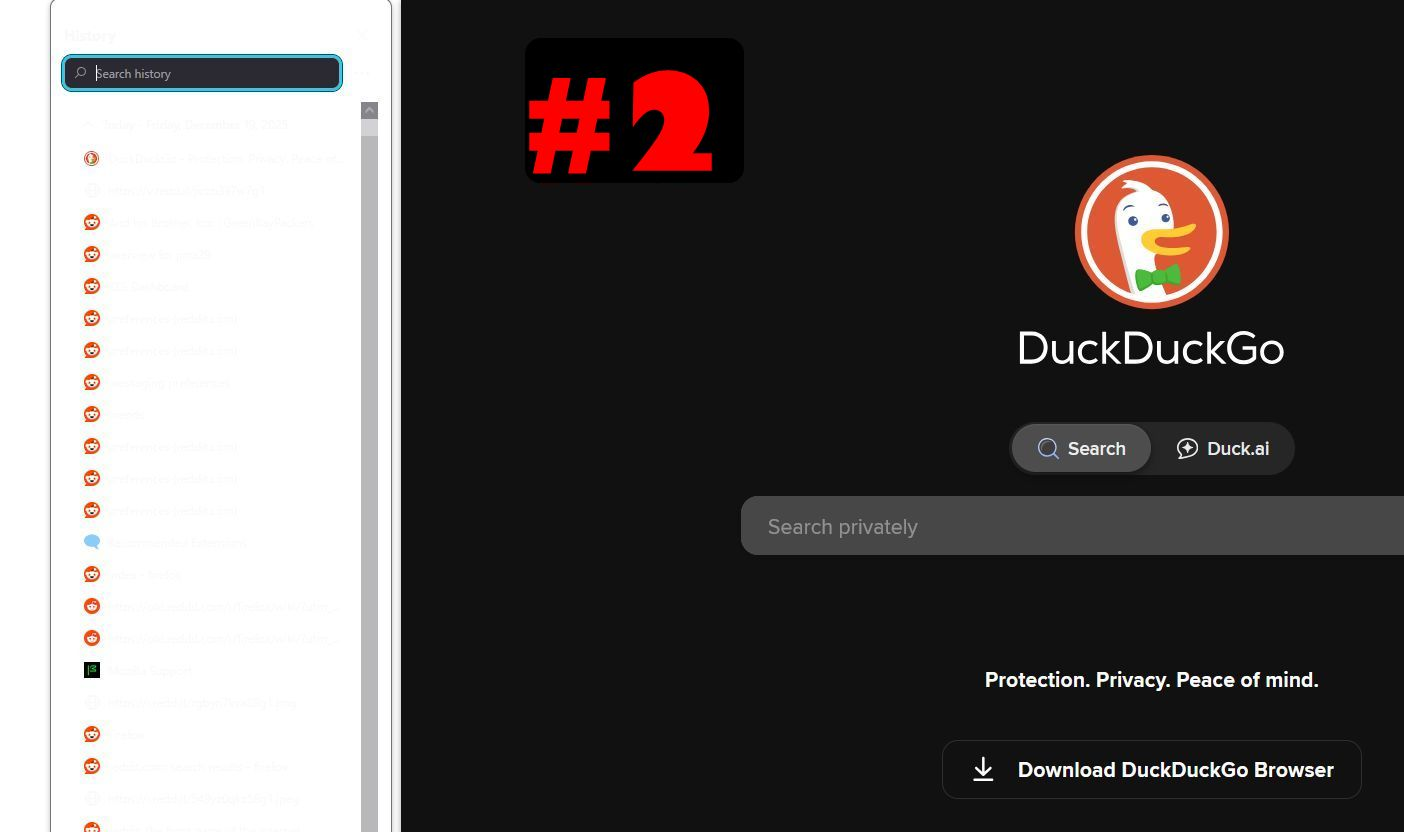
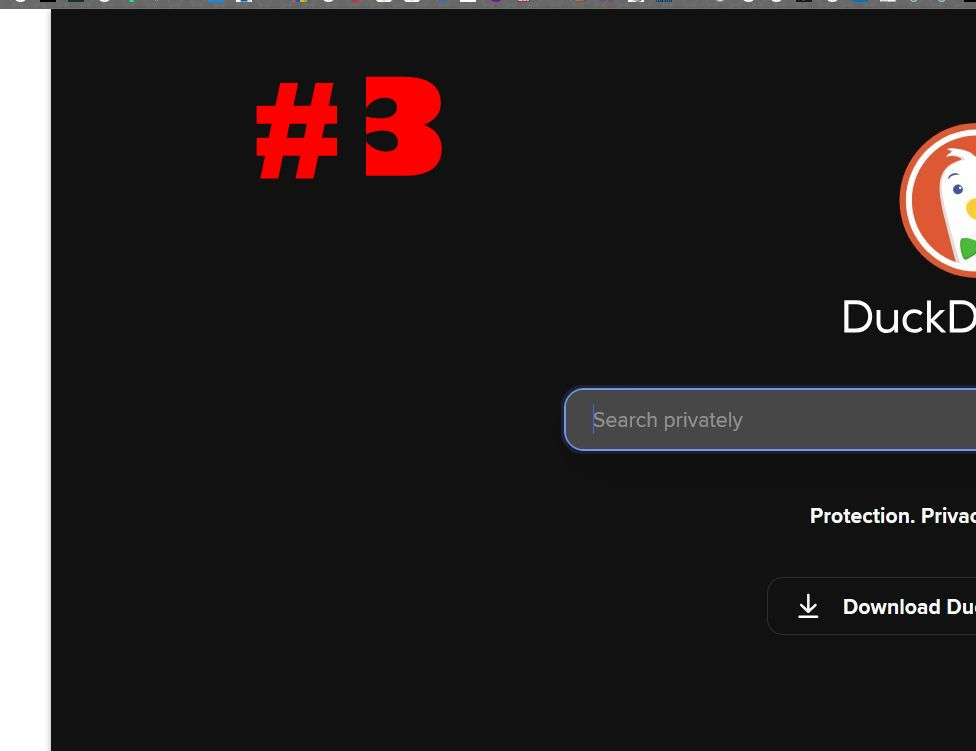
Running version 146.0.1 No new extensions. Recently, when I hit ctrl+b to bring up the bookmarks sidebar, it opens but doesn't display the bookmark correctly. (image #1) The sidebar opens, but everything is whited out. The same thing happens when I try to open the history sidebar, except that the urls kind of show up. (image #2). Also, when I'm on my homepage, there's a white line on the left side that I can't get rid off. (image #3) I also tried refreshing firefox, but that didn't do anything. Does anyone have an idea what may be causing this? Thanks
Running version 146.0.1
No new extensions.
Recently, when I hit ctrl+b to bring up the bookmarks sidebar, it opens but doesn't display the bookmark correctly. (image #1) The sidebar opens, but everything is whited out. The same thing happens when I try to open the history sidebar, except that the urls kind of show up. (image #2). Also, when I'm on my homepage, there's a white line on the left side that I can't get rid off. (image #3)
I also tried refreshing firefox, but that didn't do anything.
Does anyone have an idea what may be causing this?
Thanks