Ask about this image

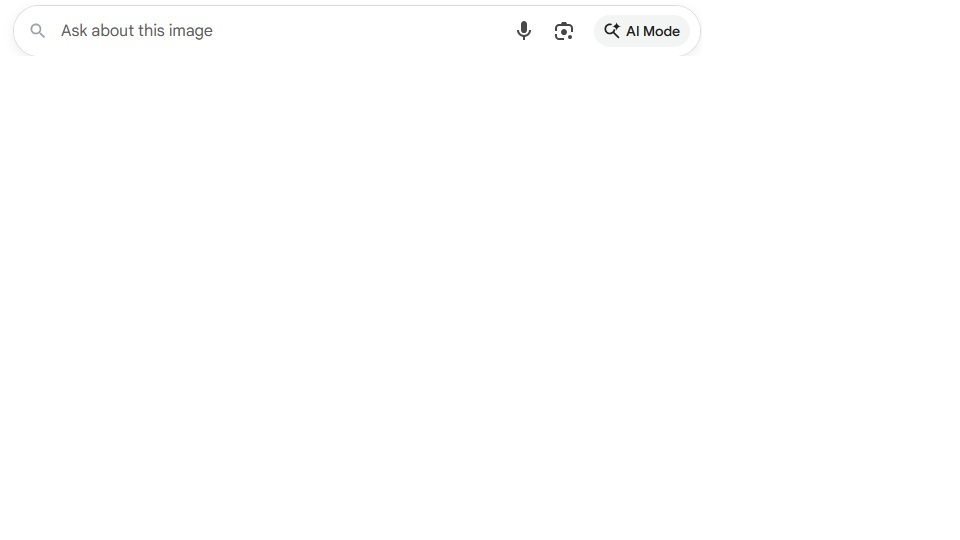
Using latest Firefox browser, when I open Google and want to ‘paste’ a word, it will not let me. Instead I get this default message, that I can’t delete. I can type anything I want, but I can’t ‘paste’ a word or words. How to fix please? HP desktop PC Windows 11 64 bit I see there is a 'new' (to me) AI mode icon in the 'same' search window as where you type on the 'right' of the search box. Maybe I just haven't noticed because I didn't have an issue before.
Thanks in advance for any suggestions
Using latest Firefox browser, when I open Google and want to ‘paste’ a word, it will not let me. Instead I get this default message, that I can’t delete. I can type anything I want, but I can’t ‘paste’ a word or words. How to fix please? HP desktop PC Windows 11 64 bit
I see there is a 'new' (to me) AI mode icon in the 'same' search window as where you type on the 'right' of the search box. Maybe I just haven't noticed because I didn't have an issue before.
Thanks in advance for any suggestions