Firefox in iOS

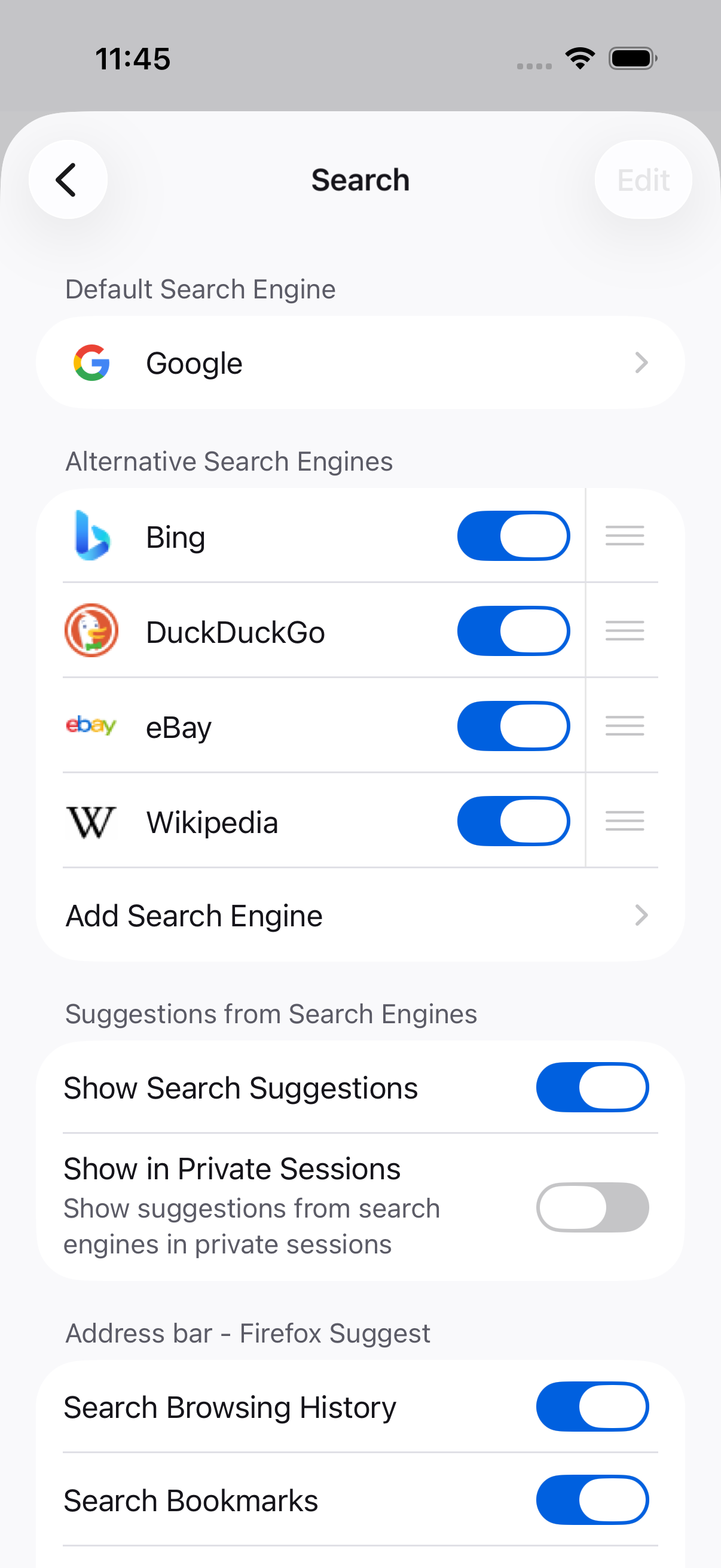
Hi, for the past few days, Google keeps automatically setting itself as the default search engine in Firefox on iOS. What's causing this? Thanks...
Hi, for the past few days, Google keeps automatically setting itself as the default search engine in Firefox on iOS. What's causing this? Thanks...
Все ответы (3)
The team will fix this bug with the next update (version 145).
A couple notes:
- Some users say that reinstalling Firefox fixed this issue for them
- Once the fix is released, you may still see an issue on your next immediate launch. However once you update your search engines again, the problem should no longer occur
- In the meantime, users can also try deleting all their custom engines and re-adding them. This may resolve the issue for you as well without an update.