


Windows 10 reached EOS (end of support) on October 14, 2025. For more information, see this article.

Поиск в поддержке

Избегайте мошенников, выдающих себя за службу поддержки. Мы никогда не попросим вас позвонить, отправить текстовое сообщение или поделиться личной информацией. Сообщайте о подозрительной активности, используя функцию «Пожаловаться».

Подробнее

Homepage saved sites

  • 1 ответ
  • 0 имеют эту проблему
  • 61 просмотр
  • Последний ответ от Paul

дополнительные действия

My homepage saved sites are just not showing anymore when I start Mozilla or open a new tab. They are still saved but they are not showing up at all, I have checked about:config and everything is still there. I have tried following things: 1. restart Mozilla 2. restart PC 3. refresh Mozilla (this worked... for 1 day, I had to manually put all the saved sites again but they again disappeared when I turned on PC the next day)

However, if I enter troubleshoot mode, everything is still there and working. So I assumed it is an extension or a theme problem, which would be a great solve if I had any really. I have no extensions and I use the same basic theme that I start with. So I tried disabling hardware acceleration, didn't work. I am running out of ideas really other than switching to Chrome at this point.

Attaching files to show the issue. Not shown is the regular mode, the shown one is the troubleshoot mode
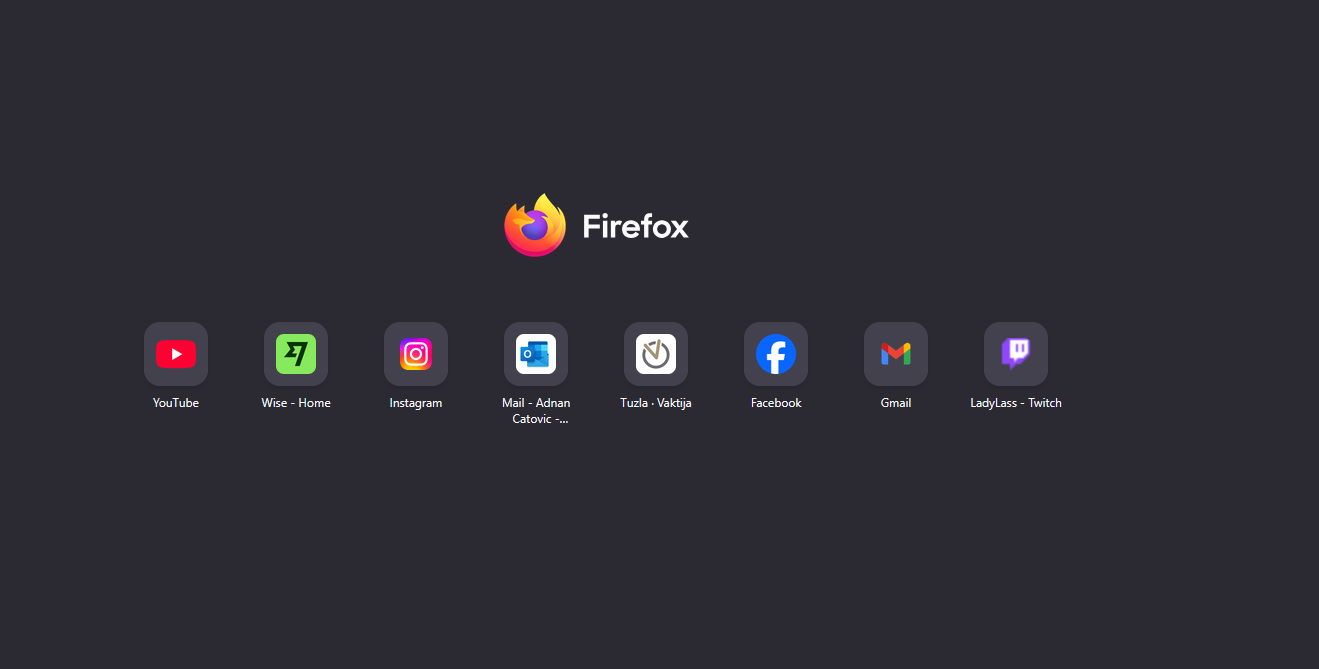
My homepage saved sites are just not showing anymore when I start Mozilla or open a new tab. They are still saved but they are not showing up at all, I have checked about:config and everything is still there. I have tried following things: 1. restart Mozilla 2. restart PC 3. refresh Mozilla (this worked... for 1 day, I had to manually put all the saved sites again but they again disappeared when I turned on PC the next day) However, if I enter troubleshoot mode, everything is still there and working. So I assumed it is an extension or a theme problem, which would be a great solve if I had any really. I have no extensions and I use the same basic theme that I start with. So I tried disabling hardware acceleration, didn't work. I am running out of ideas really other than switching to Chrome at this point. Attaching files to show the issue. Not shown is the regular mode, the shown one is the troubleshoot mode
Приложенные скриншоты

Выбранное решение

Hi Adnan

I believe that this issue may now be fixed. Can you check and see if your top sites have returned?

Прочитайте этот ответ в контексте 👍 0

Все ответы (1)

дополнительные действия

Выбранное решение

Hi Adnan

I believe that this issue may now be fixed. Can you check and see if your top sites have returned?

Задать вопрос

Для ответа на сообщения вы должны войти в свою учётную запись. Пожалуйста, задайте новый вопрос, если у вас ещё нет учётной записи.