


Security Measures Preventing Book Previews

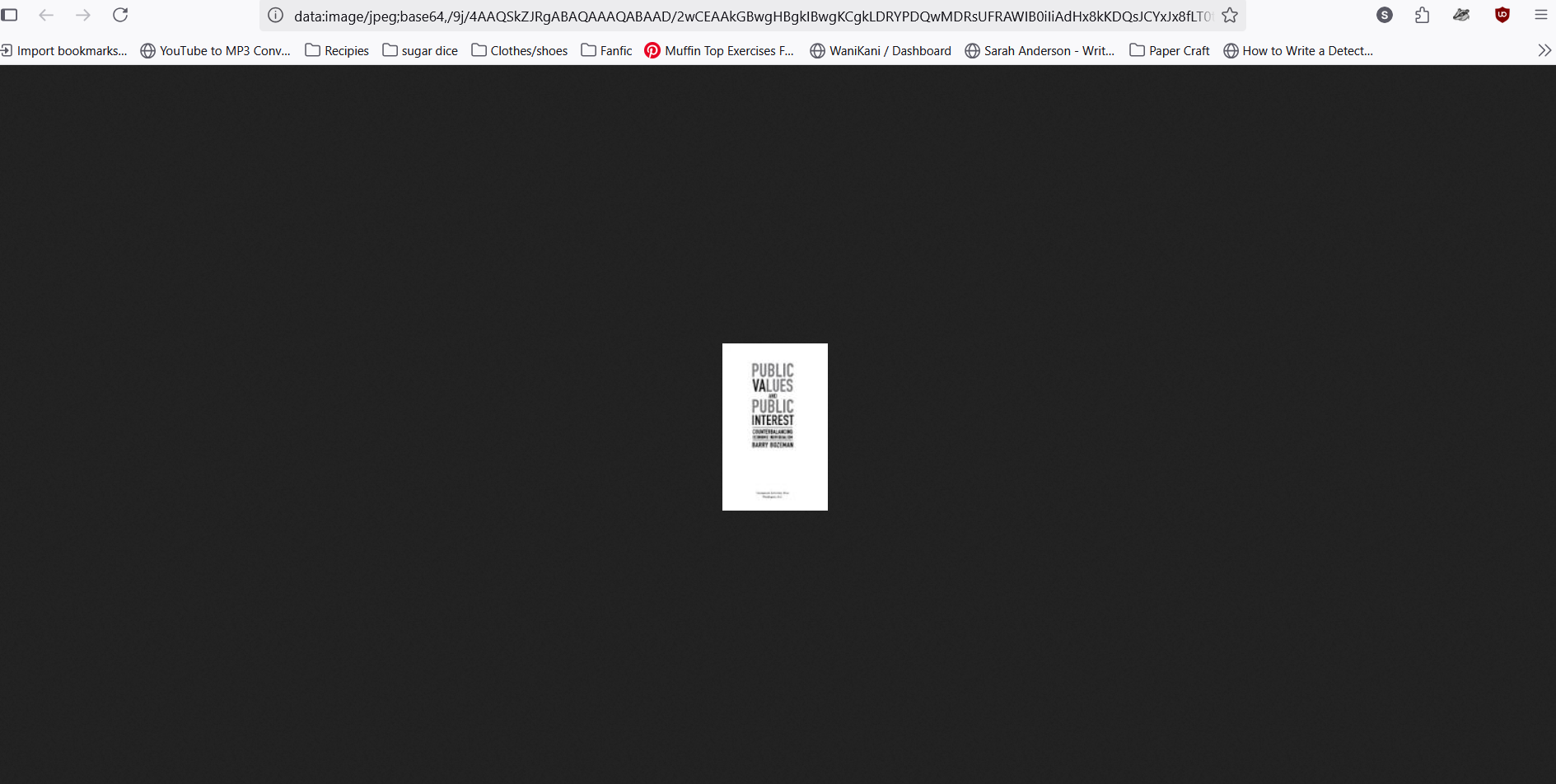
When trying to preview a book in google, I receive the notification 'Website will not allow Firefox to display the page'. I read the page that explains what to do, and tried to open the page in another window, it would only be a tiny picture. If I try to left click the 'preview' button to open in another tab, there isn't an option for that. I can't take a screenshot of it because the left click goes away when I try. I understand that the block is a safety measure, but it's really annoying and I literally can't use firefox to preview books.
Все ответы (2)

I totally get how frustrating that can be Firefox blocks that preview for safety reasons, but it really gets in the way sometimes. A simple workaround is to use another browser just for the preview; then switch back to Firefox for normal browsing
Are you starting from Google Books directly or searching on a different website?
https://www.google.com/books/edition/Public_Values_and_Public_Interest/-YU_jup6RcMC?hl=en&gbpv=0