


problem with privacy and security options

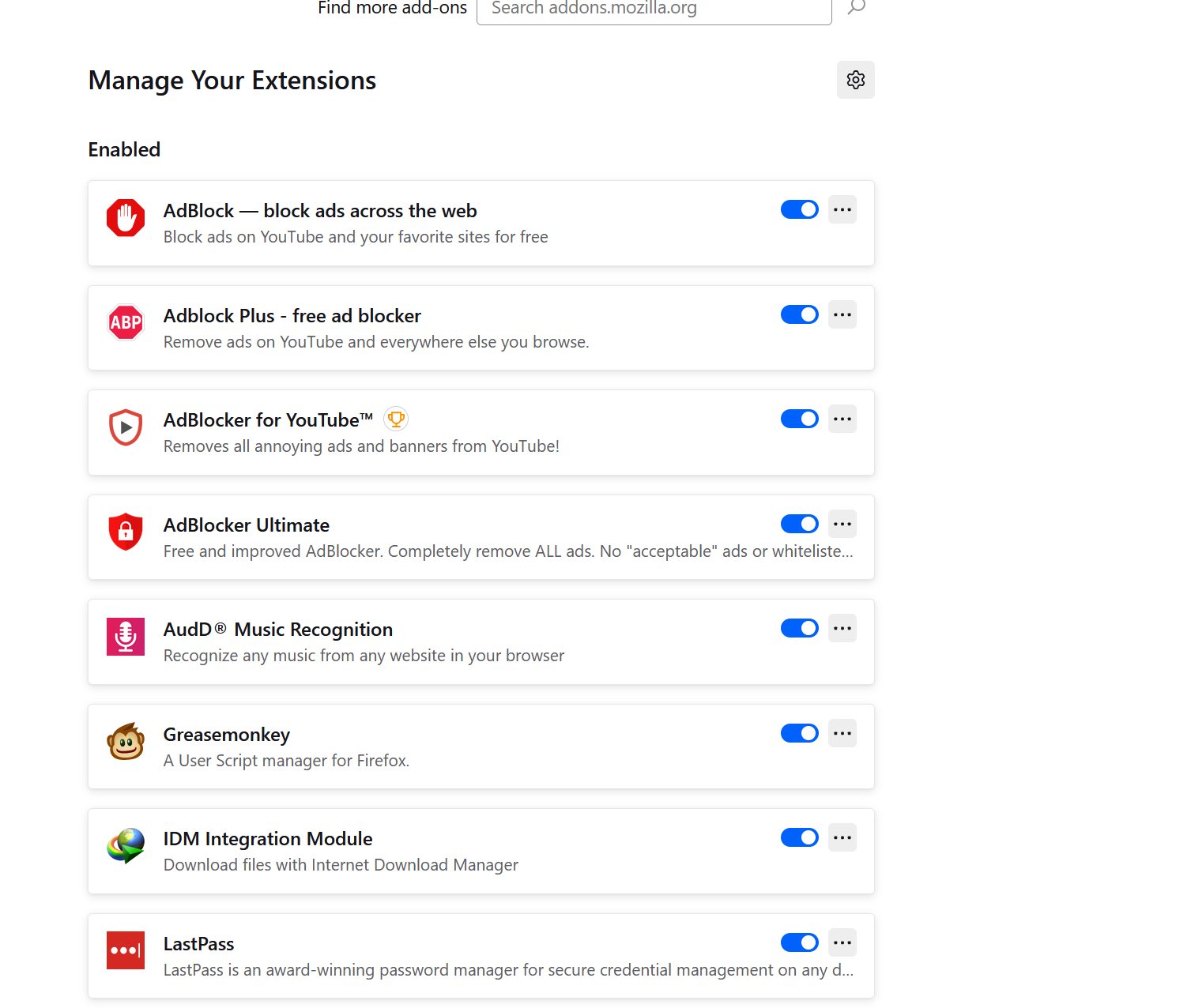
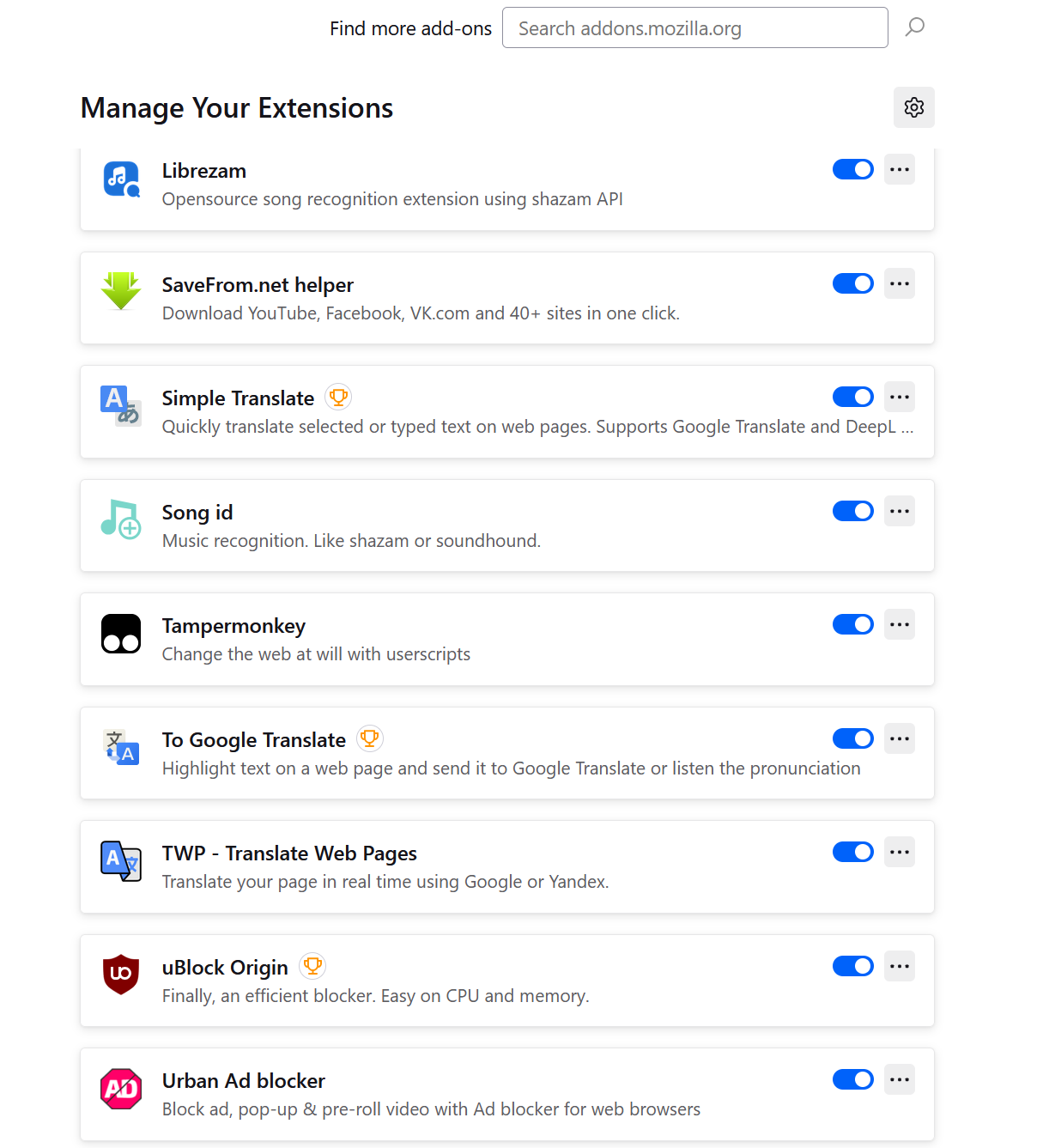
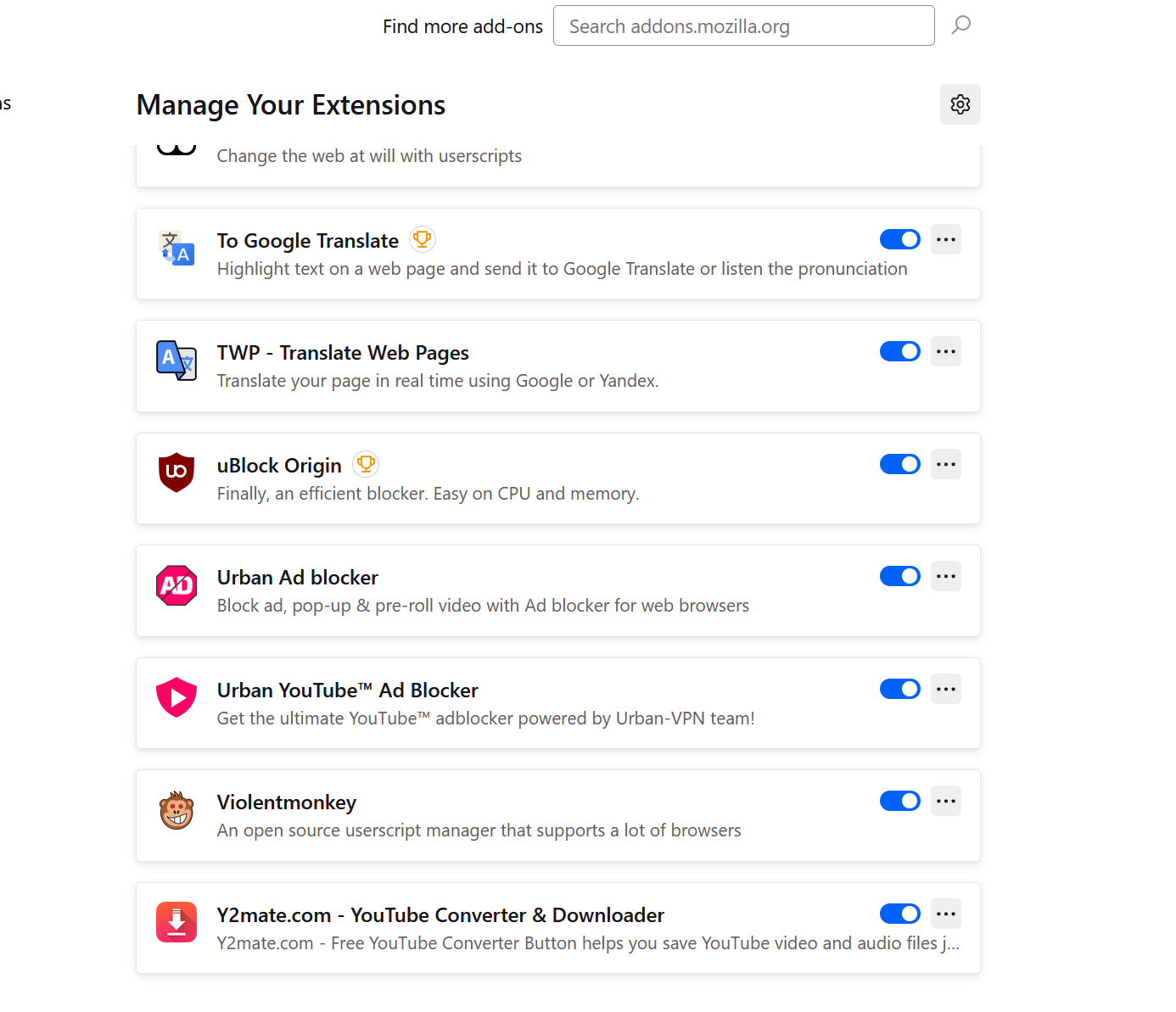
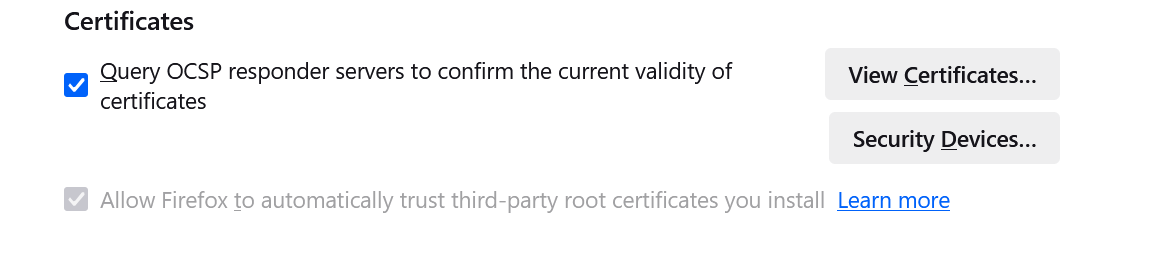
i have a big problem with settings of privacy and security. the problem is i cant edit this option ( Allow Firefox to automatically trust third-party root certificates you install ) and its greyed out . i made everything ( refresh - troubleshoot - uninstall ) and with the first click on singing my account on Firefox and add my restore my add-ons after setting up windows this option become unavailable (greyed out) and cant edit it. i need a solution without going to set up a new windows because its so tiring to set up a new windows to edit this option. please give me a solution its emergency. thanks a lot.
Все ответы (4)
Im facing the same issue while using page translation extension. while integrating any new extension the option asks for “Allow Firefox to automatically trust third-party root certificates you install” but it cannot be edited according to my needs. I’ve tried refreshing, troubleshooting, and reinstalling, but as soon as I sign in to my Firefox account and restore add-ons after setting up Windows im facing the same issue, the option becomes unavailable again.
Изменено Rayan Watts
i think the translation adds is the reason 4 that
mohammed_abdelraouf said
no it has no relation with BitDefender . i cant reach with any way to the website i think it has a problem with DNS or Certificates , something like that
If Firefox says that the server cannot be found, that definitely is DNS. If it says that it didn't connect because of a certificate problem, you can click the Advanced button and view the certificate. Otherwise, could you copy/paste the error message text?
Rayan Watts said
Im facing the same issue while using page translation extension. while integrating any new extension the option asks for “Allow Firefox to automatically trust third-party root certificates you install” but it cannot be edited according to my needs.
Which extension is it? I use this one and it doesn't require a specific certificate setting (the setting is not locked): https://addons.mozilla.org/firefox/addon/traduzir-paginas-web/